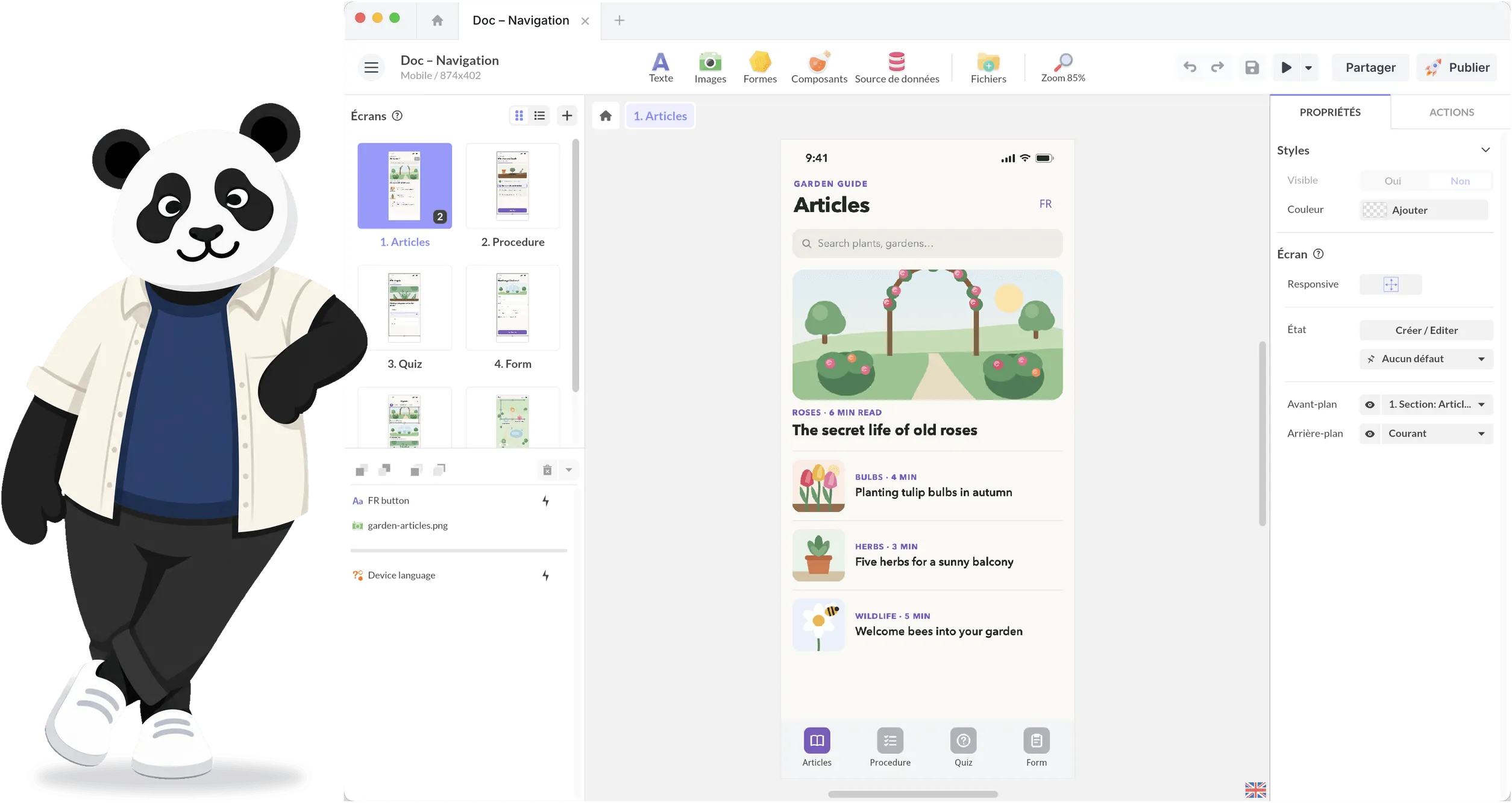

The Ultimate Touch Screen Software for Interactive Experiences
PandaSuite is an engine for creating interactive experiences. The same project runs on your touch screens, offline, and on your visitors' phones.
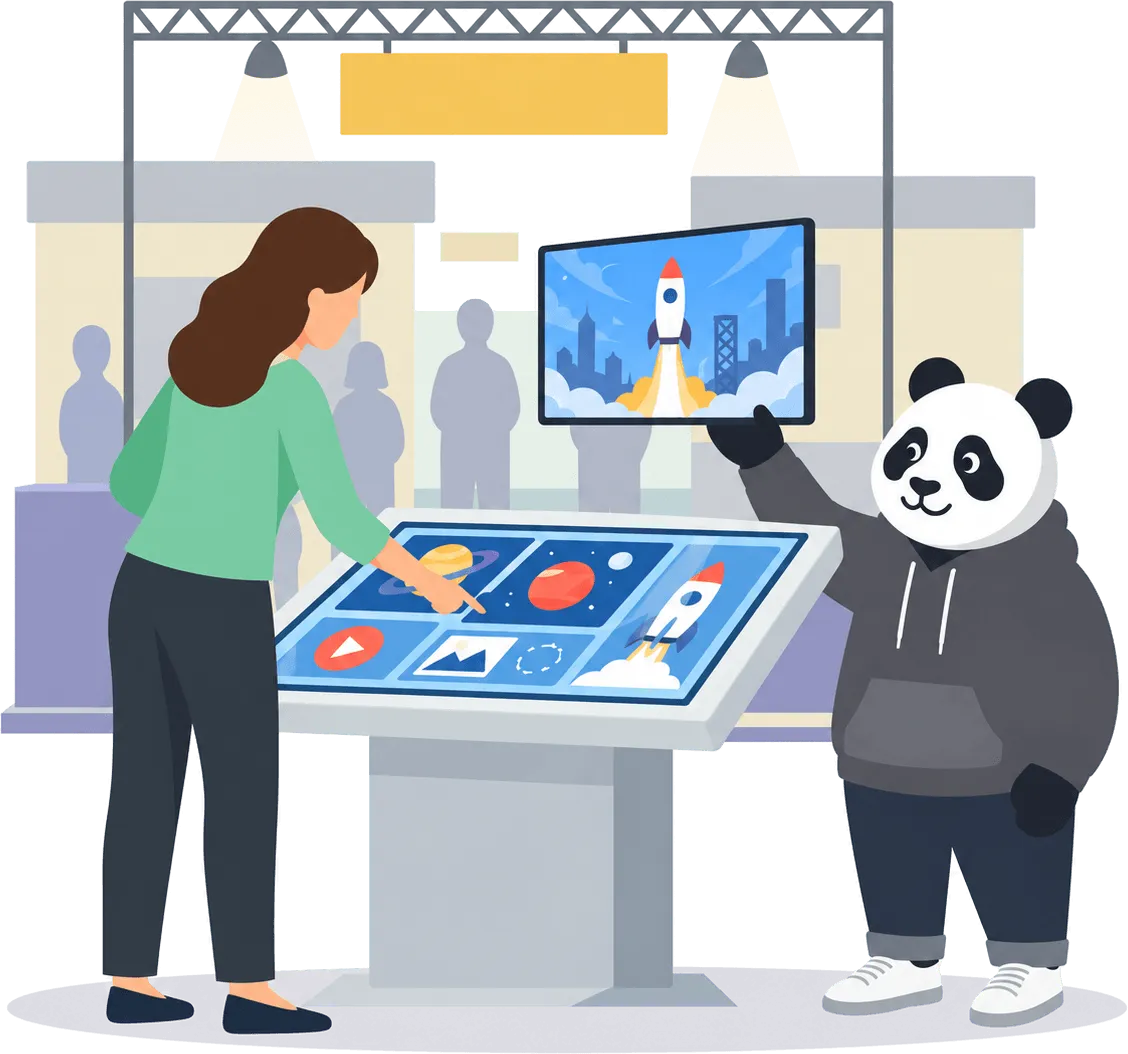







Create Interactive Touch Screen Experiences, No Code Required
PandaSuite makes it easy to design stunning touch interfaces for presentations, showrooms, exhibitions, learning spaces, and digital products. Drag, animate, connect, display and build exactly the interactive journey you imagine
Full creative freedom
Smooth multi-touch gestures
Unlimited design possibilities
Works on tablets, touch monitors, and large-format displays
Works on Any Touch Screen and Any Platform
Build once. Deploy anywhere.

Windows Touch Screens
Perfect for interactive displays, showrooms, and corporate installations.

Android Tablets & Touch Displays
Flexible and affordable hardware setups for events and retail.

iPad & iPadOS
Deploy elegant, portable experiences for sales teams and learning environments.

Large-Format Touch Displays (32''–85'')
Create stunning interactive walls and big-screen product explorers.
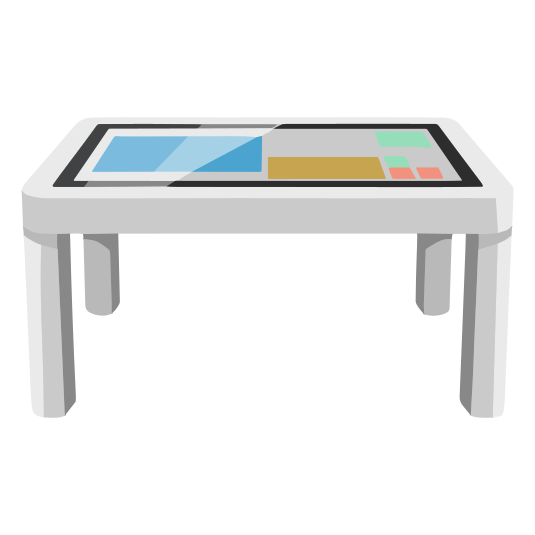
Touch Tables (single-user usage)
Deliver seamless, fluid interactions on horizontal multitouch surfaces.

Interactive walls & video walls
Transform entire walls into immersive, large-scale interactive experiences.
Offline Mode for Events, Exhibitions & Showrooms
Touch screens must work everywhere, even where Wi-Fi doesn't. With PandaSuite:
All media is stored locally
Performance remains fast and stable
Content loads instantly
Updates sync later when a network is available
Add Advanced Interactions & Behaviors
Go further than simple touch screens, create app-like logic.
Conditional scenarios
- Show or hide content based on user choices.
Animations & transitions
- Smooth, responsive micro-interactions that guide attention.
Interactive quizzes & data capture
- Engage users with assessments, forms, scoring systems, or branching paths.
APIs & advanced features
- Connect external data sources, automate flows, sync content dynamically.
Build Multi-Screen & Multi-Orientation Experiences
Your content automatically adapts to:
Portrait / landscape
Various screen sizes & resolutions
Responsive layouts
Wide displays and split-screen compositions

Our teams use PandaSuite on large touch screens to deliver clear, interactive presentations. Clients can explore content autonomously with simple gestures, which makes discussions more fluid and engaging during meetings and events.
Deploy Your Touch Screen Experience Easily
Local Deployment
- Install your project directly on tablets or touch displays for offline use.
Export to Devices
- Export as a Windows EXE, Android APK, iOS app, or web app.
Simple Updates
- Replace the exported file to update content - no complex device management needed.
Guided Setup
- Follow our documentation and setup guides for smooth installation.
Design Interactive Touch Screen Experiences in Minutes
Create touch-first content with full creative freedom.
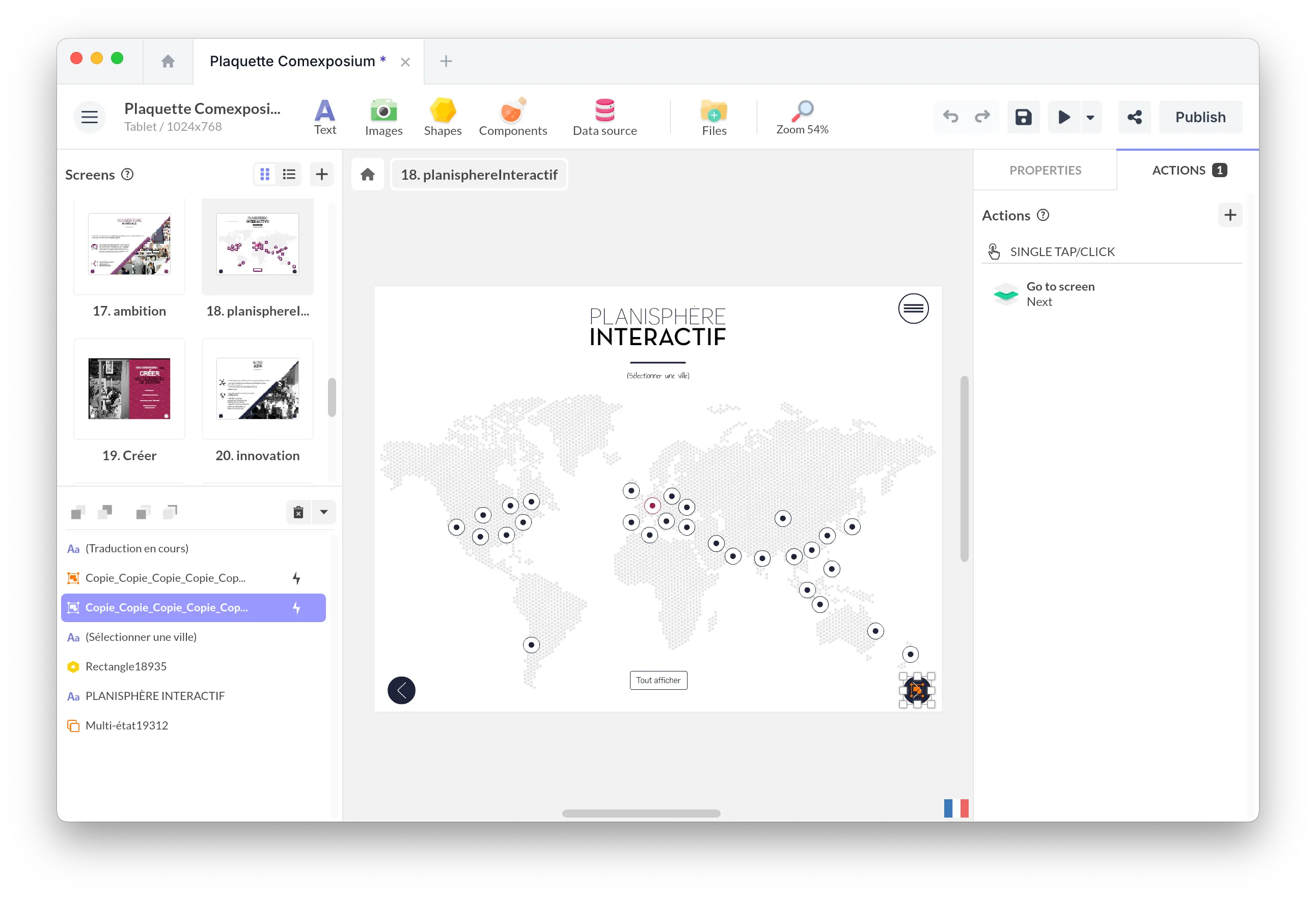
Drag-and-drop editor
Design screens, animations, transitions, navigation paths, and visual scenarios without coding.
Multi-touch interactions
Add natural gestures: swipe, pinch, zoom, rotate, drag, multi-user interactions - ideal for large interactive screens.
Rich media & dynamic content
Combine videos, HD images, PDFs, 3D objects, maps, carousels, web embeds, and live data.
Discover Real-Life Use Cases
Projects
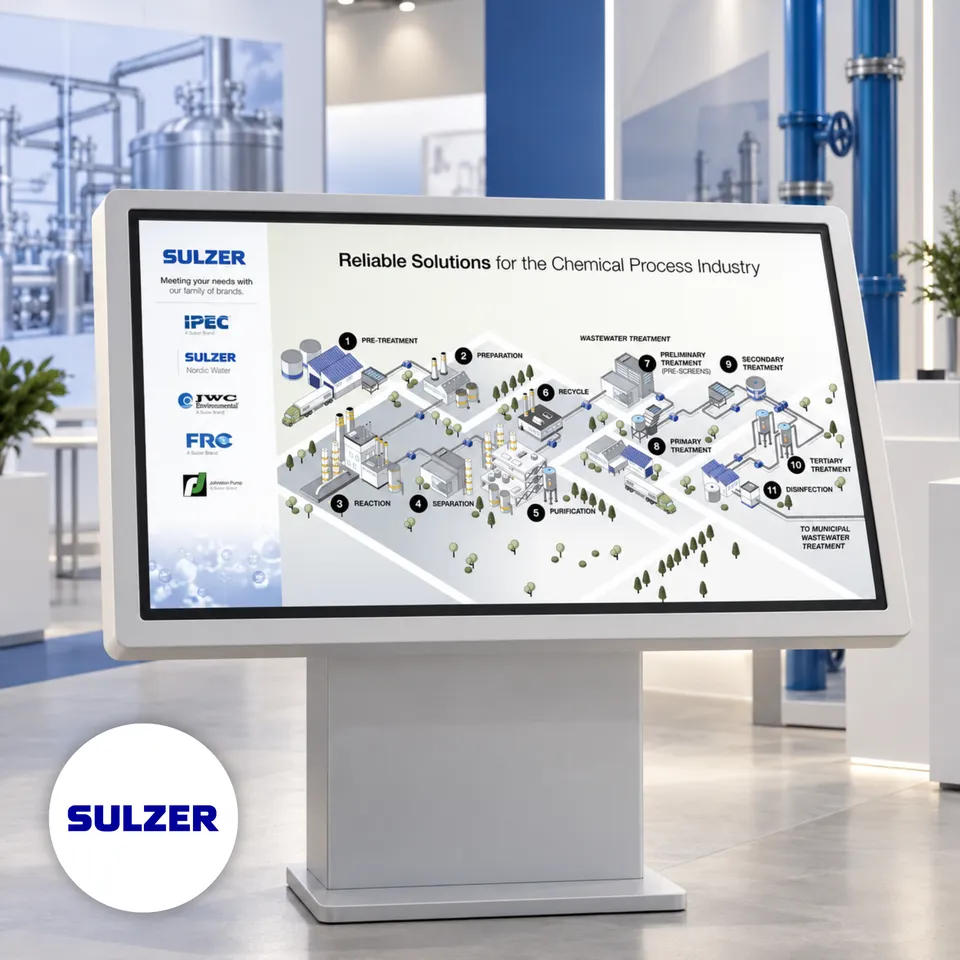
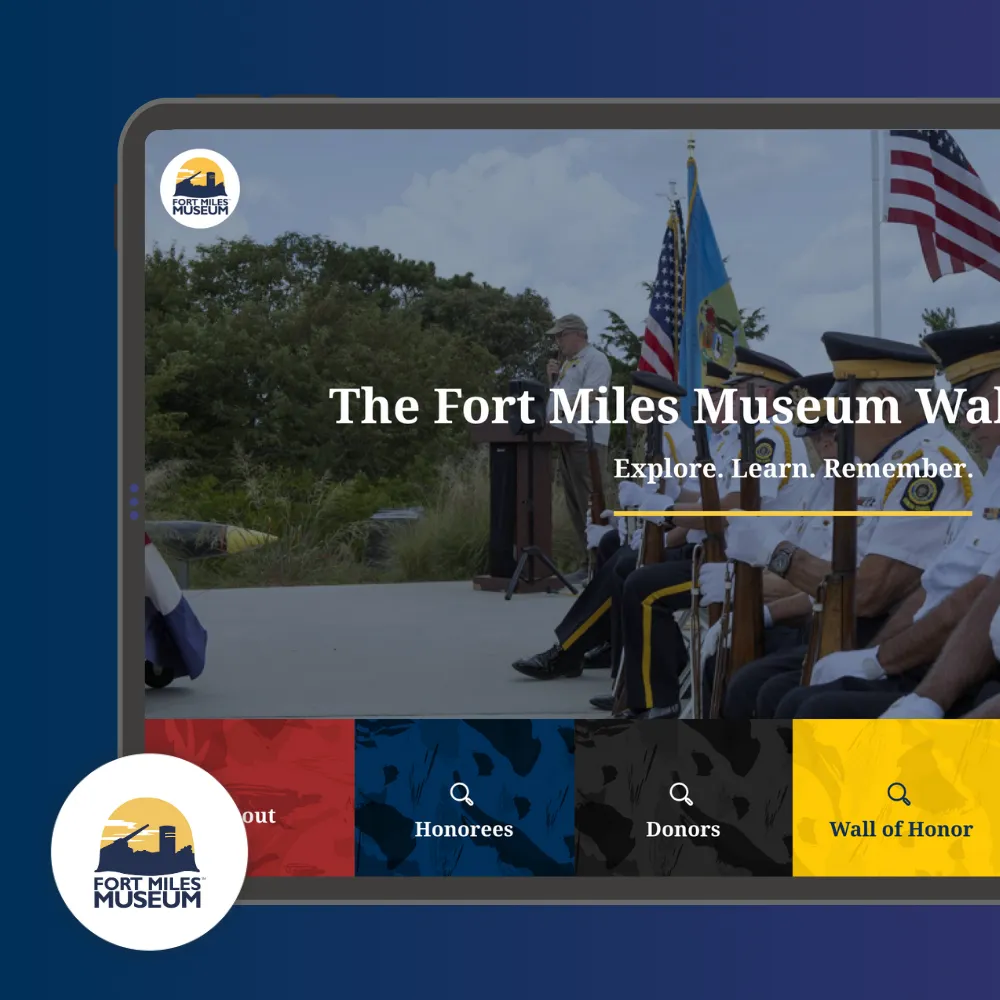
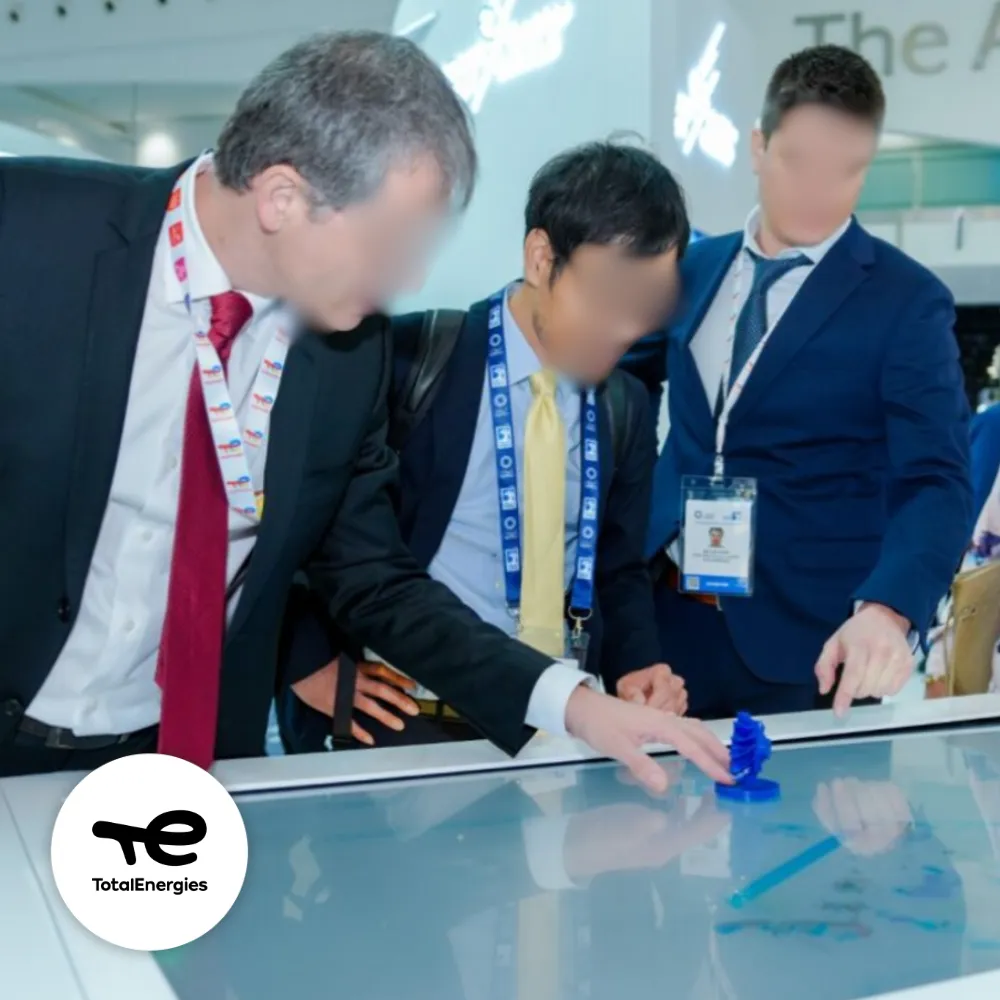
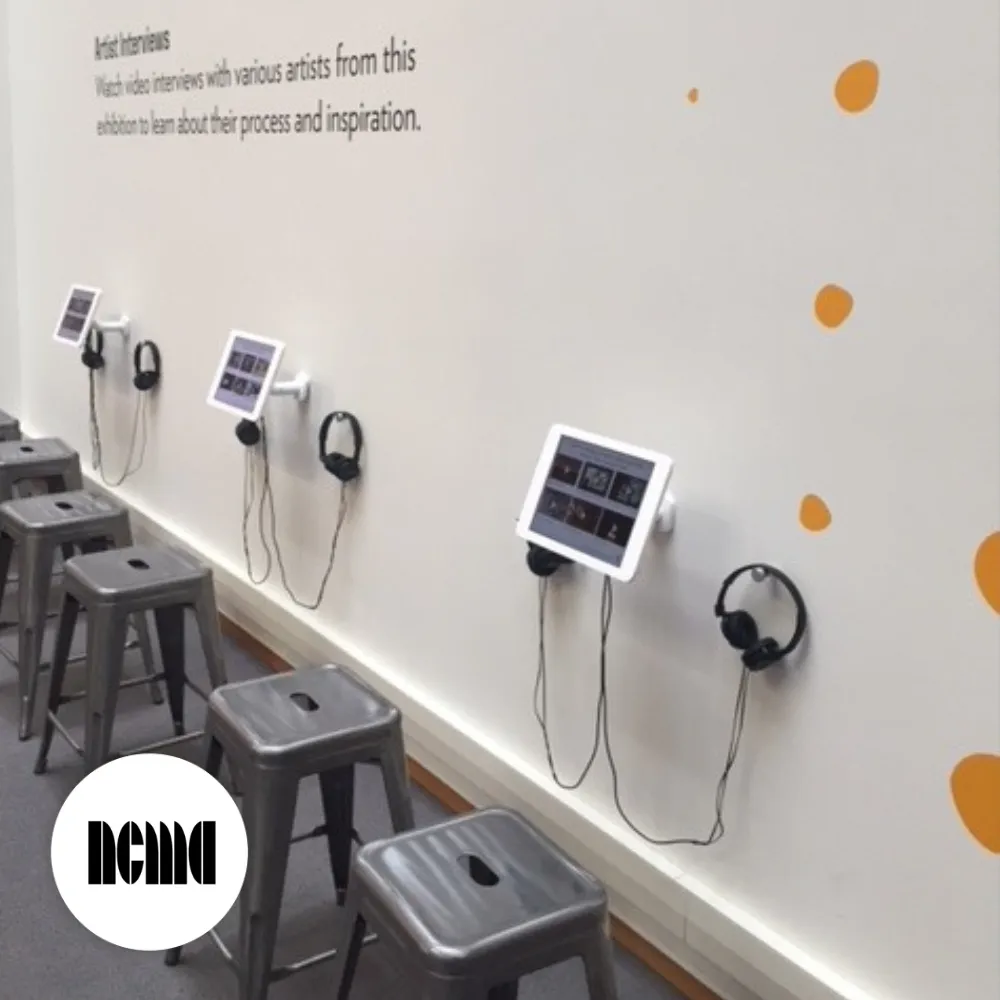
An iPad Space for Artist Interviews at the NC Museum of Art Exhibition
The Interactive Touch Screen Software That Adapts to All Your Projects
👉 Need kiosk lockdown or remote management? Explore our Interactive Kiosk Software →
Showrooms & product catalogs
Present your products immersively with videos, 3D, animations, and guided interactions.
Interactive presentations
Turn static content into dynamic, touch-enabled experiences that stand out.
Education & learning
Create playful, visual, intuitive learning experiences on tablets or large classroom screens.
Museum & exhibition touch screens
Enrich cultural content with multimedia, exploration paths, timelines, and storytelling.
Multi-touch tables
Enable collaborative exploration with multi-user, multi-touch interactions.
Installations for events & trade shows
Engage visitors with interactive demos, product explorers, or gamified experiences.
One Plan to Publish Your Touch Screen App
Build, deploy, and update your touch screen experience: a native app for iOS and Android, or for Windows, macOS and Linux, plus a web app.
Single plan
WHAT'S INCLUDED
Full access to PandaSuite Studio
All creation features: interactions, animations, multi-touch, logic
Offline-ready application
Unlimited devices and installations
Unlimited updates
Tutorials, documentation & technical support
Additional Resources
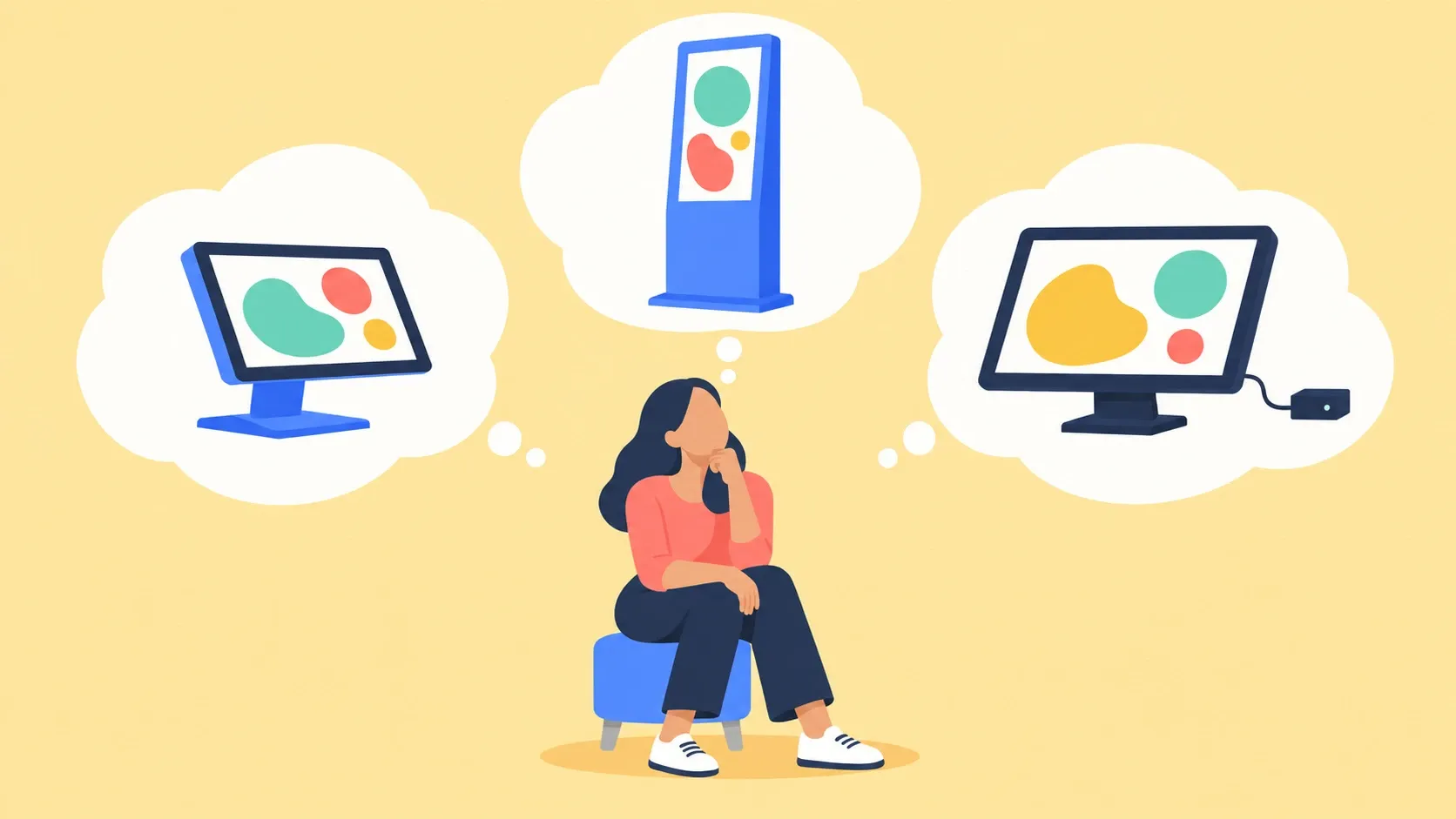
What Hardware Should Run Your Touchscreen Kiosk?
Touchscreen kiosk hardware: an all-in-one or a screen with a Windows mini PC? Three questions to pick the machine, and why to test it before you order.
Read the Article
Frequently Asked Questions
Touch screen software lets you create interactive experiences designed to be controlled directly by touch. Users engage with content through gestures like tap, swipe, drag, zoom, or rotate, making interaction natural and intuitive. It is used on touch-enabled screens such as Windows and Android displays, iPads and tablets, as well as large-format touch screens and multi-touch tables. Typical use cases include showrooms, events, museums, retail spaces, exhibitions, and corporate environments.
Yes. PandaSuite works seamlessly across all major platforms: Windows touch displays, Android devices, iPads and tablets, as well as large-format professional screens up to 85 inches and beyond. Your experience adapts automatically to any screen size, whether it's a compact tablet for personal use or a multi-touch table for collaborative exploration.
Yes. Touch screen software focuses on creating rich, engaging interactive experiences with complete creative freedom. Kiosk software is designed specifically for secure, locked-down public installations where you need to restrict user access and prevent tampering. PandaSuite offers both: use it for creative touch experiences, or combine it with kiosk mode features for secure public deployments.
Yes, PandaSuite experiences run fully offline. All your media—videos, images, 3D models, and interactive elements—can be preloaded and stored locally. This is essential for trade shows, museums, and retail environments where internet connectivity may be unreliable or unavailable. Your content performs flawlessly without any network dependency.
No coding required. PandaSuite Studio is entirely visual and drag-and-drop. You design screens, add interactive components, define animations, and connect behaviors—all through an intuitive interface. Designers, marketers, and content creators can build sophisticated touch experiences without writing a single line of code.
Yes, PandaSuite fully supports multi-touch interactions. Users can swipe through galleries, pinch to zoom into images or maps, rotate 3D objects, drag elements across the screen, and perform custom gestures you define. This makes your experiences feel native and responsive on any touch device.
Absolutely. PandaSuite is ideal for trade shows, corporate events, showrooms, and exhibitions. With full offline capability, rich media support (4K video, 3D, animations), and easy content updates, you can create impactful presentations that captivate visitors. Many brands use PandaSuite to showcase products, tell their story, and collect leads at events.
Yes, PandaSuite works beautifully on screens of all sizes—from 7-inch tablets to 85-inch professional displays and multi-touch tables. You can design for specific resolutions or create responsive layouts that adapt automatically. Many museums, showrooms, and retail spaces use PandaSuite on large-format displays to create immersive visitor experiences.
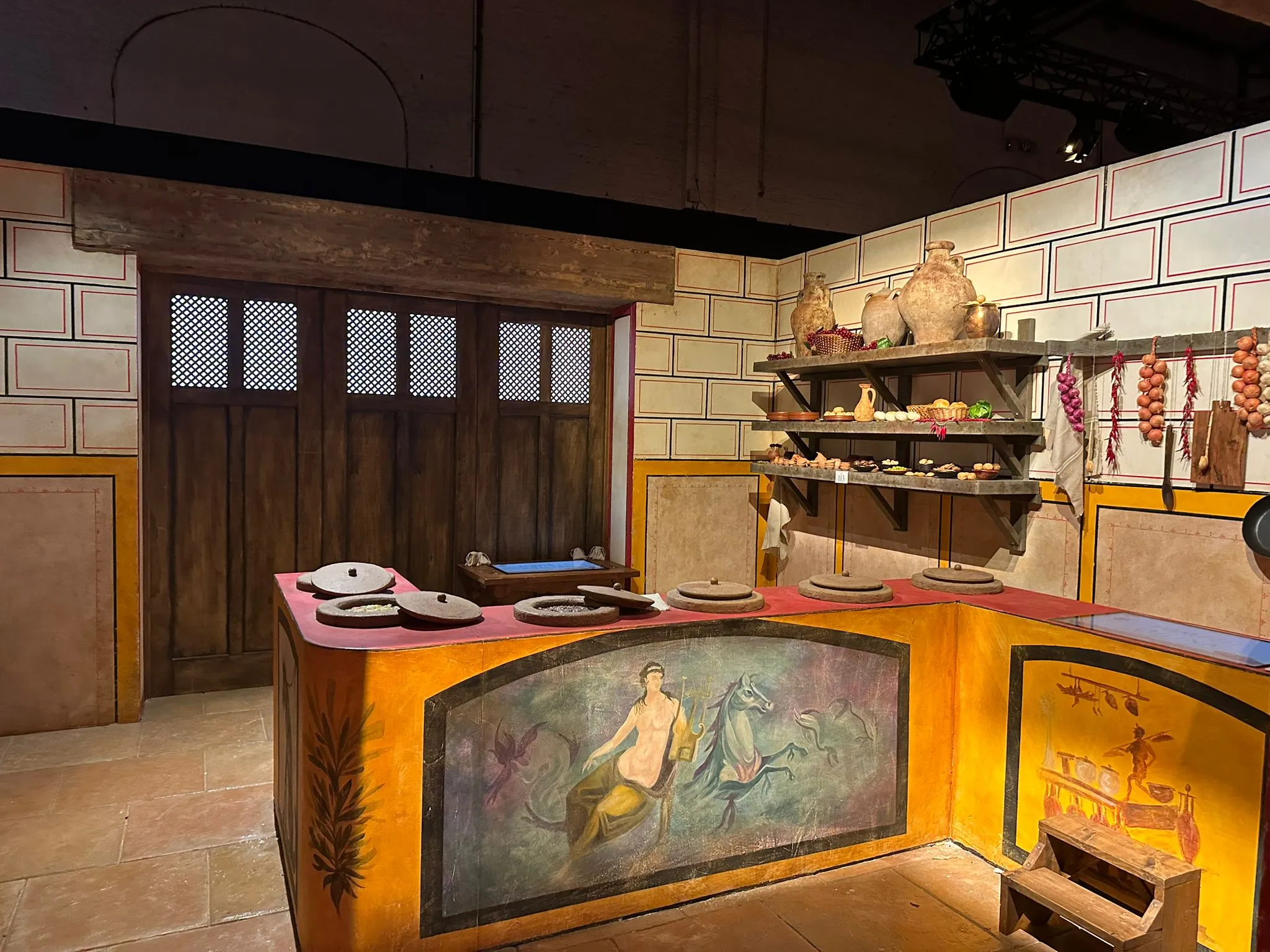
The term covers two kinds of software. The first runs on all-in-one interactive flat panels in classrooms and meeting rooms: whiteboarding, annotation, screen casting. PandaSuite isn't built for that: you can add free drawing to a project, but it doesn't replace the whiteboard software of a classroom panel. The second is used to create the content an interactive display shows in a museum, a showroom, a store or a trade show booth: screens visitors explore by touch, with video, 3D, maps, quizzes and navigation. That is what PandaSuite does: you build the experience once, then run it on a Windows, Android or iPad touch display. The Truffle Museum in Sarlat uses it for the interactive screens along its visitor route.
Yes. Content is edited in PandaSuite Studio, a visual editor, then sent to every screen with Publish to Production. A standalone offline installation has to be exported and installed again, and so does an update that relies on a newer version of the PandaSuite engine.
Get Started Today for Free
Free for as long as you want, with one active project and no credit card. Pick a plan only when you're ready to publish, and reach a real team whenever you're stuck.