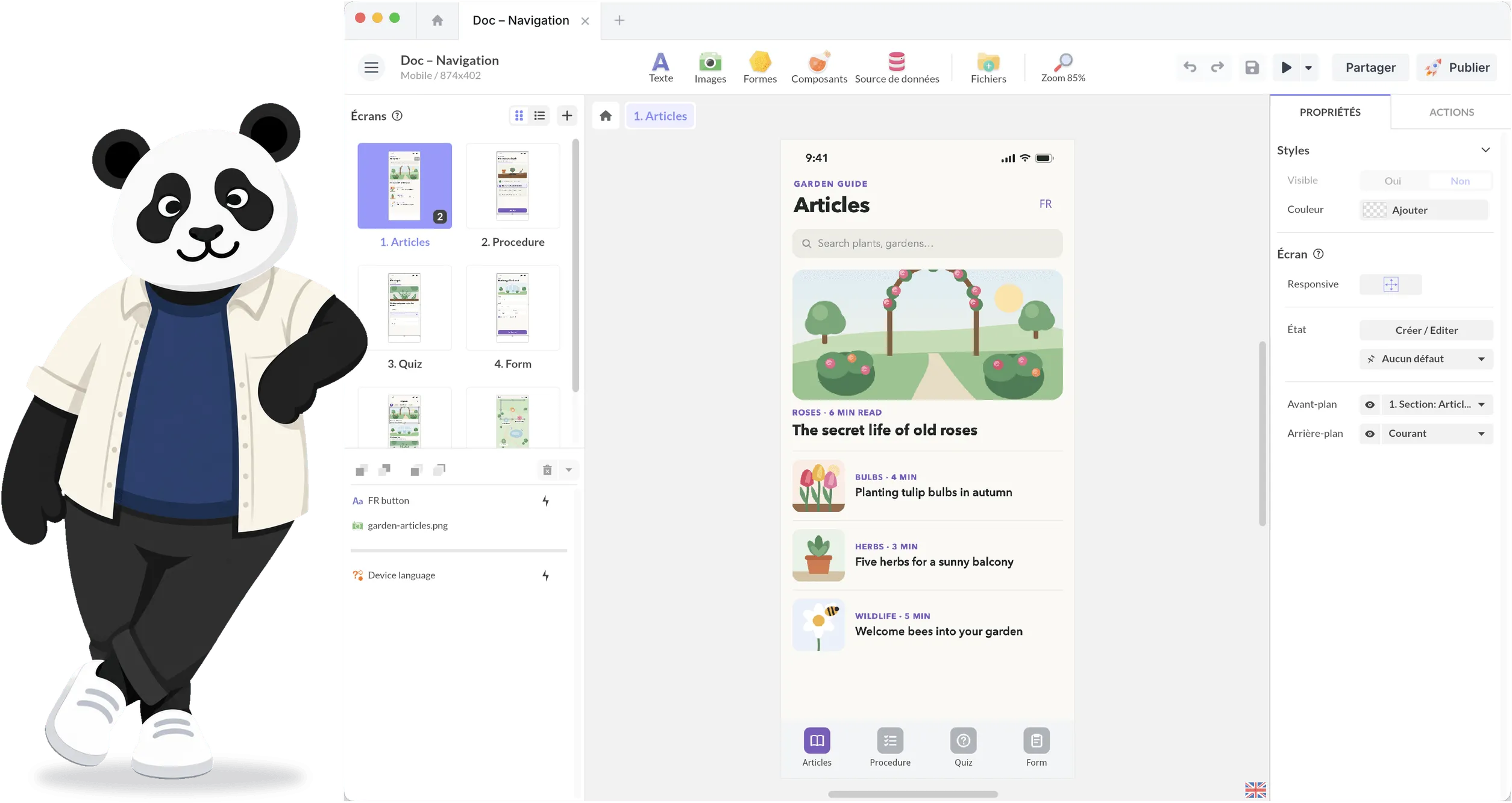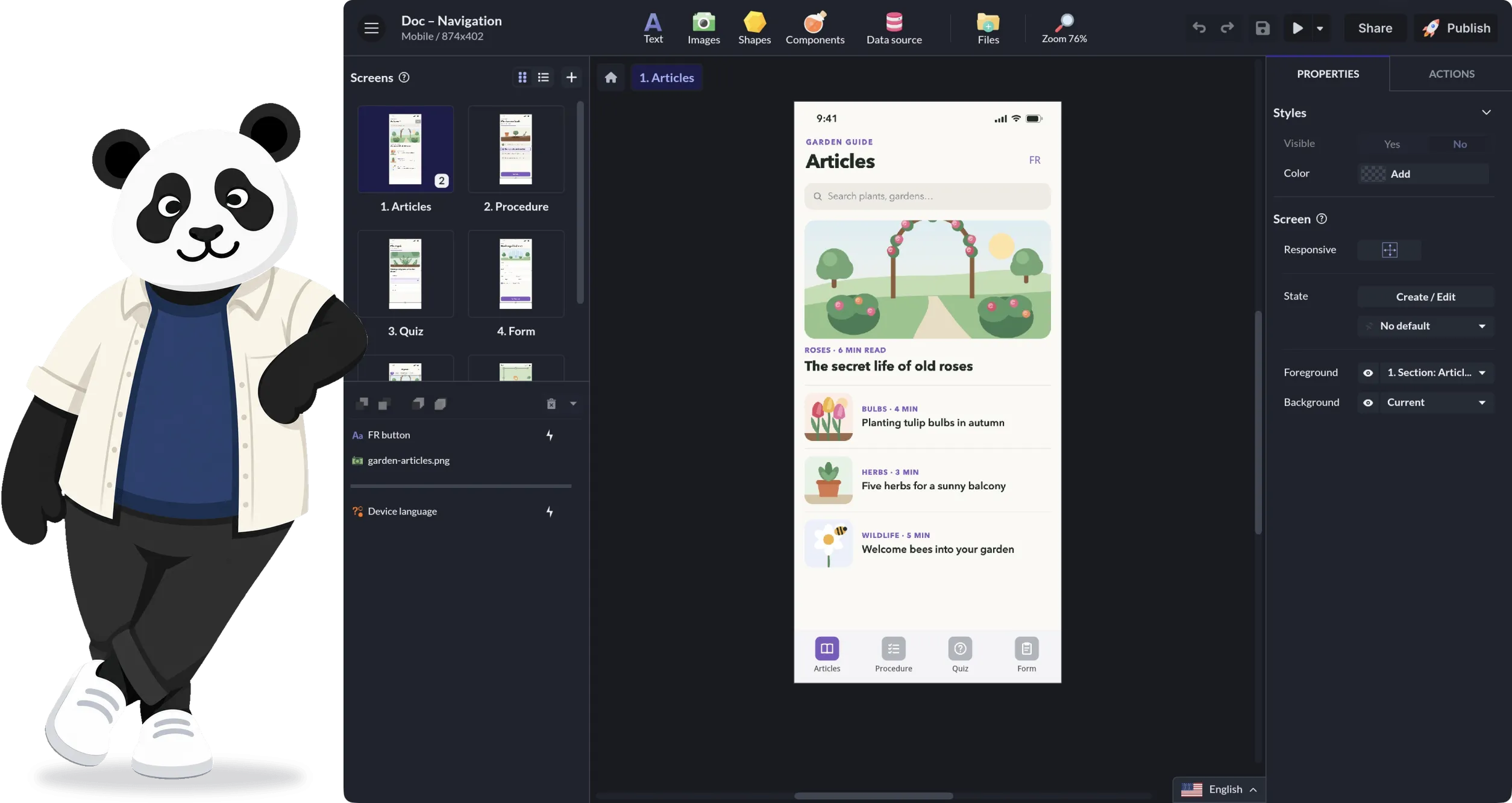
A Visual Editor for Screens, Content and Interactive Logic
PandaSuite brings screens, content and interactive logic together in a single project. Creative teams design, test and adjust an experience there, then deploy it where it needs to live: web, app, kiosk, offline, installation.
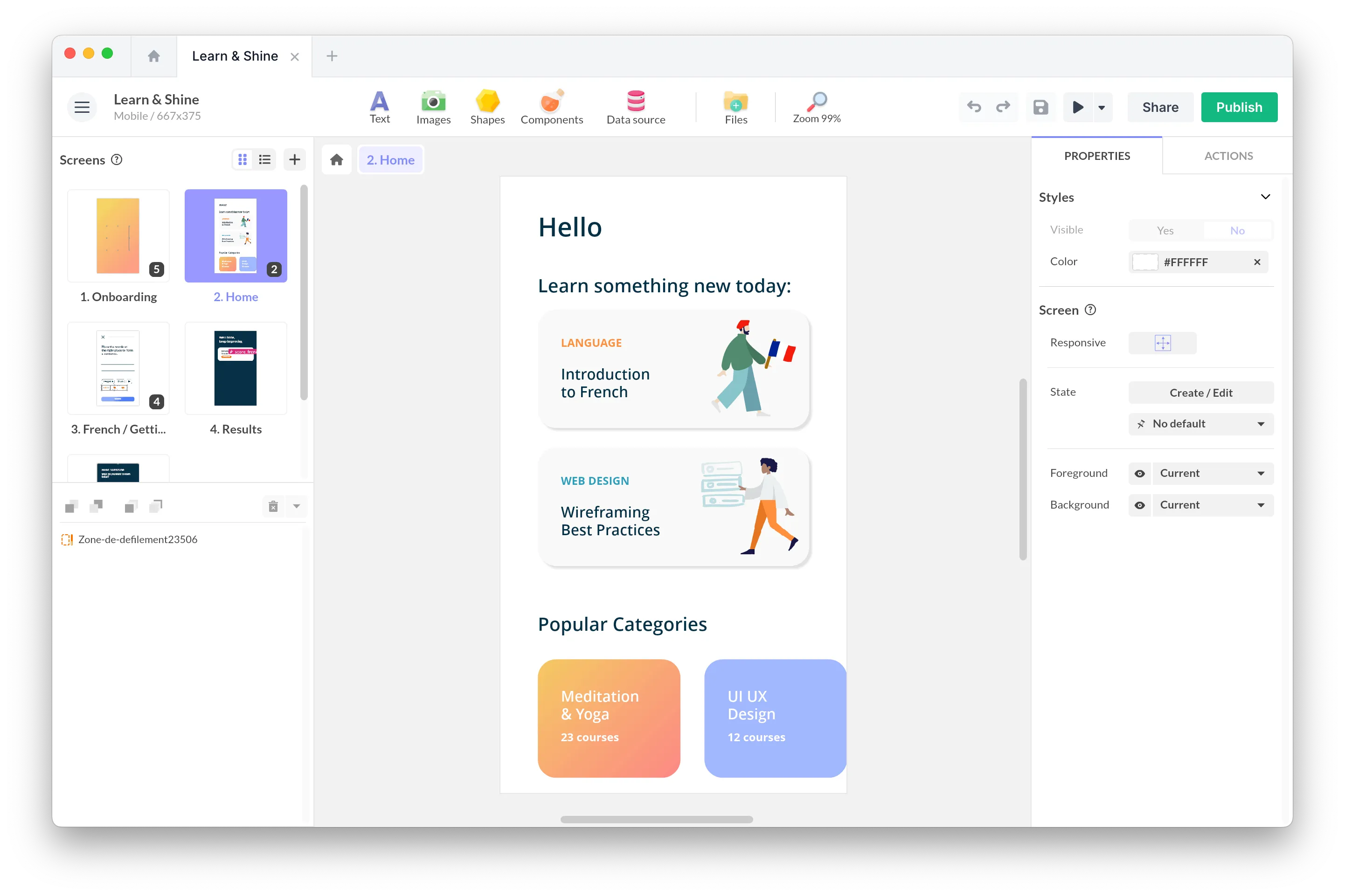
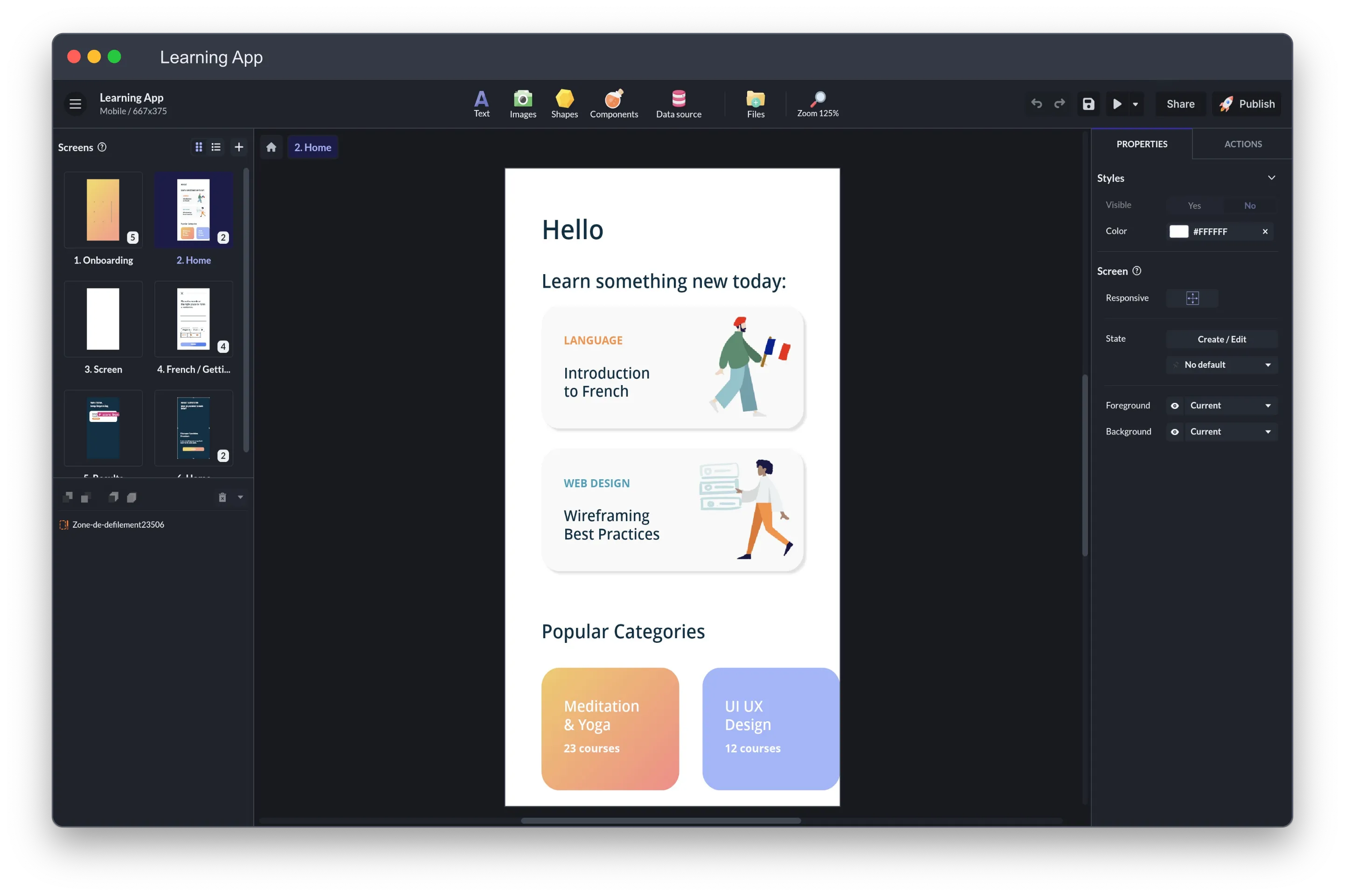
Drag, Drop, Then Wire the Logic
In PandaSuite Studio, you place images, text, video and components on the screen, then connect them with actions: a tap opens a pop-up, an object dropped in a basket changes a score, an answer decides the next screen.
Customize Every Pixel and Every Interaction
Colors, gradients, borders, corner radius and shadows can be set on every shape and object. Your brand fonts, images and icons come with you. To make those elements move and change when tapped, see Interactivity.
Element Layout
- Set your own grid (block size, columns, rows) and snap objects to it, or let them snap to the edges and center of their neighbors. Align and distribute buttons handle the rest.
Style Customization
- Edit colors, fonts, sizes, and styles for every element to match your brand guidelines.
Easy Integration of Your Assets
- Import your images, icons, illustrations, and other graphic elements directly into the editor.
Custom Fonts
- Upload your brand fonts (.otf or .ttf, in a ZIP) with a Pro account, or pick from the built-in list.
Icons and Vector Shapes
- Paste the SVG code of a single-path icon and it becomes a shape you can recolor and animate. Icons with several shapes stay sharp at any size, but keep their colors. A free set of navigation icons is ready to use.
One Project, Adapted to Every Screen
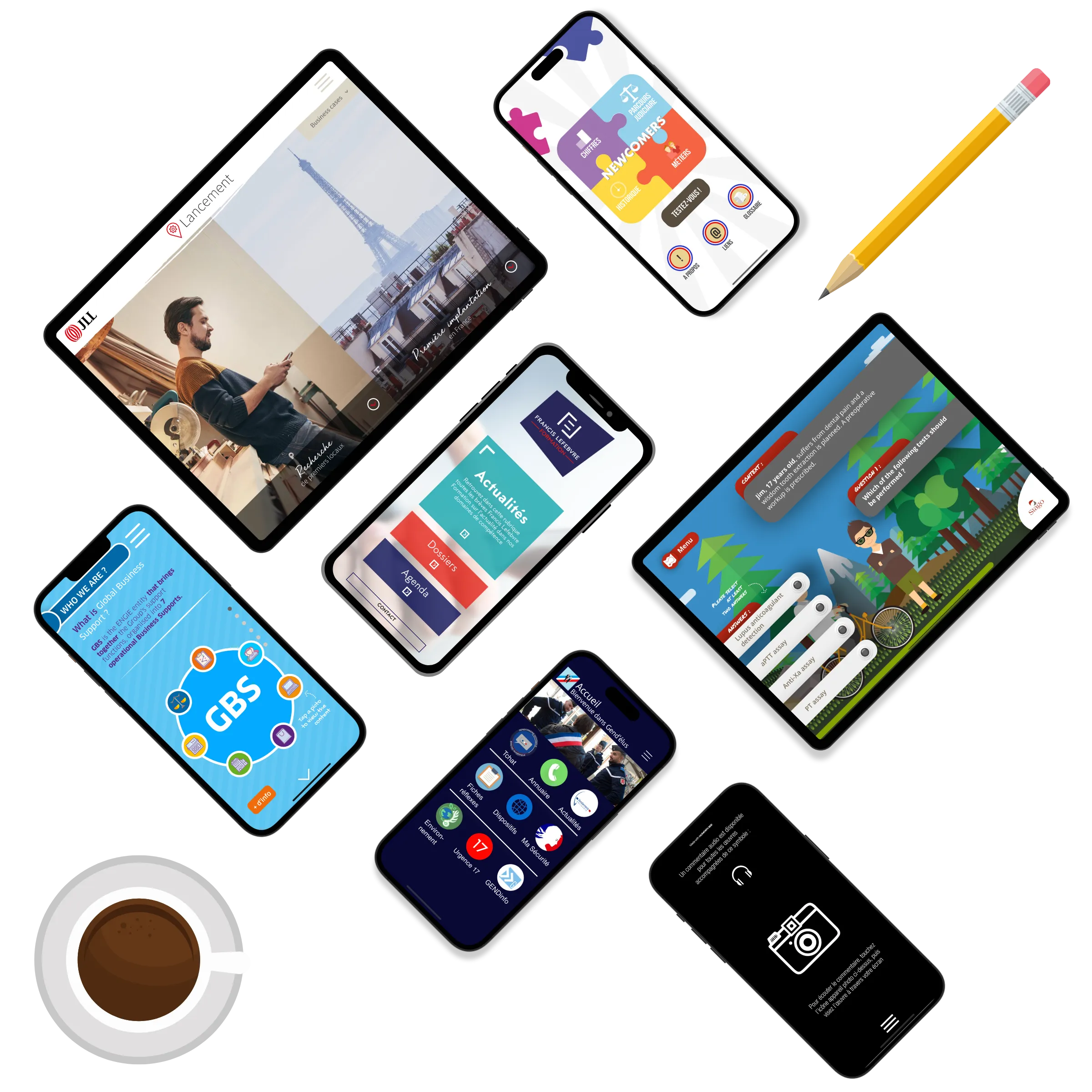
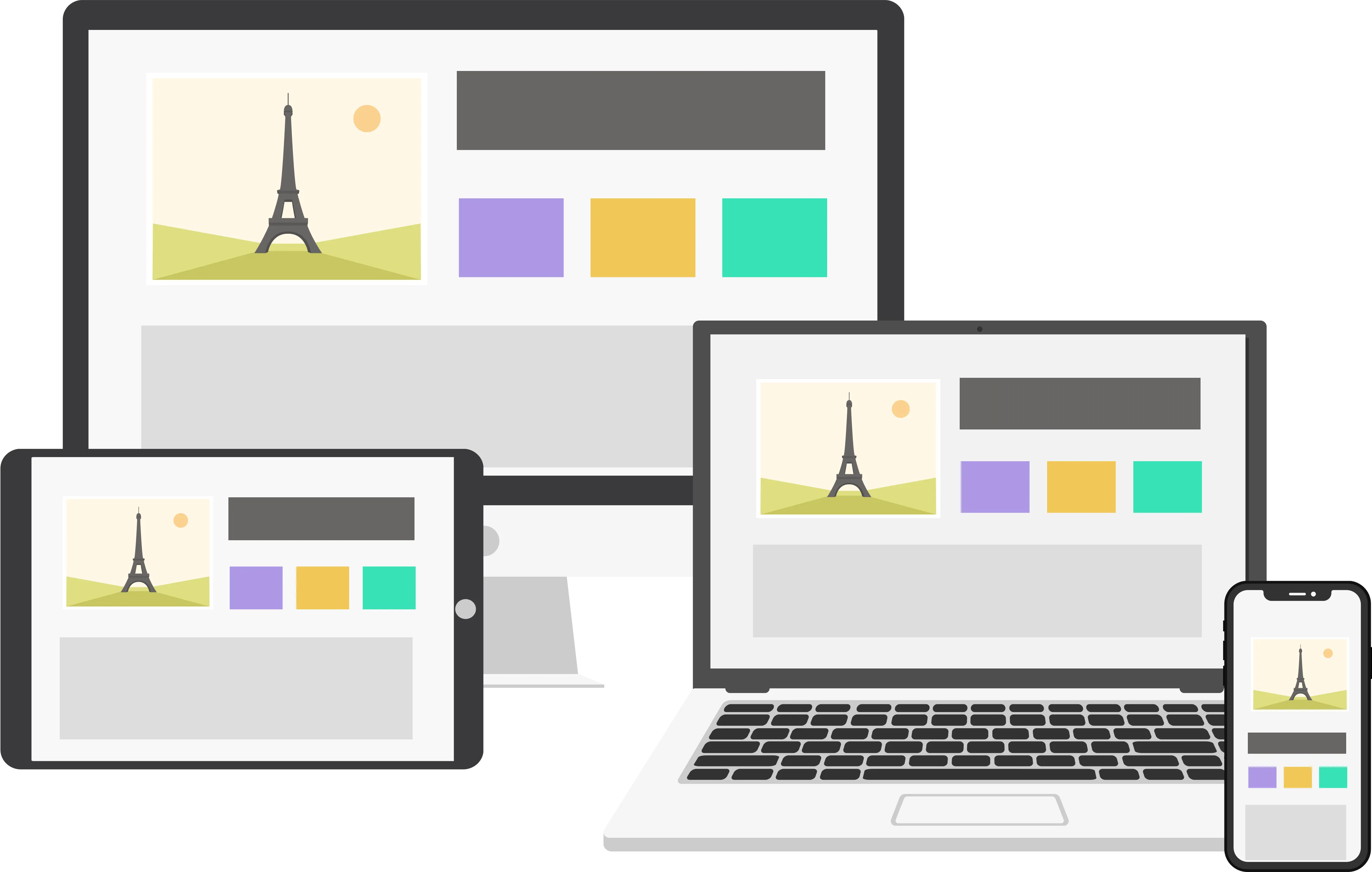
Smartphone, tablet, interactive kiosk or computer: the same project adapts to each screen once you've told it how. In responsive mode, you decide screen by screen which elements form a block and how that block moves and resizes. A change of orientation, from a portrait phone to a landscape tablet, gets its own layout. Test on the real device.
Responsive Design
- Turn on responsive mode, then set how each screen and container reacts: objects pinned to an edge, stretched, or scaled to keep their ratio.
Layout Management
- Support orientation changes by creating specific layouts for each orientation.
Flexbox
- Dynamically manage the content display on your page using the Flexbox component.
If you’re trying to achieve simple results, the process is very simple. The software scales with my abilities. As I learn, I discover new features and build more advanced interactions.
PandaSuite: The Solution for All Creators of Interactive Experiences

Graphic Designers
Bring your visual concepts to life without technical constraints using PandaSuite, and create unique interactive experiences.

Motion Designers
Easily integrate your animations to design dynamic and captivating interactions with PandaSuite.

Developers
Speed up the production of projects and develop custom components to meet specific needs.

Cultural Mediation Professionals
Highlight cultural heritage by creating digital content such as interactive kiosks and multimedia guides.

Marketing Professionals
Strengthen your brand by easily creating projects that captivate your audience with PandaSuite.

Instructional Designers and Teachers
Design interactive and engaging educational modules to enrich your students' learning experience.

Students
Explore the world of digital creation without coding. Create interactive projects for your studies or personal endeavors.

Entrepreneurs
Quickly develop interactive apps to promote your business, showcase products, or optimize internal processes.
Components: Assemble, Sync, Build
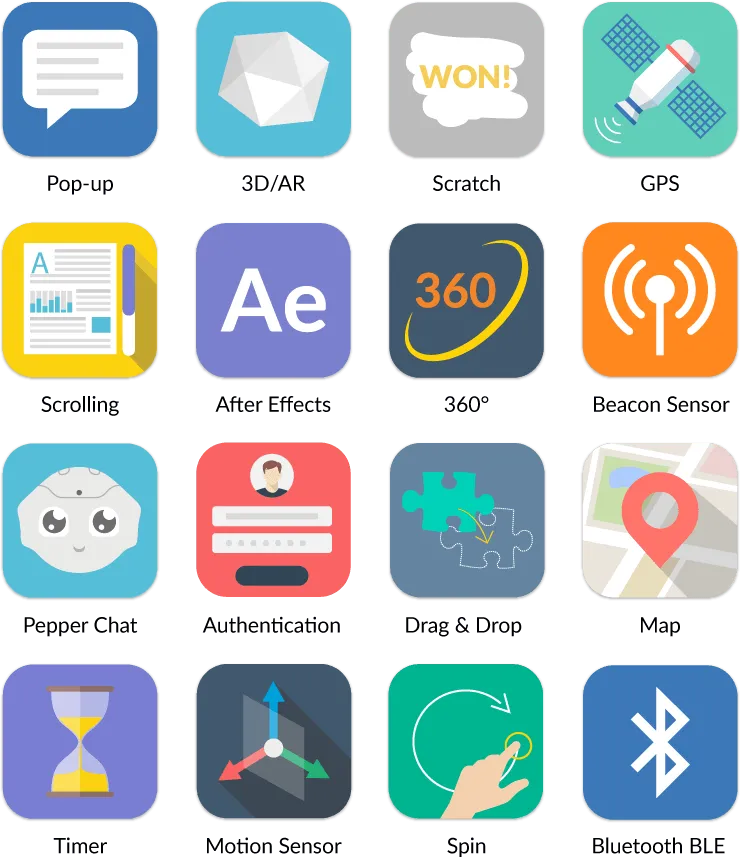
Each component is a brick: a gallery, a map, a timer, a drag-and-drop zone, a Flexbox. You nest them inside one another and sync them, so a single action can drive several at once. When one is missing, a developer can add it as a custom component.
Test on Your Phone While You Build
In Studio, open the Preview menu and scan the code with your phone's camera: the project opens in PandaSuite Viewer, on iPhone, iPad or Android. Each time you save, a banner offers the new version. Once downloaded, the project also runs offline, which is useful for testing on site before the network is set up.

Resources to Support You Every Step of the Way
We know the flexibility of PandaSuite can sometimes feel overwhelming. But don’t worry! We're here to guide you and turn this versatility into a real advantage.
-
Tutorials
- Dive into our detailed tutorials to master every feature of PandaSuite, step by step. Browse the Docs
-
Videos
- A demo is quicker than words—our videos show you how to get things done in a snap. Watch the Videos
-
Portfolio
- Explore innovative projects from our community and get inspired for your own creations. See the Projects
-
Templates
- Save time with our ready-to-use templates, fully customizable to meet your needs. Browse the Templates
-
Support Team
- We’re here to help anytime, with a smile and a touch of humor. Contact Support
All Our Features
Discover everything you can do with PandaSuite.
Get Started Today for Free
Free for as long as you want, with one active project and no credit card. Pick a plan only when you're ready to publish, and reach a real team whenever you're stuck.