
Digital Signage Software for Modern Displays
Design, publish, and play dynamic visual content on any screen, no code required.







Digital Signage Designed For Visual Storytelling
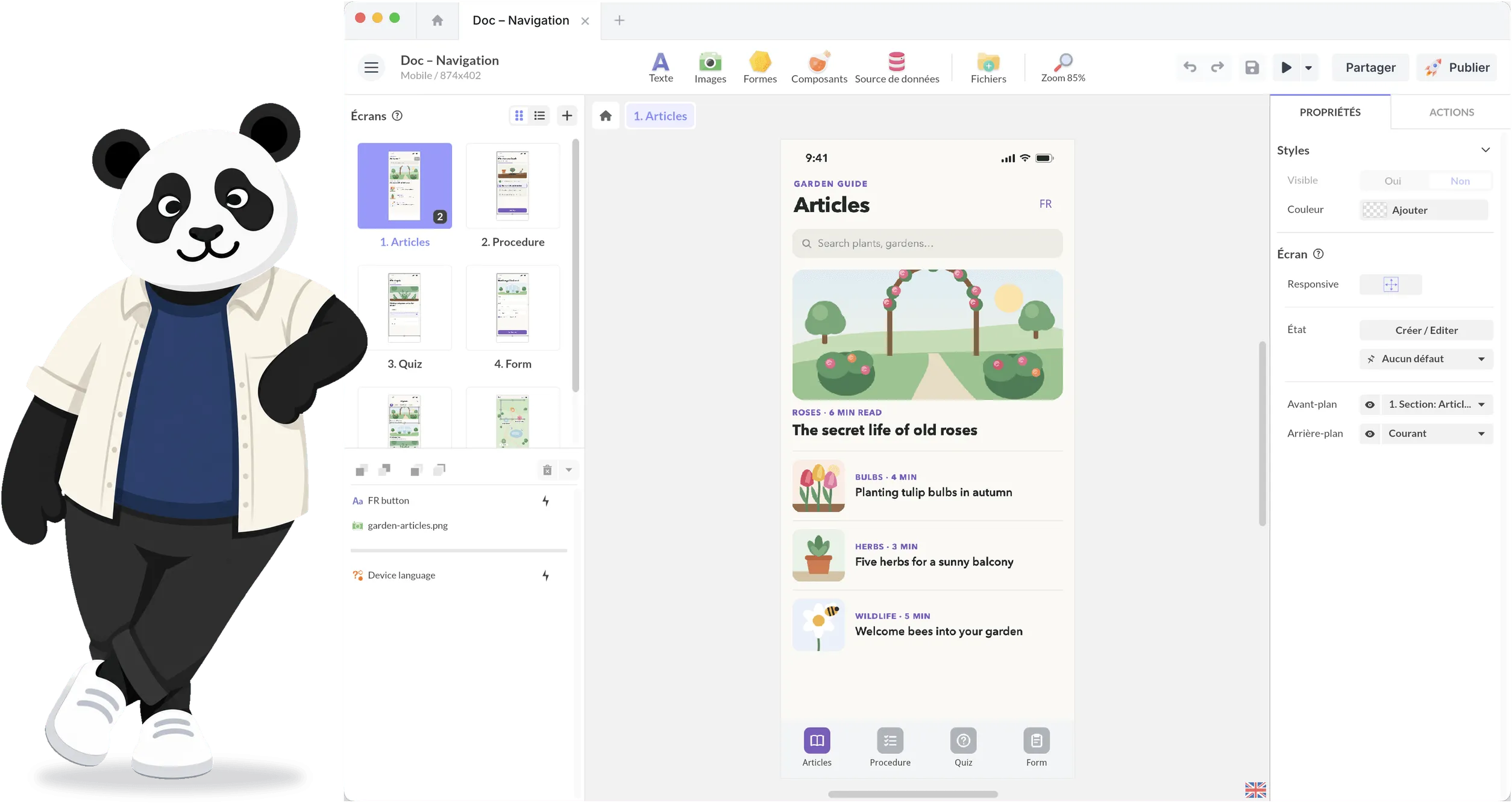
Most digital signage tools focus on what to display and when. PandaSuite focuses on how content is experienced. Instead of playlists and rigid templates, you design scenes, layouts, transitions, and visual narratives - using a no-code editor built for creative teams.
Corporate lobbies
Digital storefronts
Showrooms
Exhibitions and events
Internal communication screens

A visual-first approach, beyond classic signage
PandaSuite isn't a playlist-based signage CMS. It's a visual authoring platform to design screen layouts, transitions, and narratives. This is ideal when content must stand out, adapt to multiple screen formats, and evolve into interactive experiences, all without development. When visitors are meant to touch the screen, see our touch screen software.
Design dynamic signage content, without coding
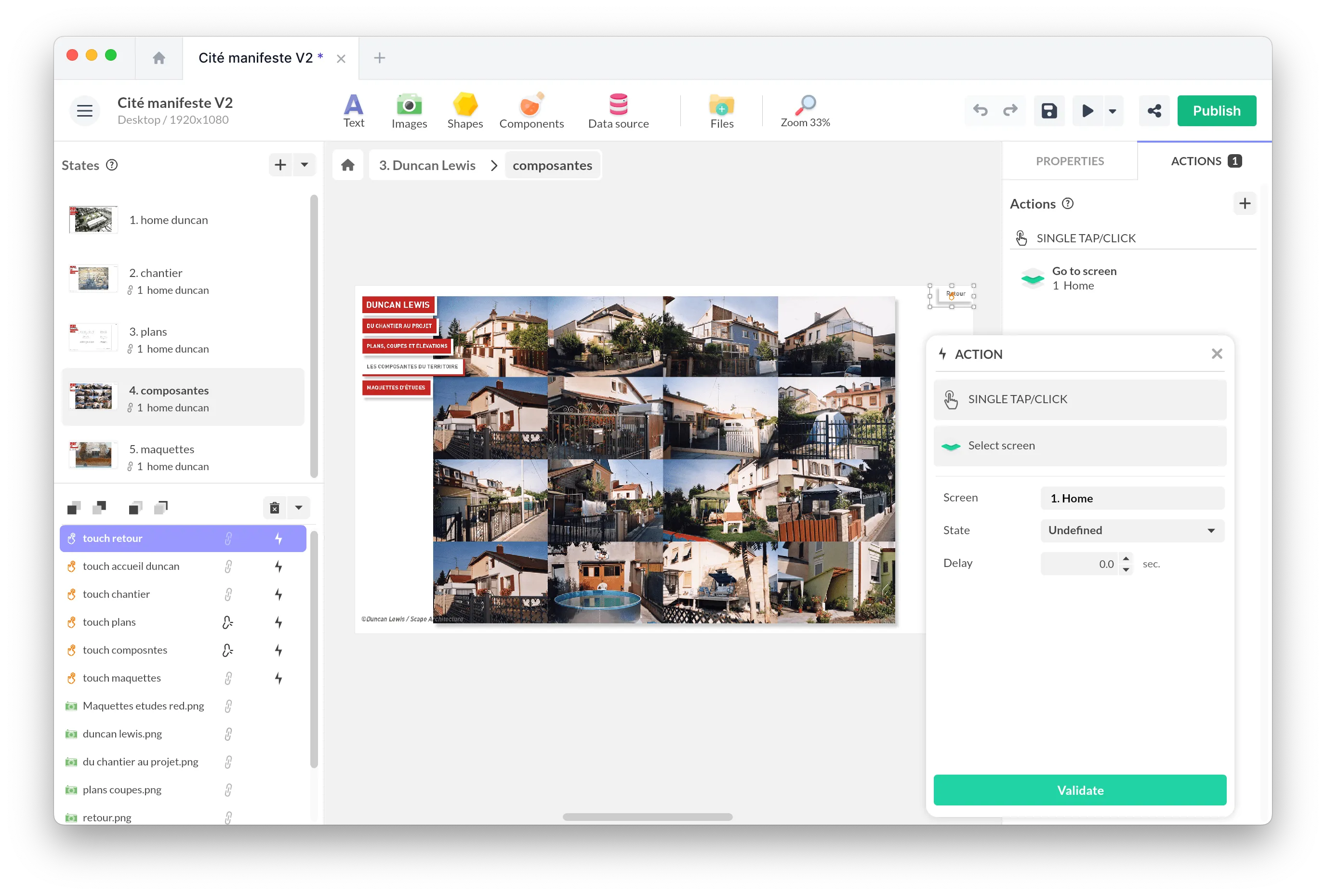
With PandaSuite, you create digital signage experiences visually, using a no-code editor. You create:
Multi-screen layouts
Animated transitions
Scripted sequences
Media-rich scenes
Rich visual content, beyond static slides
Digital signage with PandaSuite supports far more than images and videos.
High-resolution images
Locally played videos
Text blocks and typography
Motion and animated elements
Embedded web views
Connect to an API
Built for offline and on-site playback
Digital signage often runs in environments where connectivity is unreliable - or simply unnecessary. PandaSuite is designed for local playback:
Content is embedded directly into the exported application
Screens continue to run smoothly without an internet connection
No loading times, no streaming dependency
Simple deployment, no heavy infrastructure
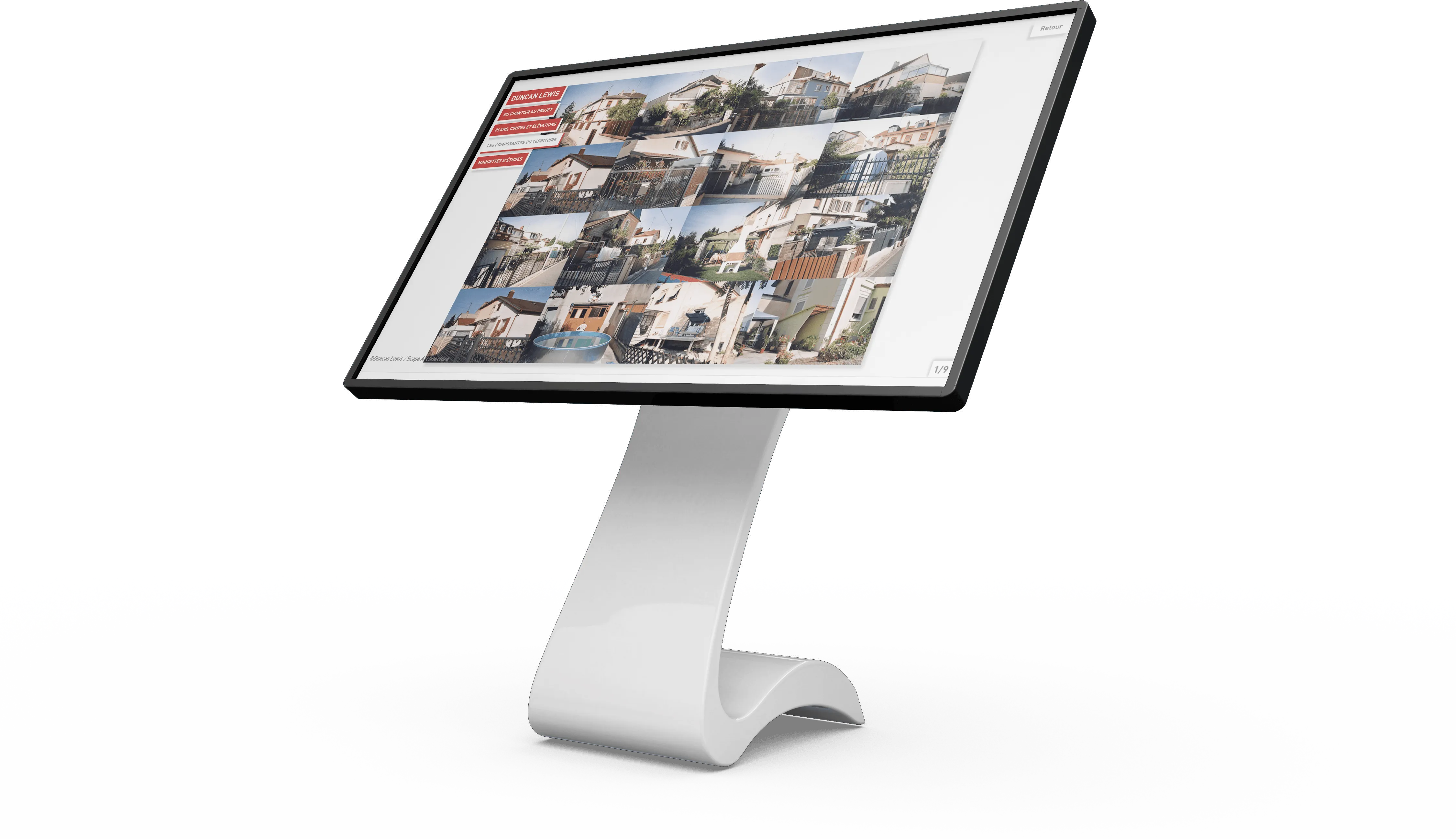
Publishing a digital signage experience with PandaSuite does not require a complex CMS or device management system.
Design
Design your content in PandaSuite Studio
Export
Export it as a standalone application or web-based experience
Install
Install it locally on the target screen
Update
Update with just one click. Or re-export for standalone offline applications.
Frequently asked questions
Digital signage software allows you to design, manage, and display visual content on screens such as TVs, monitors, kiosks, or video walls. It is used for communication, advertising, wayfinding, or information display in public or corporate spaces.
Traditional CMS platforms focus on playlist scheduling and template-based content. PandaSuite is a visual authoring platform that lets you design custom layouts, animations, transitions, and interactive experiences - without code. It's ideal when your content needs to stand out and evolve beyond static slides.
Yes. PandaSuite experiences are designed to run entirely offline. All media and assets are embedded in the exported application, so screens continue playing without an internet connection - no loading times, no streaming dependency.
PandaSuite supports Windows, Android, and iPadOS displays, including large-format screens, interactive kiosks, and touch tables. You can also deploy as a web app for browser-based playback.
No. PandaSuite is a no-code platform. You design screens, animations, and interactions visually using drag-and-drop. No development skills required - ideal for marketing, communication, and creative teams.
Yes. For web-based deployments, you can push updates instantly with one click. For standalone offline applications, you simply re-export and reinstall the updated version on your screens.
Get Started Today for Free
Free for as long as you want, with one active project and no credit card. Pick a plan only when you're ready to publish, and reach a real team whenever you're stuck.