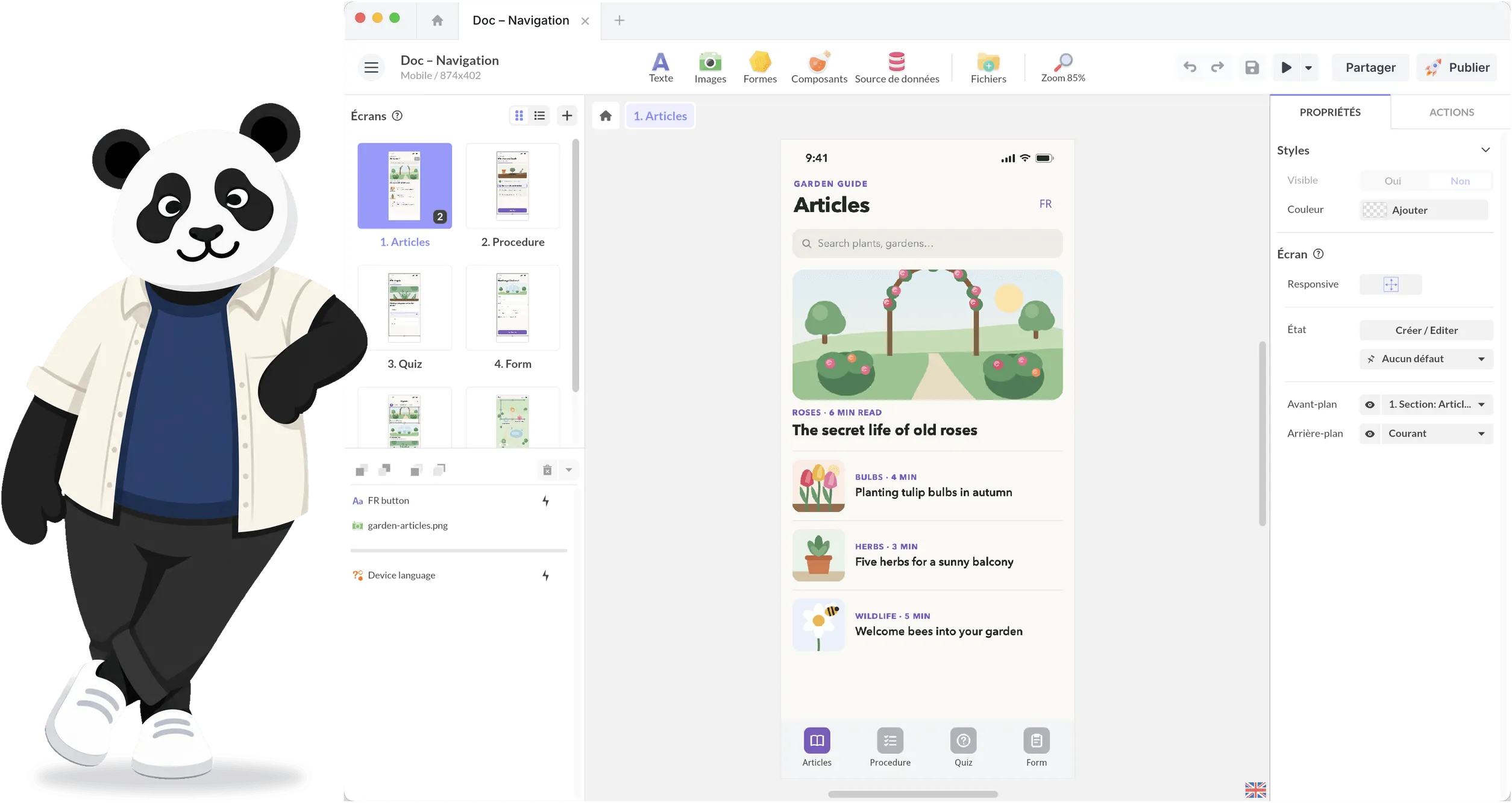

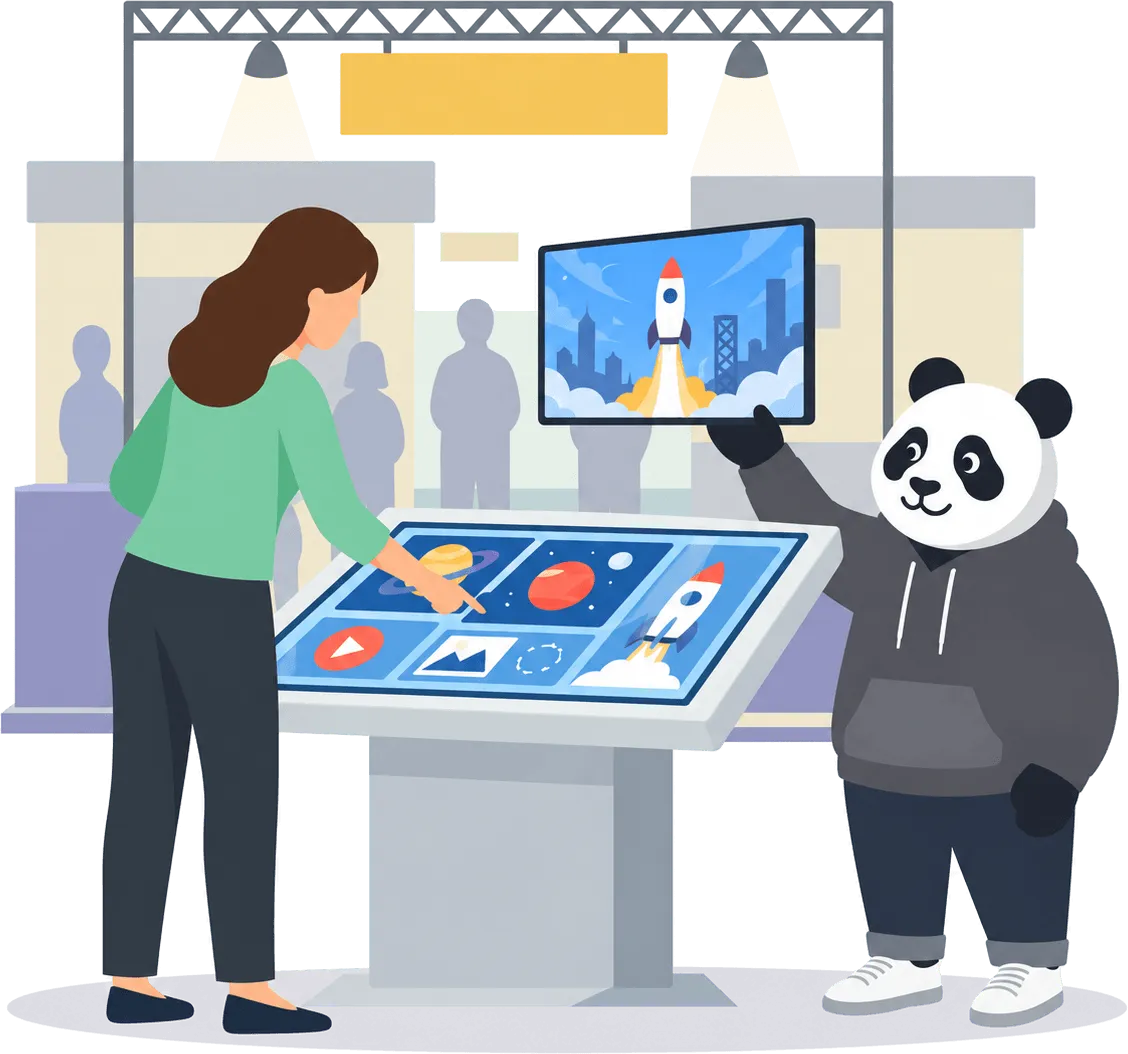







コード不要でインタラクティブなタッチスクリーン体験を作成
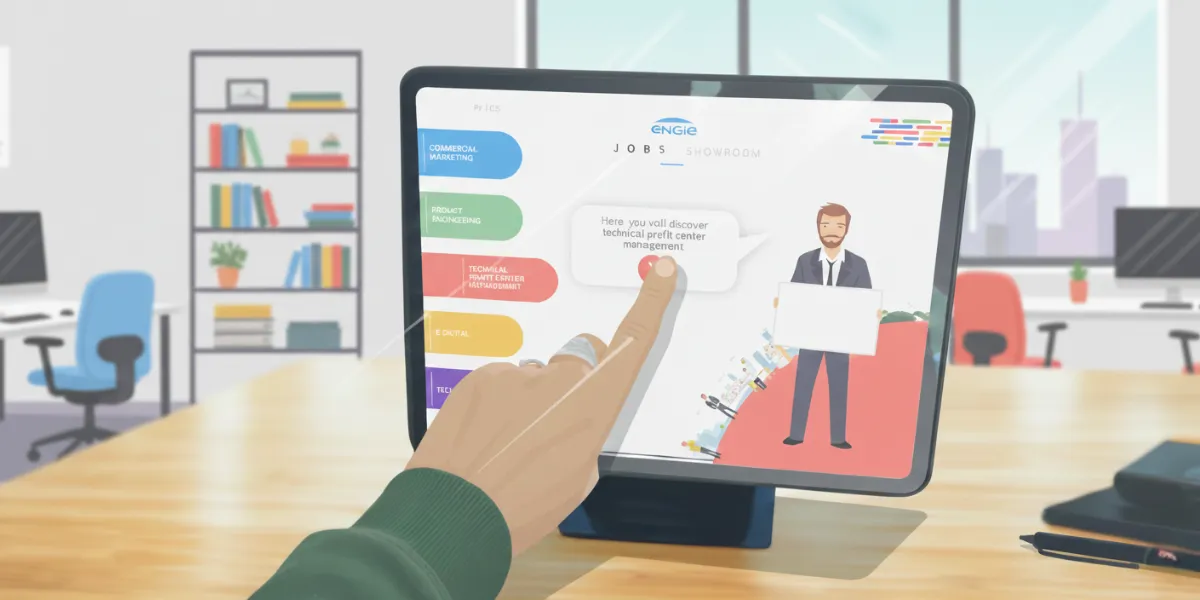
PandaSuiteを使えば、プレゼンテーション、ショールーム、展示会、学習スペース、デジタル製品向けの魅力的なタッチインターフェースを簡単にデザインできます。ドラッグ、アニメーション、接続、表示して、想像通りのインタラクティブな体験を構築
完全なクリエイティブの自由
スムーズなマルチタッチジェスチャー
無限のデザインの可能性
タブレット、タッチモニター、大型ディスプレイで動作
あらゆるタッチスクリーンとプラットフォームに対応
一度作成すれば、どこでも展開可能。
Windowsタッチスクリーン
インタラクティブディスプレイ、ショールーム、企業設置に最適。

Androidタブレット&タッチディスプレイ
イベントや小売向けの柔軟で手頃なハードウェア構成。

iPad&iPadOS
営業チームや学習環境向けのエレガントでポータブルな体験を展開。

大型タッチディスプレイ(32''–85'')
印象的なインタラクティブウォールと大画面製品エクスプローラーを作成。
タッチテーブル(シングルユーザー使用)
水平マルチタッチ表面でシームレスで流動的なインタラクションを提供。

インタラクティブウォールとビデオウォール
壁全体を没入型の大規模インタラクティブ体験に変換。
イベント、展示会、ショールーム向けオフラインモード
タッチスクリーンはWi-Fiがない場所でも動作する必要があります。PandaSuiteなら:
すべてのメディアをローカルに保存
パフォーマンスは高速で安定
コンテンツは瞬時に読み込み
ネットワーク接続時に更新を同期
高度なインタラクションと動作を追加
シンプルなタッチスクリーンを超えて、アプリのようなロジックを作成。
条件付きシナリオ
- ユーザーの選択に基づいてコンテンツを表示または非表示。
アニメーションとトランジション
- 注意を引くスムーズでレスポンシブなマイクロインタラクション。
インタラクティブなクイズとデータ収集
- 評価、フォーム、スコアリングシステム、分岐パスでユーザーを引き付けます。
APIと高度な機能
- 外部データソースに接続、フローを自動化、コンテンツを動的に同期。
マルチスクリーン&マルチオリエンテーション体験を構築
コンテンツが自動的に適応:
縦向き / 横向き
さまざまな画面サイズと解像度
レスポンシブレイアウト
ワイドディスプレイと分割画面構成

私たちのチームはPandaSuiteを大型タッチスクリーンで使用し、明確でインタラクティブなプレゼンテーションを提供しています。クライアントはシンプルなジェスチャーで自律的にコンテンツを探索でき、会議やイベントでの議論をより流動的で魅力的なものにしています。
タッチスクリーン体験を簡単にデプロイ
ローカルデプロイ
- オフライン使用のためにタブレットやタッチディスプレイに直接インストール。
デバイスへエクスポート
- Windows EXE、Android APK、iOSアプリ、またはWebアプリとしてエクスポート。
シンプルな更新
- エクスポートしたファイルを置き換えてコンテンツを更新 - 複雑なデバイス管理は不要。
ガイド付きセットアップ
- スムーズなインストールのためにドキュメントとセットアップガイドに従ってください。
数分でインタラクティブなタッチスクリーン体験をデザイン
完全なクリエイティブの自由でタッチファーストのコンテンツを作成。
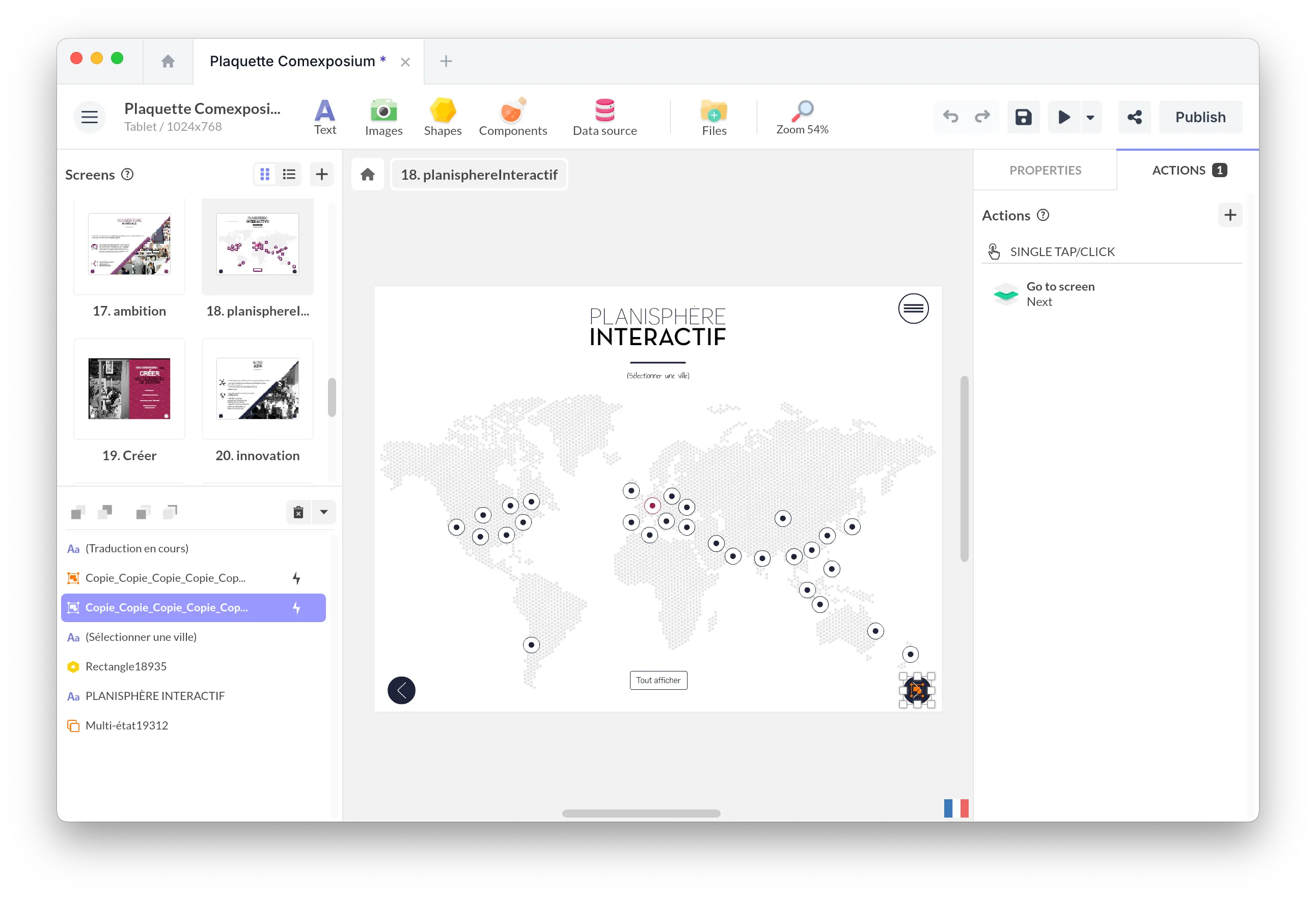
ドラッグ&ドロップエディター
コーディングなしで画面、アニメーション、トランジション、ナビゲーションパス、ビジュアルシナリオをデザイン。
マルチタッチインタラクション
自然なジェスチャーを追加:スワイプ、ピンチ、ズーム、回転、ドラッグ、マルチユーザーインタラクション - 大型インタラクティブスクリーンに最適。
リッチメディアとダイナミックコンテンツ
動画、HD画像、PDF、3Dオブジェクト、マップ、カルーセル、Webエンベッド、ライブデータを組み合わせ。
これらの例を見てください
プロジェクト
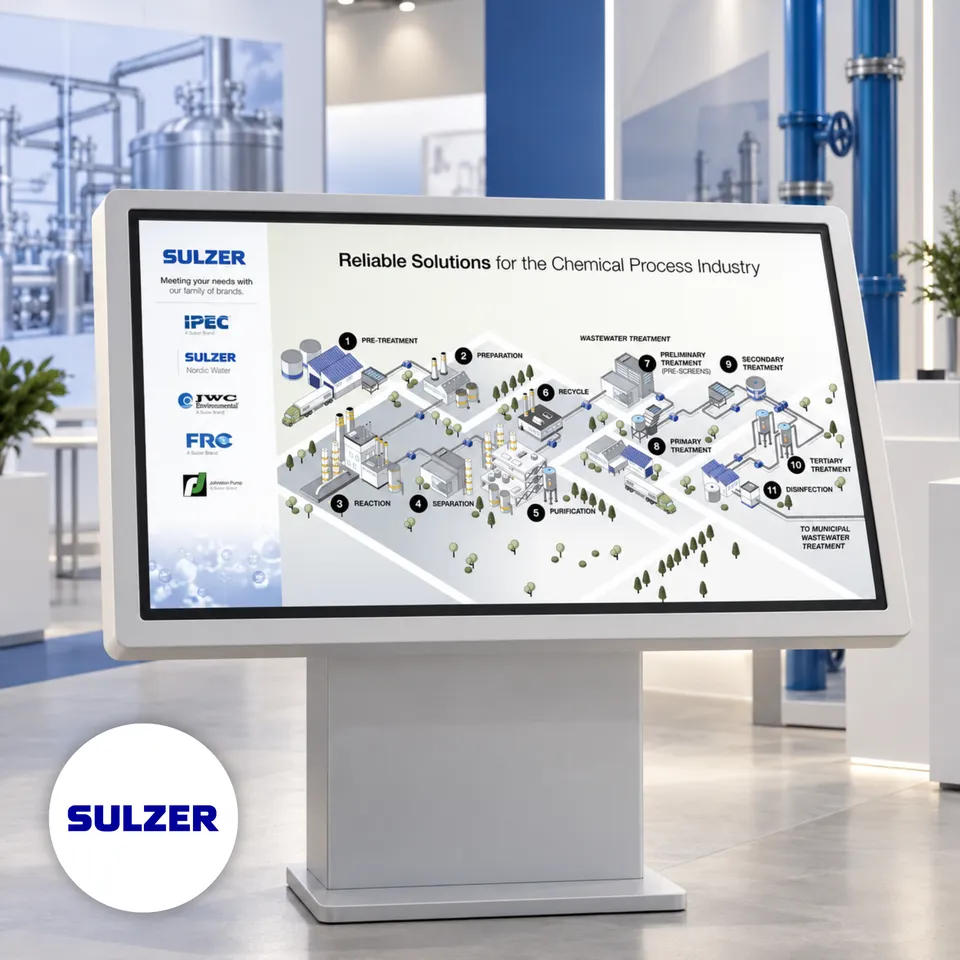
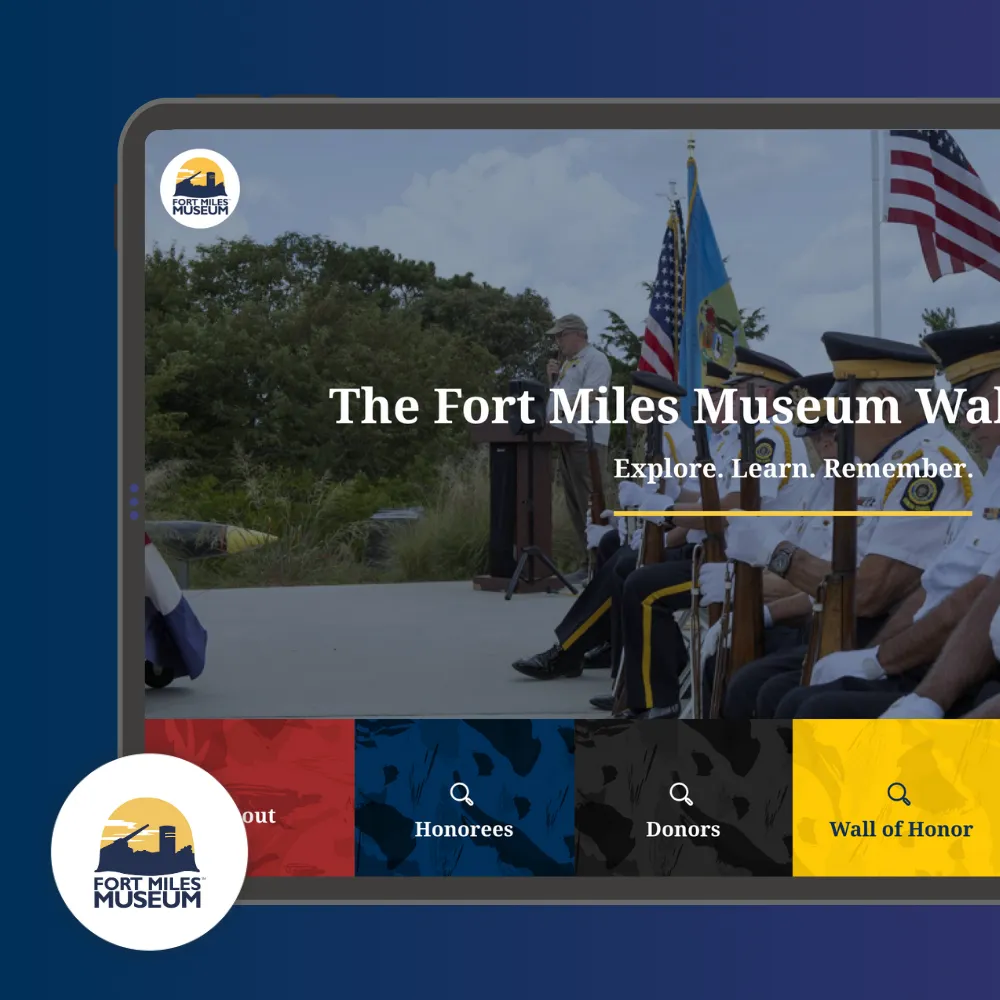
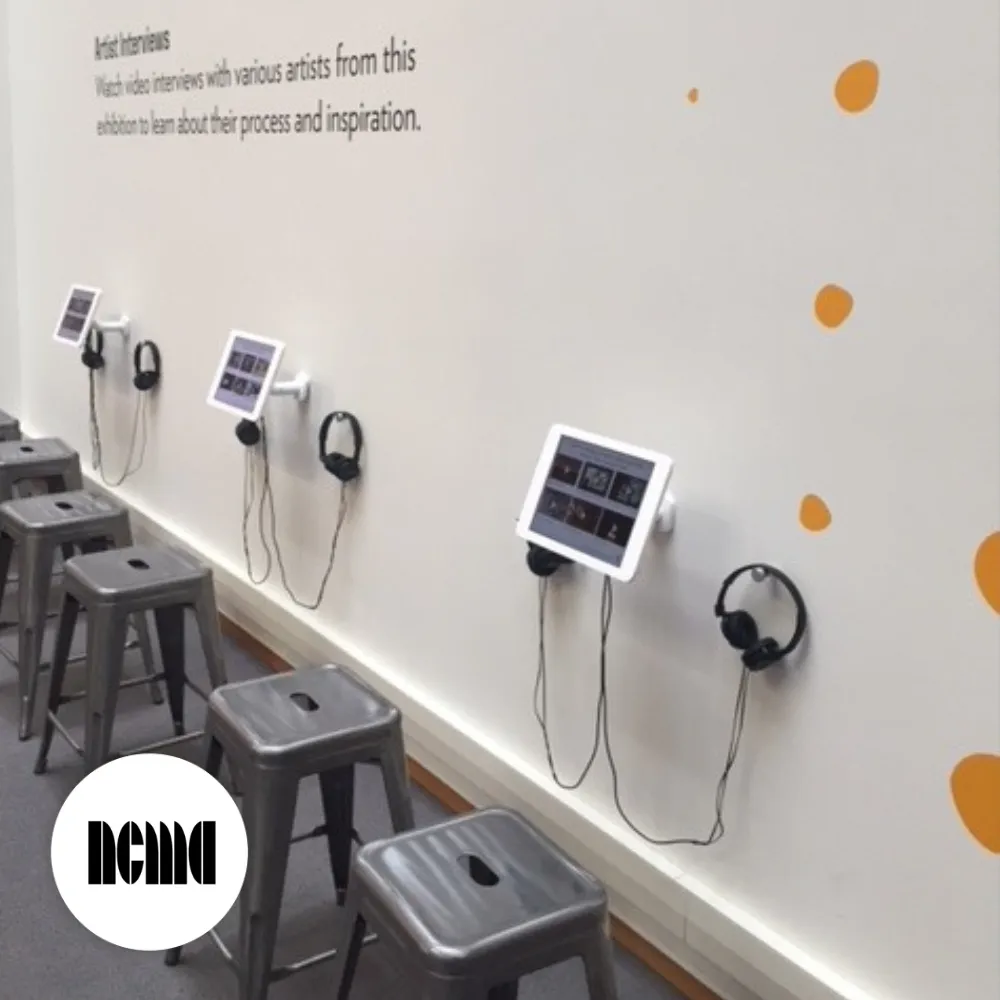
An iPad Space for Artist Interviews at the NC Museum of Art Exhibition
すべてのプロジェクトに対応するインタラクティブタッチスクリーンソフトウェア
👉 キオスクロックダウンやリモート管理が必要ですか?インタラクティブキオスクソフトウェアをご覧ください →
ショールームと製品カタログ
動画、3D、アニメーション、ガイド付きインタラクションで製品を没入的に紹介。
インタラクティブなプレゼンテーション
静的なコンテンツを際立つダイナミックなタッチ対応体験に変換。
教育と学習
タブレットや大型教室スクリーンで遊び心のある、視覚的で直感的な学習体験を作成。
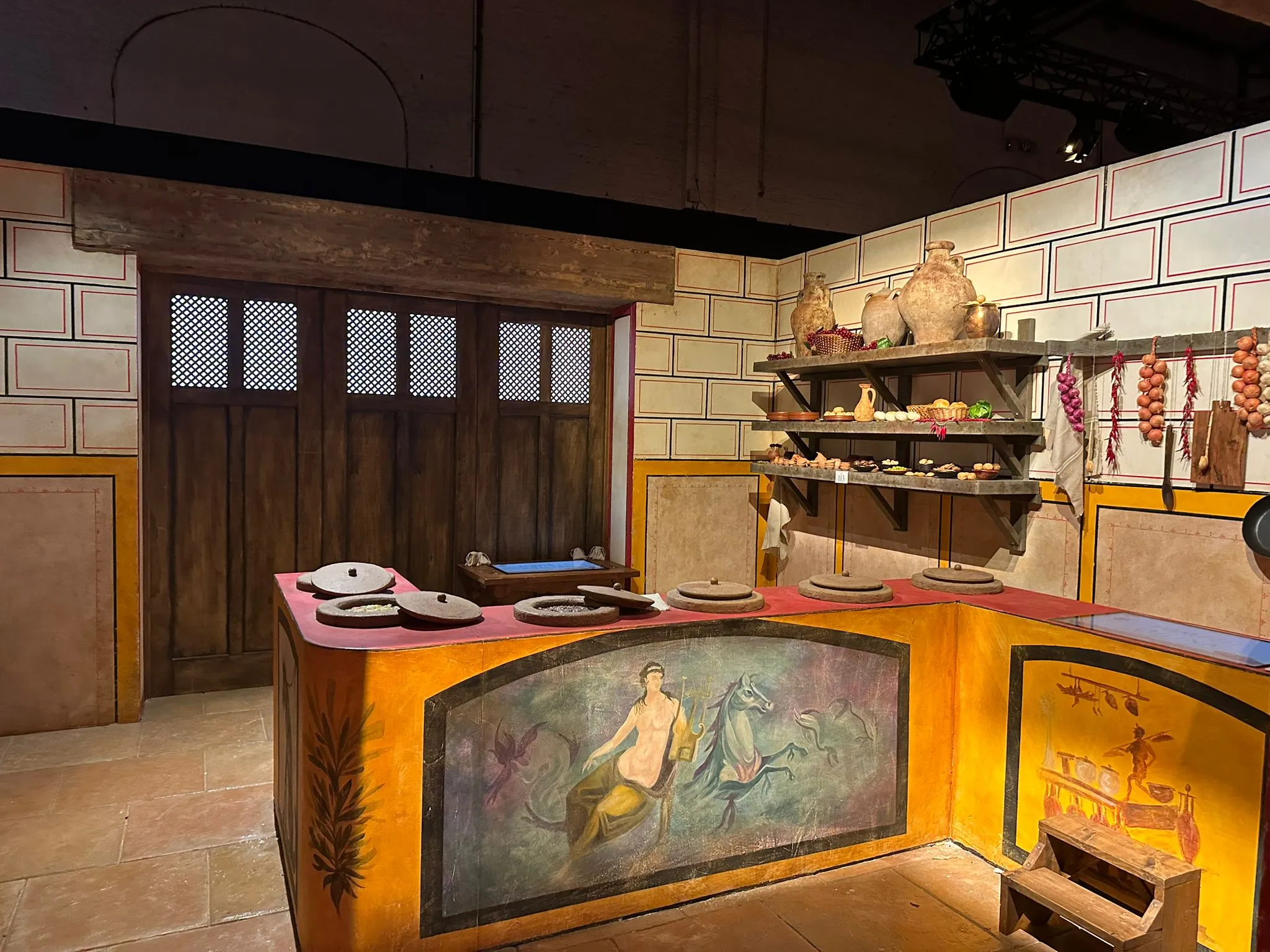
ミュージアムと展示会用タッチスクリーン
マルチメディア、探索パス、タイムライン、ストーリーテリングで文化コンテンツを充実。
インタラクティブテーブル
マルチユーザー、マルチタッチインタラクションで共同探索を可能に。
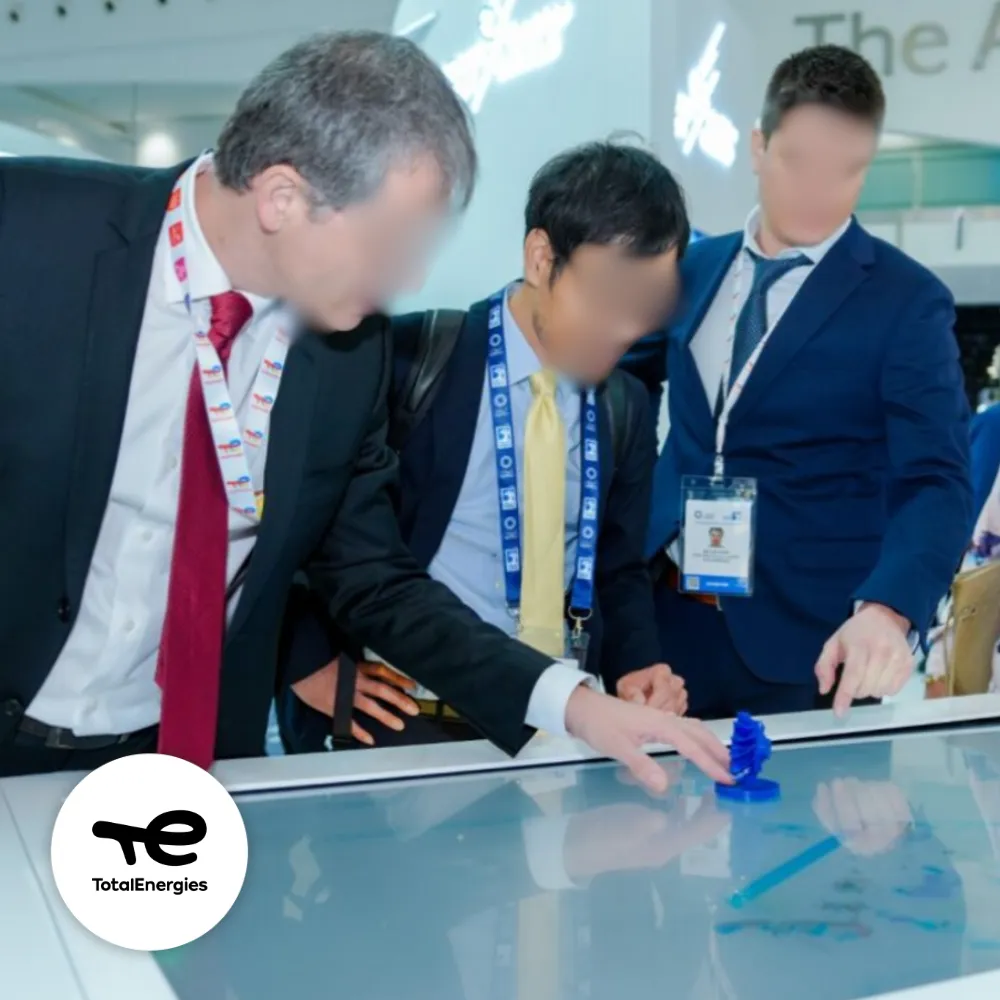
イベントと展示会向けインスタレーション
インタラクティブデモ、製品エクスプローラー、ゲーミフィケーション体験で来場者を引き付ける。
ワンプラン。必要なものすべて。
インタラクティブなタッチスクリーン体験を構築、デプロイ、更新。
単一プラン
含まれるもの
PandaSuite Studioへのフルアクセス
すべての作成機能:インタラクション、アニメーション、マルチタッチ、ロジック
オフライン対応アプリケーション
無制限のデバイス
無制限のアップデート
チュートリアル、ドキュメント、テクニカルサポート
Additional Resources
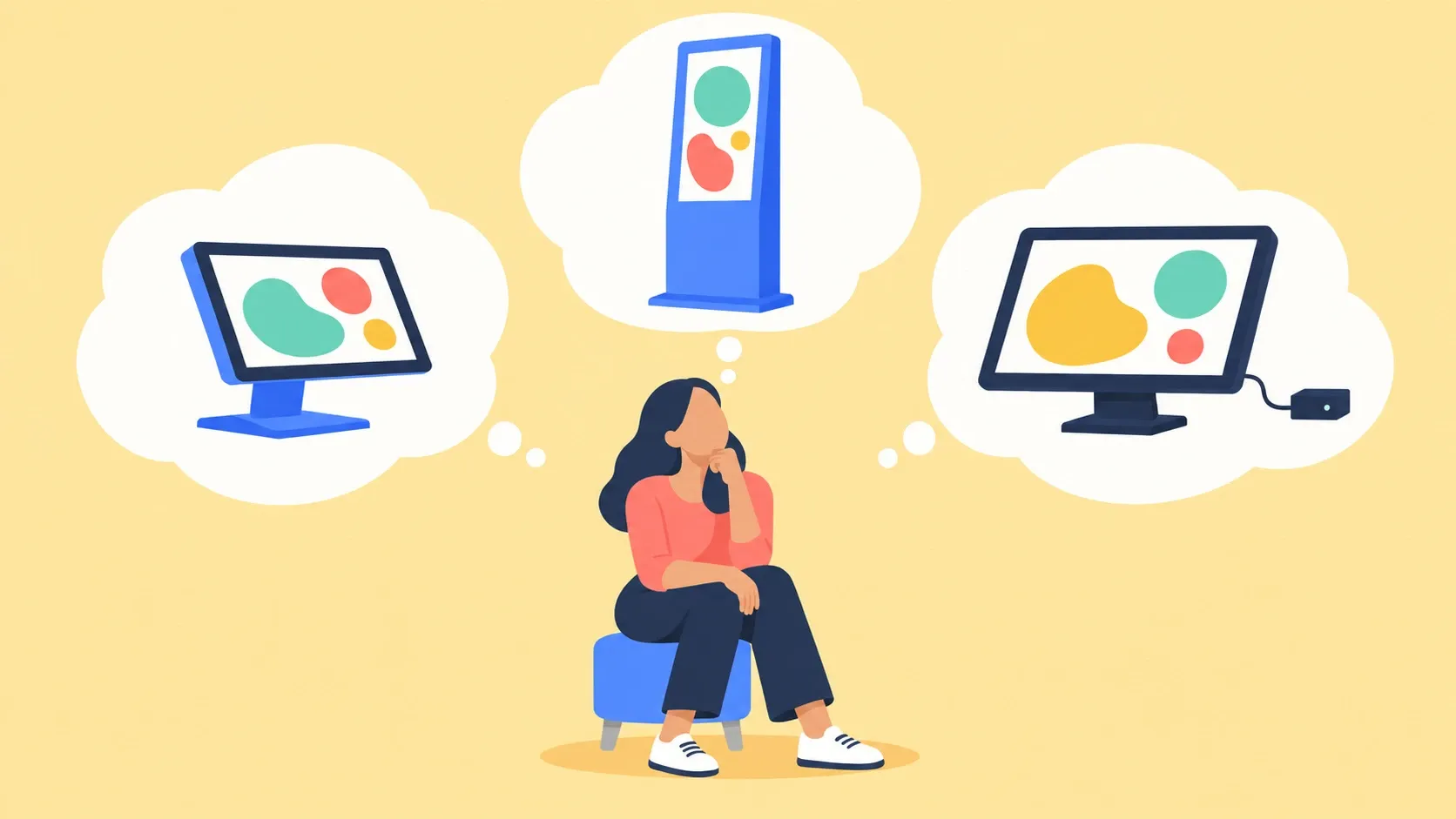
What Hardware Should Run Your Touchscreen Kiosk?
Touchscreen kiosk hardware: an all-in-one or a screen with a Windows mini PC? Three questions to pick the machine, and why to test it before you order.
Read the Article
よくある質問
Touch screen software lets you create interactive experiences designed to be controlled directly by touch. Users engage with content through gestures like tap, swipe, drag, zoom, or rotate, making interaction natural and intuitive. It is used on touch-enabled screens such as Windows and Android displays, iPads and tablets, as well as large-format touch screens and multi-touch tables. Typical use cases include showrooms, events, museums, retail spaces, exhibitions, and corporate environments.
Yes. PandaSuite works seamlessly across all major platforms: Windows touch displays, Android devices, iPads and tablets, as well as large-format professional screens up to 85 inches and beyond. Your experience adapts automatically to any screen size, whether it's a compact tablet for personal use or a multi-touch table for collaborative exploration.
Yes. Touch screen software focuses on creating rich, engaging interactive experiences with complete creative freedom. Kiosk software is designed specifically for secure, locked-down public installations where you need to restrict user access and prevent tampering. PandaSuite offers both: use it for creative touch experiences, or combine it with kiosk mode features for secure public deployments.
Yes, PandaSuite experiences run fully offline. All your media—videos, images, 3D models, and interactive elements—can be preloaded and stored locally. This is essential for trade shows, museums, and retail environments where internet connectivity may be unreliable or unavailable. Your content performs flawlessly without any network dependency.
No coding required. PandaSuite Studio is entirely visual and drag-and-drop. You design screens, add interactive components, define animations, and connect behaviors—all through an intuitive interface. Designers, marketers, and content creators can build sophisticated touch experiences without writing a single line of code.
Yes, PandaSuite fully supports multi-touch interactions. Users can swipe through galleries, pinch to zoom into images or maps, rotate 3D objects, drag elements across the screen, and perform custom gestures you define. This makes your experiences feel native and responsive on any touch device.
Absolutely. PandaSuite is ideal for trade shows, corporate events, showrooms, and exhibitions. With full offline capability, rich media support (4K video, 3D, animations), and easy content updates, you can create impactful presentations that captivate visitors. Many brands use PandaSuite to showcase products, tell their story, and collect leads at events.
Yes, PandaSuite works beautifully on screens of all sizes—from 7-inch tablets to 85-inch professional displays and multi-touch tables. You can design for specific resolutions or create responsive layouts that adapt automatically. Many museums, showrooms, and retail spaces use PandaSuite on large-format displays to create immersive visitor experiences.