







创建交互式触摸屏体验,无需编码
PandaSuite让您轻松设计令人惊叹的触控界面,适用于演示、展厅、展览、学习空间和数字产品。拖拽、动画、连接、展示,构建您想象中的互动旅程
完全的创意自由
流畅的多点触控手势
无限的设计可能性
适用于平板电脑、触摸显示器和大型显示屏
适用于任何触摸屏和任何平台
一次构建,随处部署。

Windows触摸屏
非常适合互动展示、展厅和企业装置。

Android平板电脑和触摸显示屏
适用于活动和零售的灵活且实惠的硬件配置。

iPad和iPadOS
为销售团队和学习环境部署优雅、便携的体验。

大尺寸触摸显示屏(32''–85'')
创建令人惊叹的互动墙和大屏幕产品浏览器。
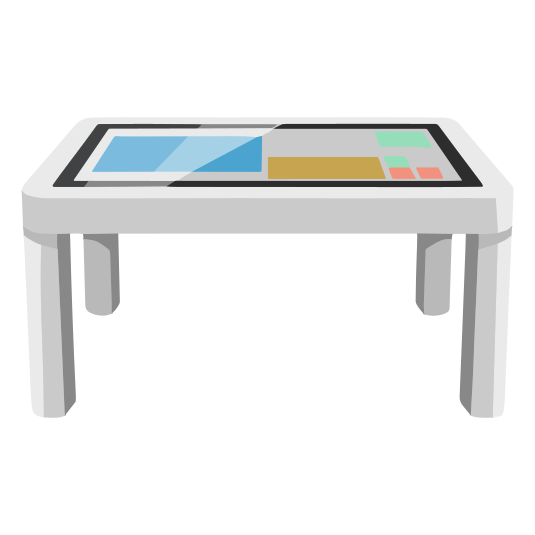
触摸桌(单用户使用)
在水平多点触控表面上提供流畅无缝的交互。

互动墙和视频墙
将整面墙壁转化为沉浸式大规模互动体验。
适用于活动、展览和展厅的离线模式
触摸屏必须在任何地方工作,即使没有Wi-Fi。使用PandaSuite:
所有媒体都存储在本地
性能保持快速稳定
内容即时加载
网络可用时更新自动同步
添加高级交互和行为
超越简单的触摸屏,创建类似应用的逻辑。
条件场景
- 根据用户选择显示或隐藏内容。
动画和过渡
- 流畅、响应式的微交互,引导注意力。
互动测验和数据采集
- 通过评估、表单、评分系统或分支路径吸引用户。
API和高级功能
- 连接外部数据源,自动化流程,动态同步内容。
构建多屏幕和多方向体验
您的内容自动适应:
纵向 / 横向
各种屏幕尺寸和分辨率
响应式布局
宽屏显示和分屏组合

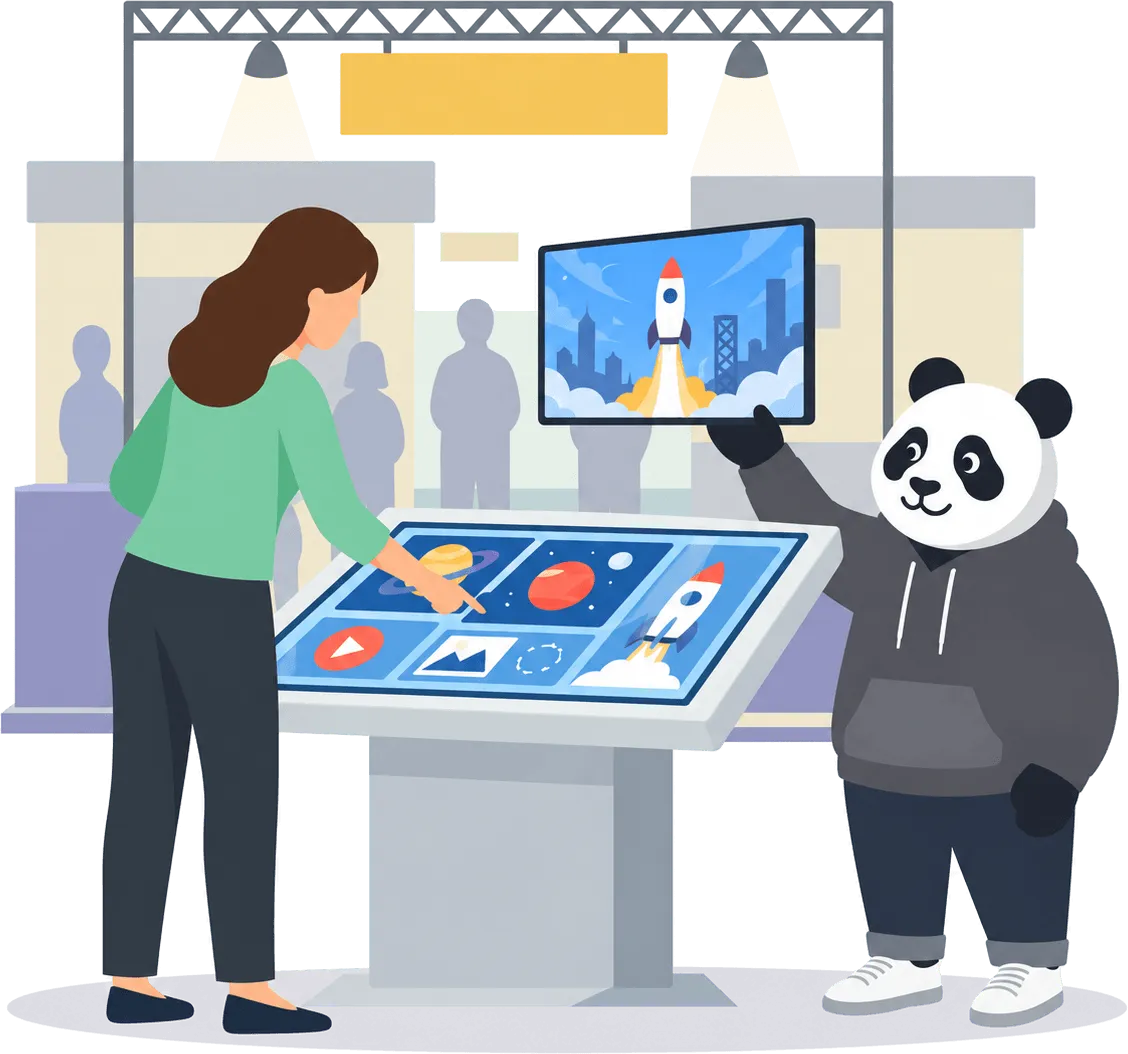
我们的团队在大型触摸屏上使用PandaSuite提供清晰、互动的演示。客户可以通过简单的手势自主探索内容,使会议和活动中的讨论更加流畅和吸引人。
轻松部署您的触摸屏体验
本地部署
- 将您的项目直接安装在平板电脑或触摸显示屏上以供离线使用。
导出到设备
- 导出为Windows EXE、Android APK、iOS应用或网页应用。
简单更新
- 替换导出的文件来更新内容 - 无需复杂的设备管理。
引导式设置
- 按照我们的文档和设置指南进行顺畅安装。
几分钟内设计交互式触摸屏体验
以完全的创意自由创建触控优先的内容。
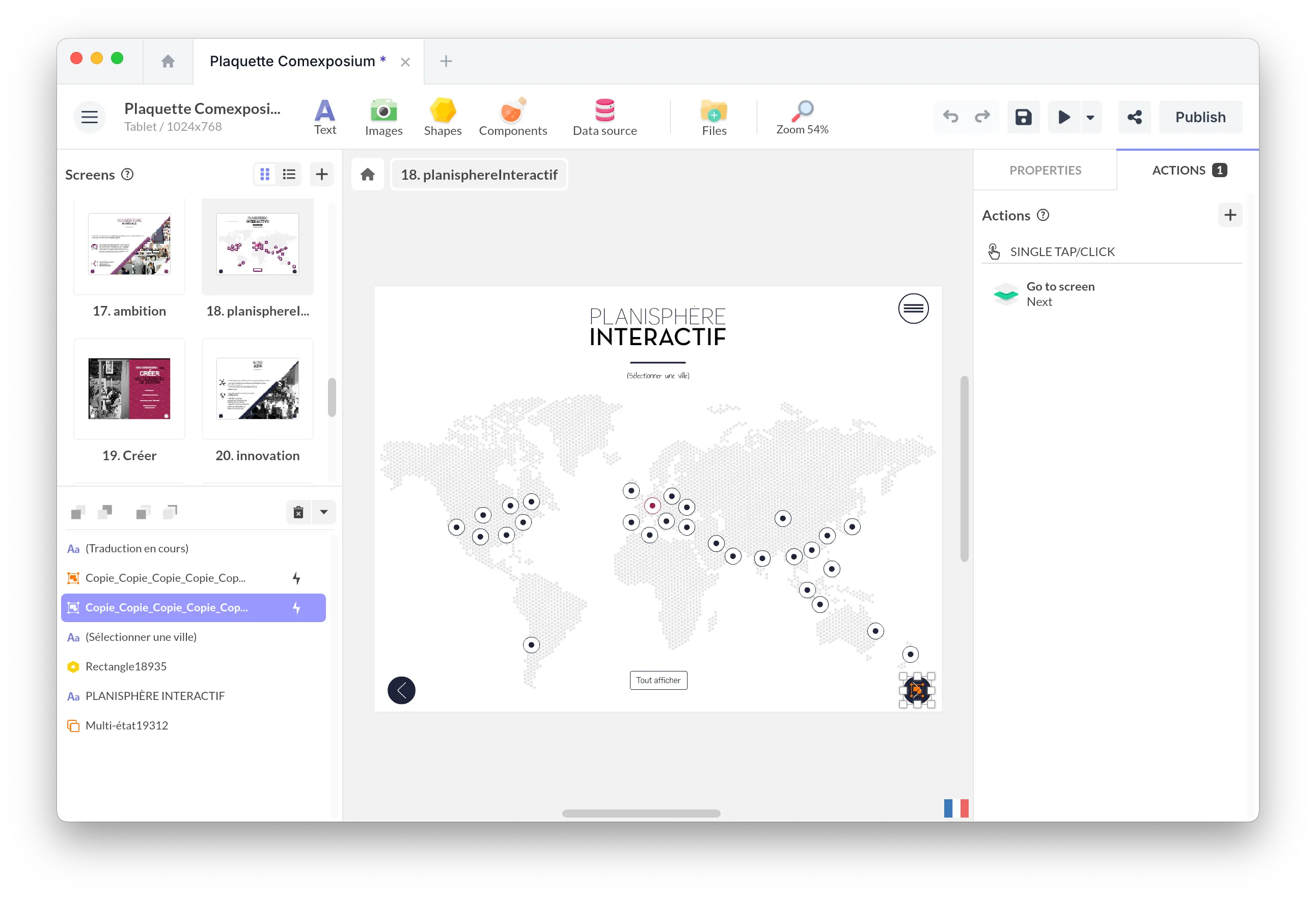
拖放编辑器
无需编码即可设计屏幕、动画、过渡、导航路径和视觉场景。
多点触控交互
添加自然手势:滑动、捏合、缩放、旋转、拖拽、多用户交互 - 非常适合大型互动屏幕。
富媒体和动态内容
结合视频、高清图像、PDF、3D对象、地图、轮播、网页嵌入和实时数据。
看这些示例
项目
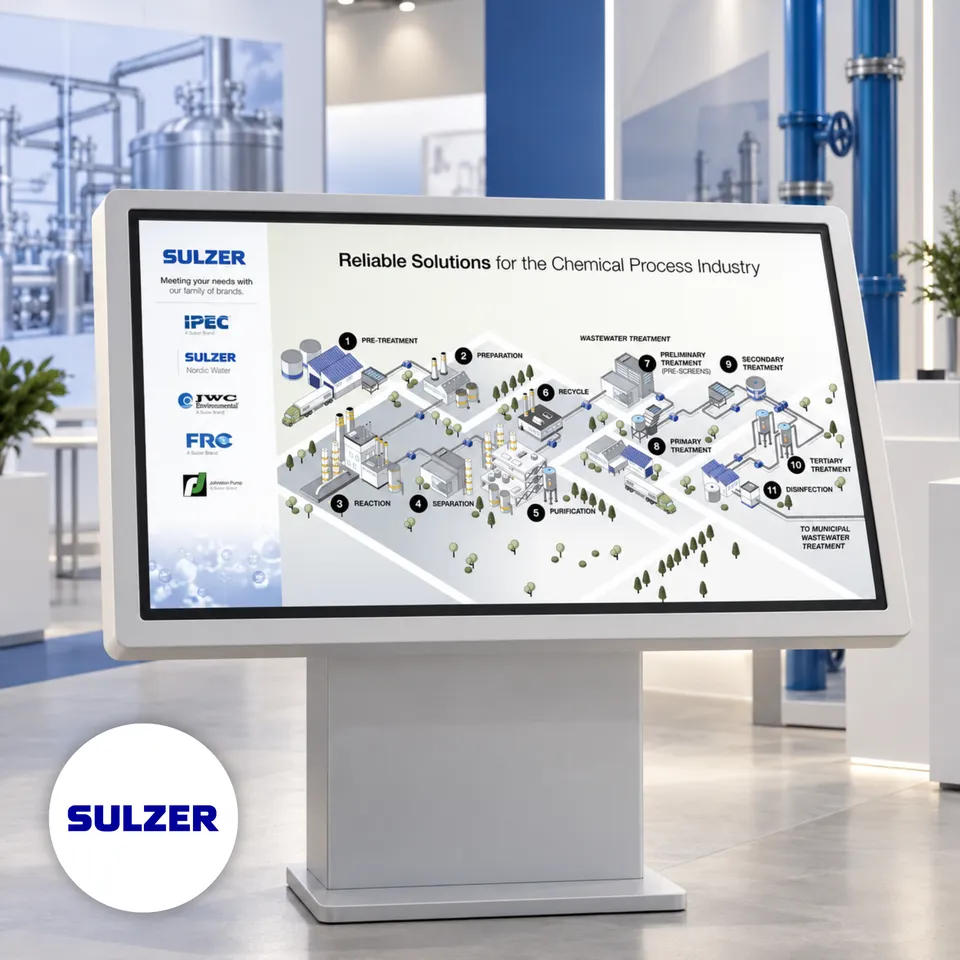
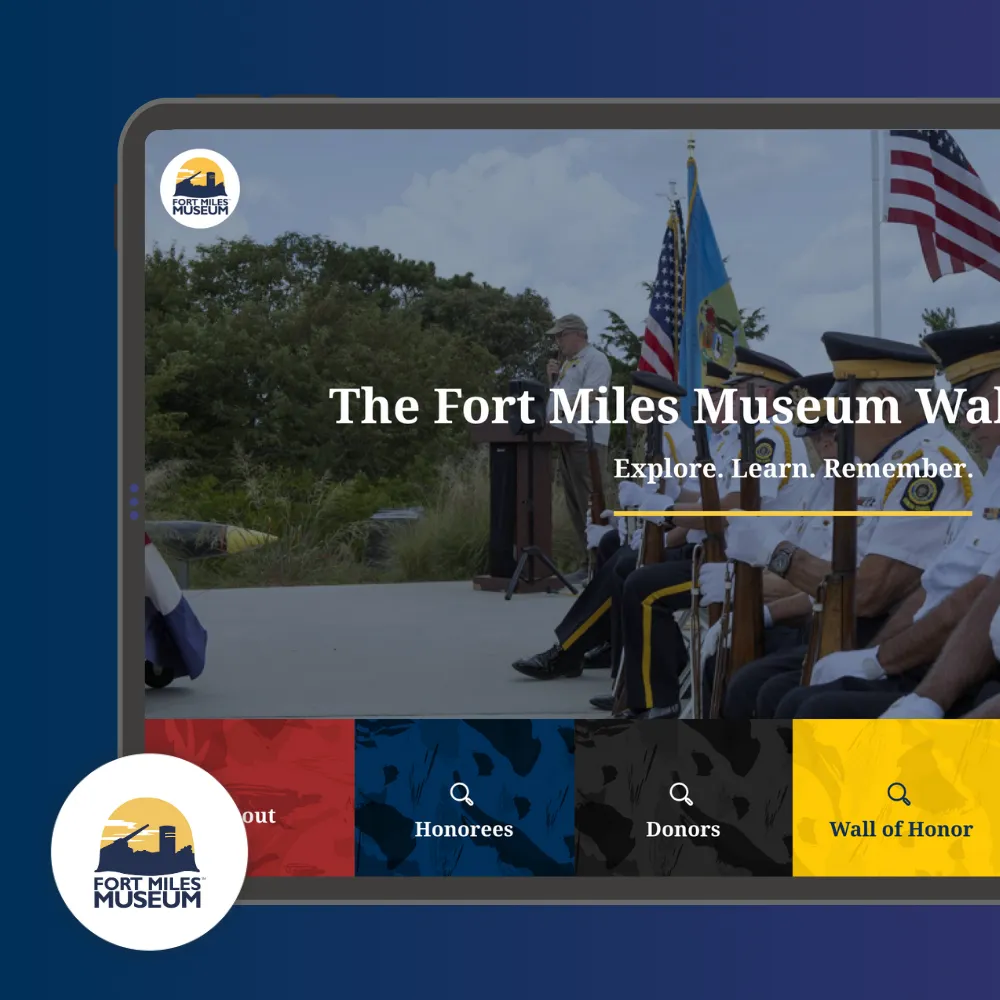
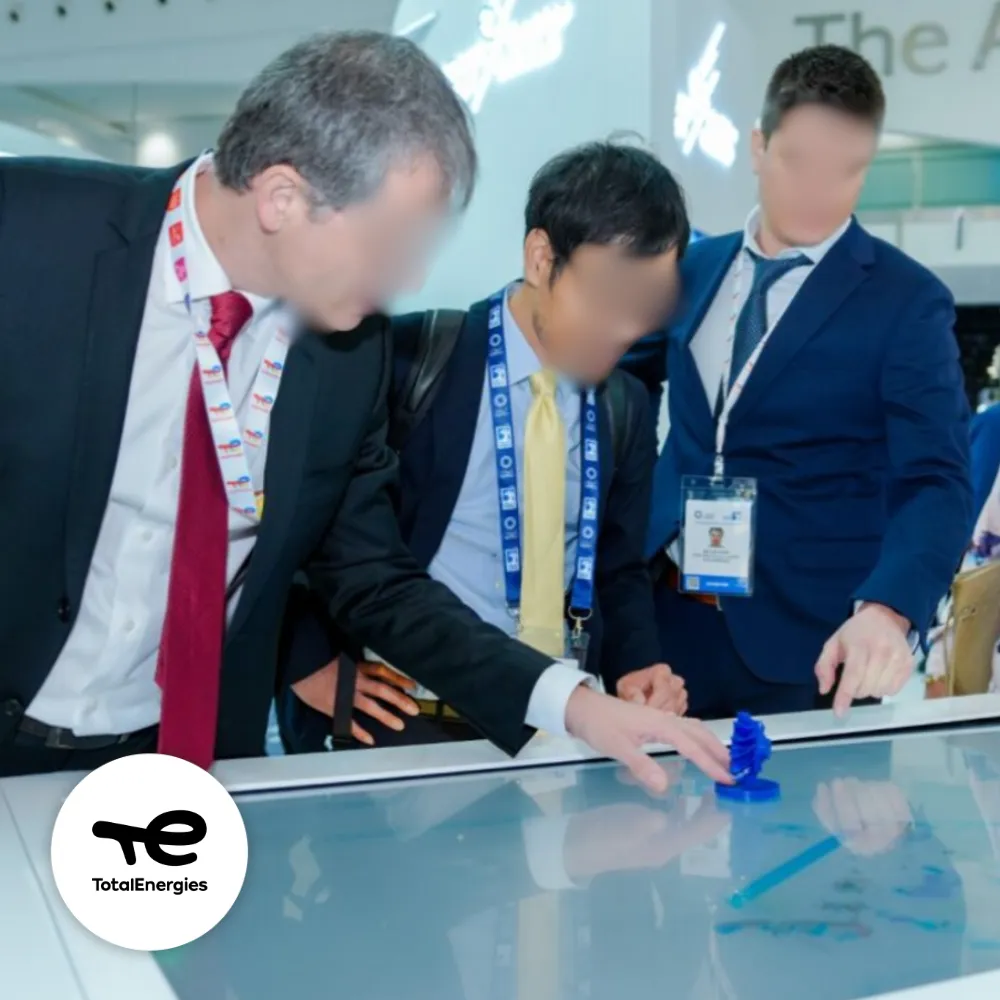
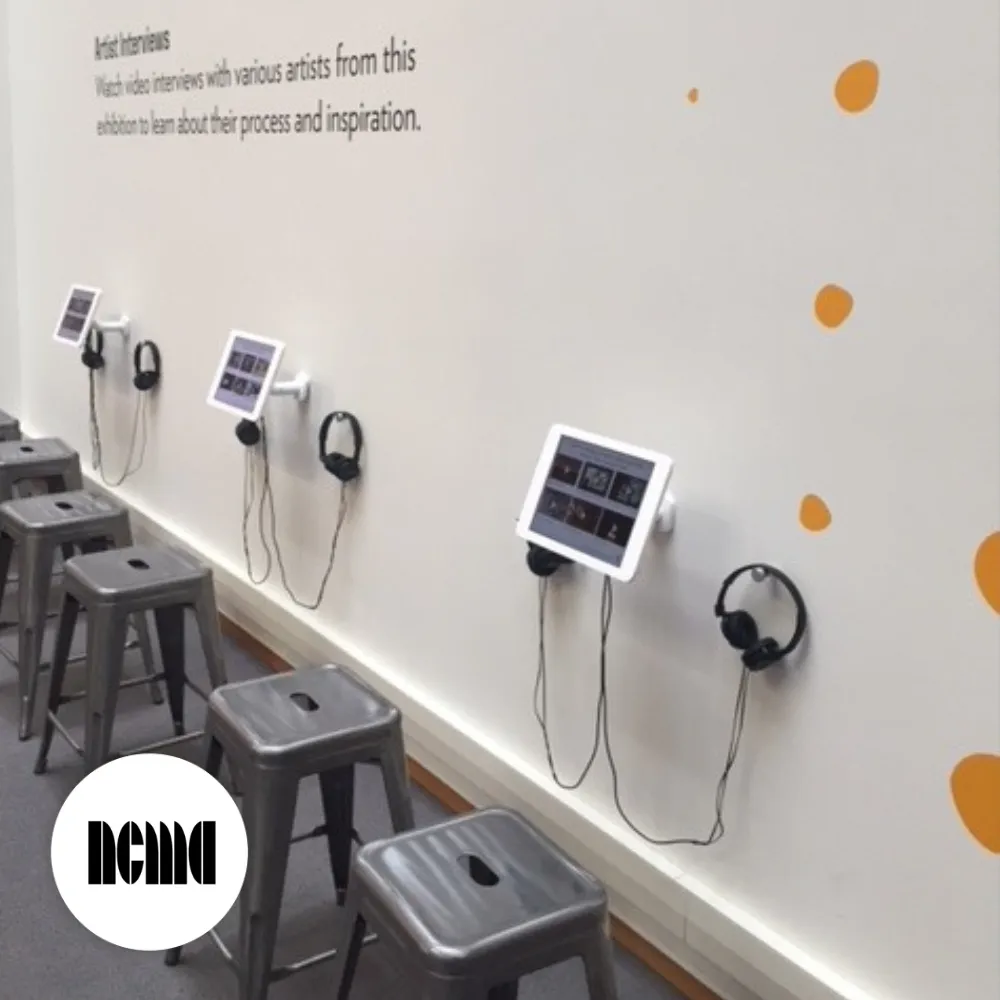
An iPad Space for Artist Interviews at the NC Museum of Art Exhibition
适应您所有项目的交互式触摸屏软件
👉 需要信息亭锁定或远程管理?探索我们的交互式信息亭软件 →
展厅和产品目录
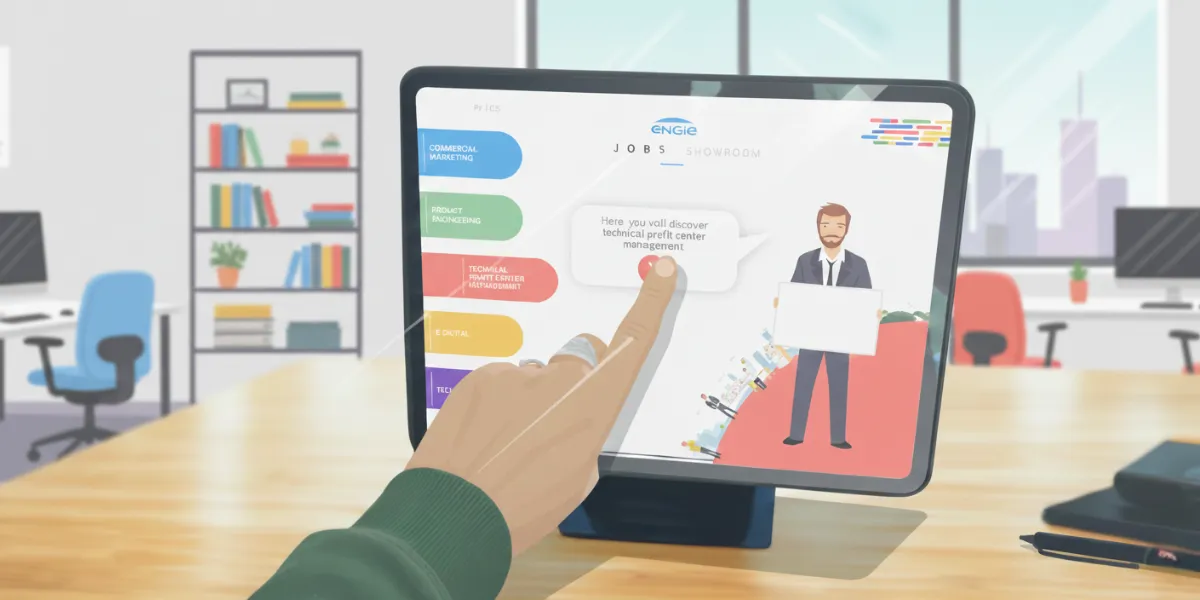
通过视频、3D、动画和引导式互动沉浸式展示您的产品。
交互式演示
将静态内容转化为脱颖而出的动态触控体验。
教育和学习
在平板电脑或大型教室屏幕上创建有趣、视觉化、直观的学习体验。
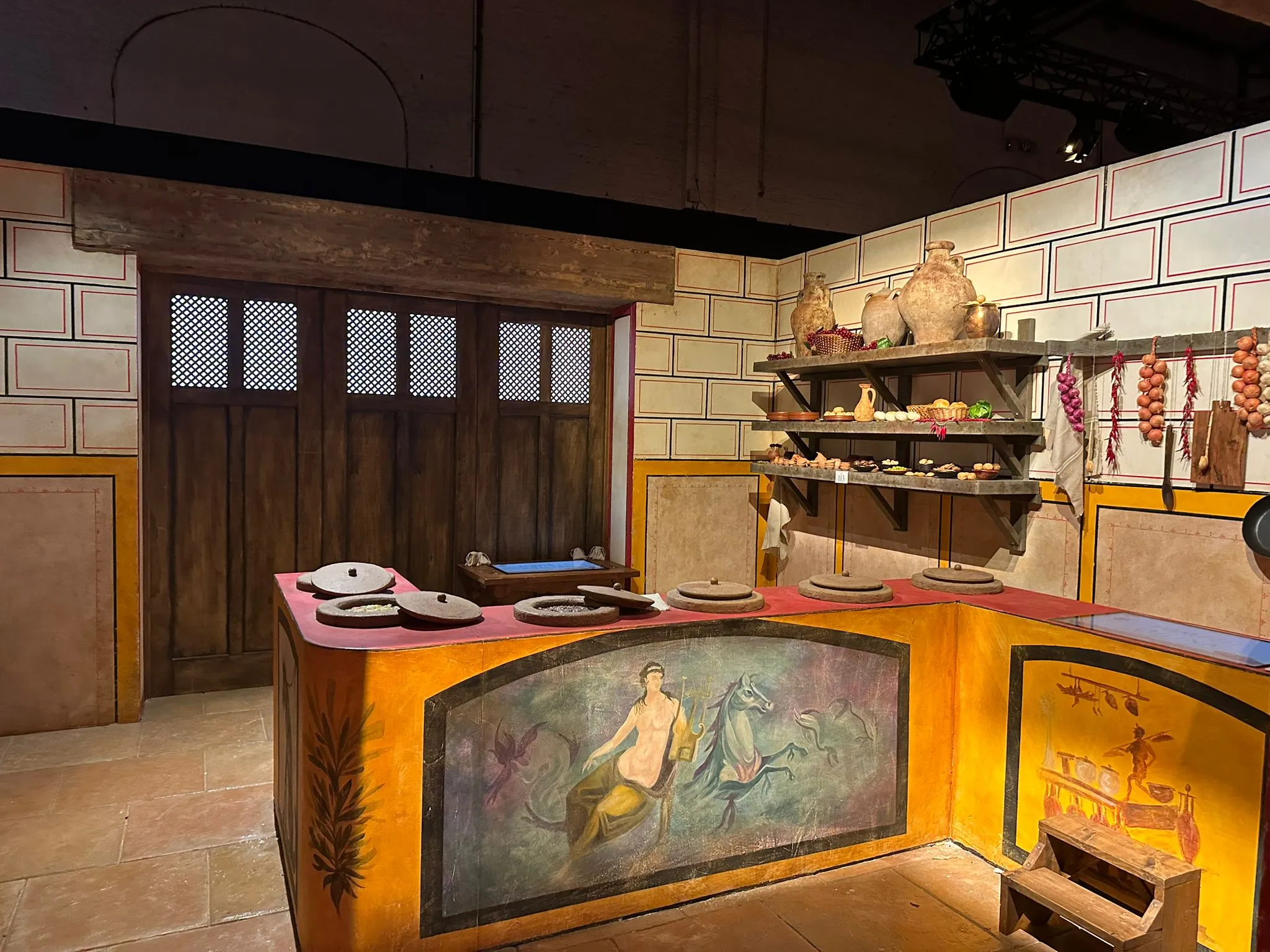
博物馆和展览触摸屏
用多媒体、探索路径、时间线和故事叙述丰富文化内容。
交互式桌面
通过多用户、多点触控交互实现协作探索。
活动和展会装置
通过互动演示、产品浏览器或游戏化体验吸引访客。
一个方案。满足您的所有需求。
构建、部署和更新您的交互式触摸屏体验。
单一计划
包括哪些内容
完全访问PandaSuite Studio
所有创建功能:交互、动画、多点触控、逻辑
支持离线的应用程序
无限设备
无限制更新
教程、文档和技术支持
Additional Resources
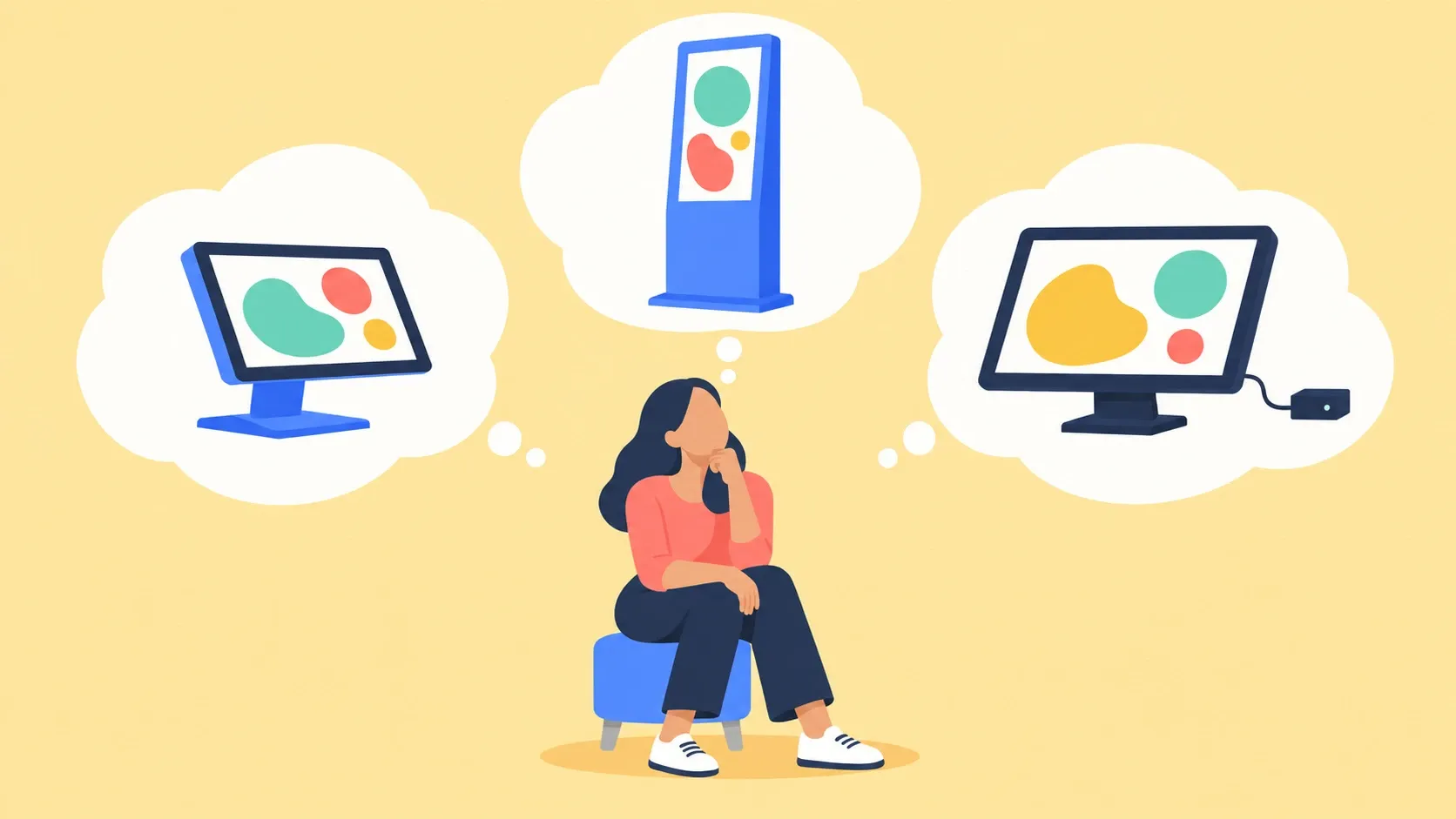
What Hardware Should Run Your Touchscreen Kiosk?
Touchscreen kiosk hardware: an all-in-one or a screen with a Windows mini PC? Three questions to pick the machine, and why to test it before you order.
Read the Article
常见问题
Touch screen software lets you create interactive experiences designed to be controlled directly by touch. Users engage with content through gestures like tap, swipe, drag, zoom, or rotate, making interaction natural and intuitive. It is used on touch-enabled screens such as Windows and Android displays, iPads and tablets, as well as large-format touch screens and multi-touch tables. Typical use cases include showrooms, events, museums, retail spaces, exhibitions, and corporate environments.
Yes. PandaSuite works seamlessly across all major platforms: Windows touch displays, Android devices, iPads and tablets, as well as large-format professional screens up to 85 inches and beyond. Your experience adapts automatically to any screen size, whether it's a compact tablet for personal use or a multi-touch table for collaborative exploration.
Yes. Touch screen software focuses on creating rich, engaging interactive experiences with complete creative freedom. Kiosk software is designed specifically for secure, locked-down public installations where you need to restrict user access and prevent tampering. PandaSuite offers both: use it for creative touch experiences, or combine it with kiosk mode features for secure public deployments.
Yes, PandaSuite experiences run fully offline. All your media—videos, images, 3D models, and interactive elements—can be preloaded and stored locally. This is essential for trade shows, museums, and retail environments where internet connectivity may be unreliable or unavailable. Your content performs flawlessly without any network dependency.
No coding required. PandaSuite Studio is entirely visual and drag-and-drop. You design screens, add interactive components, define animations, and connect behaviors—all through an intuitive interface. Designers, marketers, and content creators can build sophisticated touch experiences without writing a single line of code.
Yes, PandaSuite fully supports multi-touch interactions. Users can swipe through galleries, pinch to zoom into images or maps, rotate 3D objects, drag elements across the screen, and perform custom gestures you define. This makes your experiences feel native and responsive on any touch device.
Absolutely. PandaSuite is ideal for trade shows, corporate events, showrooms, and exhibitions. With full offline capability, rich media support (4K video, 3D, animations), and easy content updates, you can create impactful presentations that captivate visitors. Many brands use PandaSuite to showcase products, tell their story, and collect leads at events.
Yes, PandaSuite works beautifully on screens of all sizes—from 7-inch tablets to 85-inch professional displays and multi-touch tables. You can design for specific resolutions or create responsive layouts that adapt automatically. Many museums, showrooms, and retail spaces use PandaSuite on large-format displays to create immersive visitor experiences.