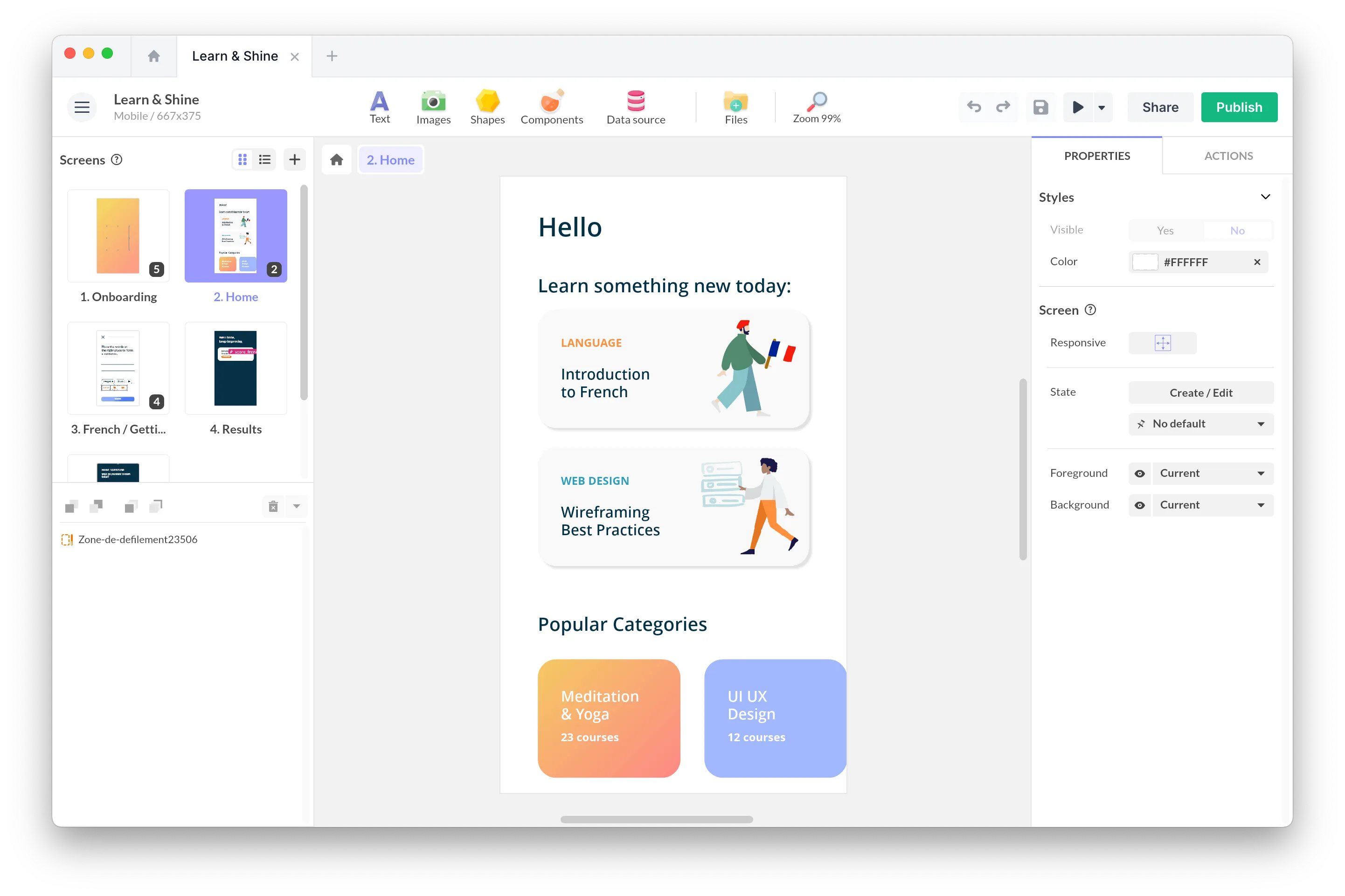
Barcode Scanning | Flexbox Markers | Photo Booth Template

Hello Pandas 🐼,
June is flying by… Between the season’s last events, the projects to wrap up before summer, and the work that won’t wait, it’s a packed month for everyone. So this newsletter gets straight to the point.
On the product side, the Code Reader component now reads barcodes, the Flexbox gains anchor markers, and a new Photo Booth template arrives to liven up your seasonal events.
And behind the scenes, we’re working hard on AI, with some great advances coming soon… We’ll keep you posted 👀
Happy reading and happy creating,
The PandaSuite Team
🚀 This Month’s New Features
The Code Reader Component Now Reads Barcodes

You already knew our Code Reader component for QR codes. Today it expands to the entire barcode family: EAN, UPC, Code 128… one single component for all your scanning use cases, even offline!
Picture this: a visitor scans the barcode of a book in your interactive catalog, and the detailed page opens instantly. An operator scans a label in the warehouse, and the matching entry appears. A customer scans a product in store, and its enriched content comes to life on screen.
Learn more about the Code Reader
Markers in the Flexbox Component
The Flexbox component now supports anchor markers: you place a marker on a specific section of your layout (the “Pricing” block, the “FAQ” section, a product page…), and a button, a menu, or a table of contents can scroll the Flexbox to that point in a single click.
🎁 Template of the Month: Photo Booth
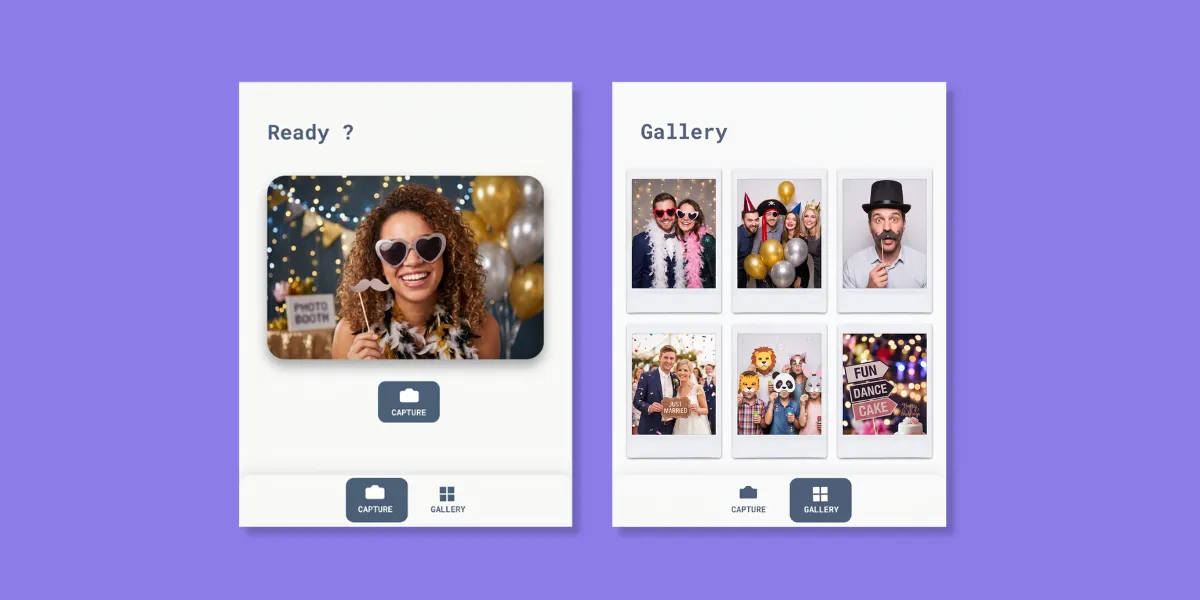
Want to bring an event, a trade show, a booth, or a store to life? We have a new ready-to-use template for you: Photo Booth.
The idea is simple: a button triggers a timer, the photo is taken automatically, and each shot is saved instantly to a local gallery. Your guests can open their photo full screen, download it to their device, or delete it if they’re not happy with the smile.
📖 Read on the Blog
What Is a TWA Application?
A TWA (Trusted Web Activity) is an Android format that lets you distribute a PWA as a true native app on the Play Store. How does it work, what are the concrete benefits, and in which contexts does it really make sense? We break the format down in this new article.
🔧 Stability & Fixes
A big wave of fixes has been rolled out across all viewers, the Studio, and the backend:
- iOS: more stable popups when openings are interrupted, refreshed packaged fonts
- Web: long audio files are now streamed in HTML5 — a real memory gain for audio-rich apps
⚙️ Updates
To enjoy all these new features, make sure your apps are up to date:
- PandaSuite Studio (MacOS, Windows, Linux): v3.10.5
- PandaSuite Viewer iOS: 3.3.366
- PandaSuite Viewer Android: 2.1.459