What is a TWA Application?
Already have a PWA that works well and need an Android version without rewriting everything in native? Or simply want to learn more about the TWA format you’ve been hearing about?
Either way, you’re in the right place. Discover what a TWA application is, how it works, what it secures, and when it beats a native rebuild.
In a nutshell
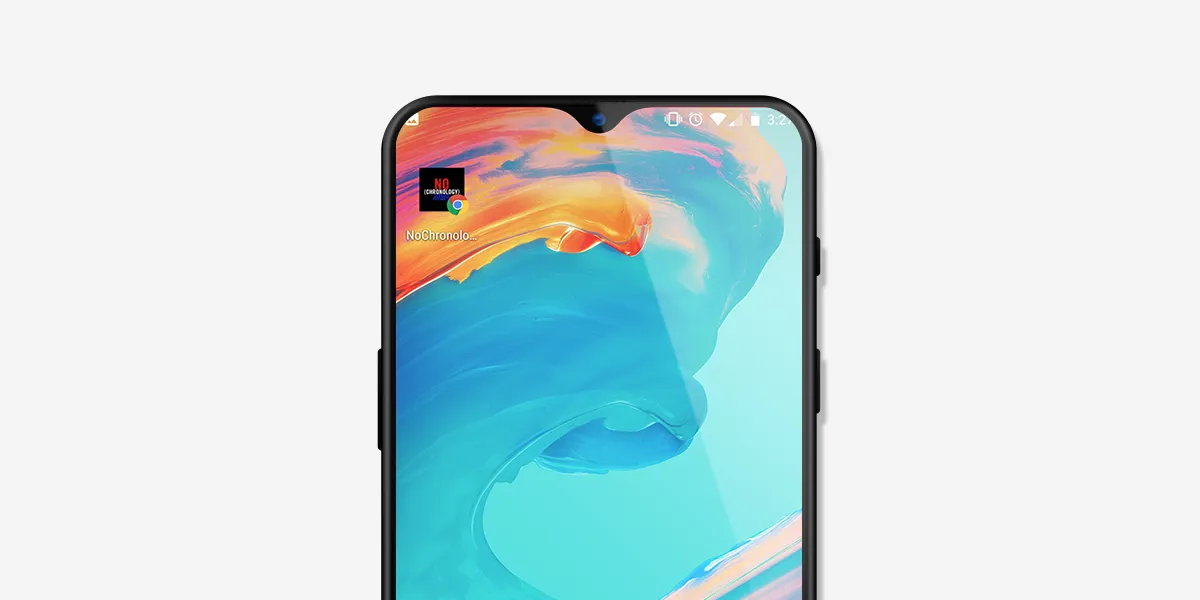
A Trusted Web Activity is an Android container that displays a web application in full screen, without the address bar or browser buttons. Concretely, it’s a Chrome browser tab running inside an Android app — but from the user’s point of view, it feels like a regular native application.
The TWA format combines two things: the flexibility of the web and the distribution of an Android app.
They are mainly used by:
- web teams that already have a PWA and want an Android version without starting over.
- publishers who want a lightweight app, easy to maintain, and synchronized with their website.
- developers who need a demo or prototype to test how a PWA looks in app format.
What’s the difference between a TWA, a PWA, and a WebView?
These three terms always come up together, and they’re easy to confuse. The distinction is actually clear-cut.
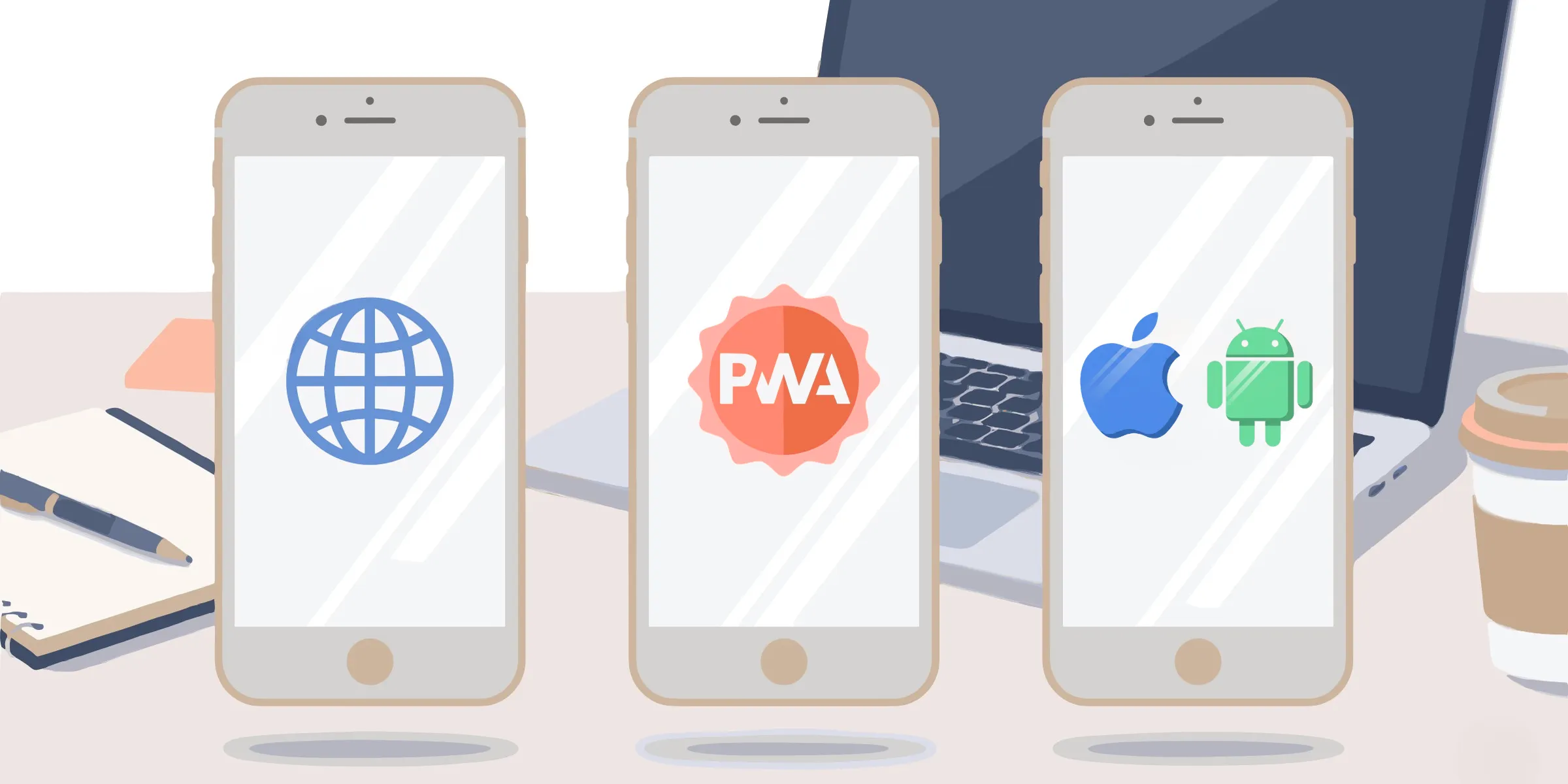
- A PWA (Progressive Web App) is a web application with superpowers: installable, able to work offline, platform-independent.
- A TWA isn’t content but a wrapper: the Android layer that packages a PWA so you can ship it on the store.
- A WebView is a simple frame that displays a web page inside an app. It has two weaknesses the TWA fixes: it doesn’t inherit the browser’s full security engine, and it doesn’t share Chrome’s cookies or cache.
The benefits of a TWA application
The format has several strengths that speak to both tech teams and decision-makers.
A single codebase
This is the most tangible benefit. Instead of maintaining a web app on one side and a native app on the other, you work on a single codebase. Every fix is automatically applied to the other format.
A lightweight, fast app
Since the content is served from the web, the installed package stays very light: it only contains the wrapper, not the full application. Users download a small file, and rendering performance is Chrome’s — that of a modern, optimized browser.
That’s a long way from the bloat sometimes associated with embedded web apps.
A presence on the Google Play Store
For many projects, being on the store is a credibility signal and a discovery channel. A TWA gives you that access without forcing you to give up your web-first approach.
If distribution is a key topic for you, it’s also worth exploring alternatives to the App Store and Google Play in parallel, to find the mix that fits your audience.
Security upsides
The security of a TWA comes from solid foundations. Since most of the code comes from Chrome rather than a custom native layer, you have less code to maintain and fewer chances of leaving a vulnerability behind. And thanks to Chrome’s automatic updates, you benefit from browser security patches the moment they ship.
On top of that comes the identity check handled by Digital Asset Links: this file proves the application and the website belong to the same publisher, which prevents a third party from passing off their app as yours.
Finally, the Android wrapper and the web content are strictly isolated: the app can’t access your site’s cookies or localStorage, which prevents an Android-side issue from contaminating your web session.
How to build a TWA application
Everything starts from your PWA, which needs to be in good shape before being packaged. Three conditions are non-negotiable: a site served over HTTPS, a properly filled-in web manifest (name, icons, display mode), and a service worker that handles cache and offline mode.
An audit with Lighthouse, the tool built into Chrome, tells you in seconds whether your PWA is ready.
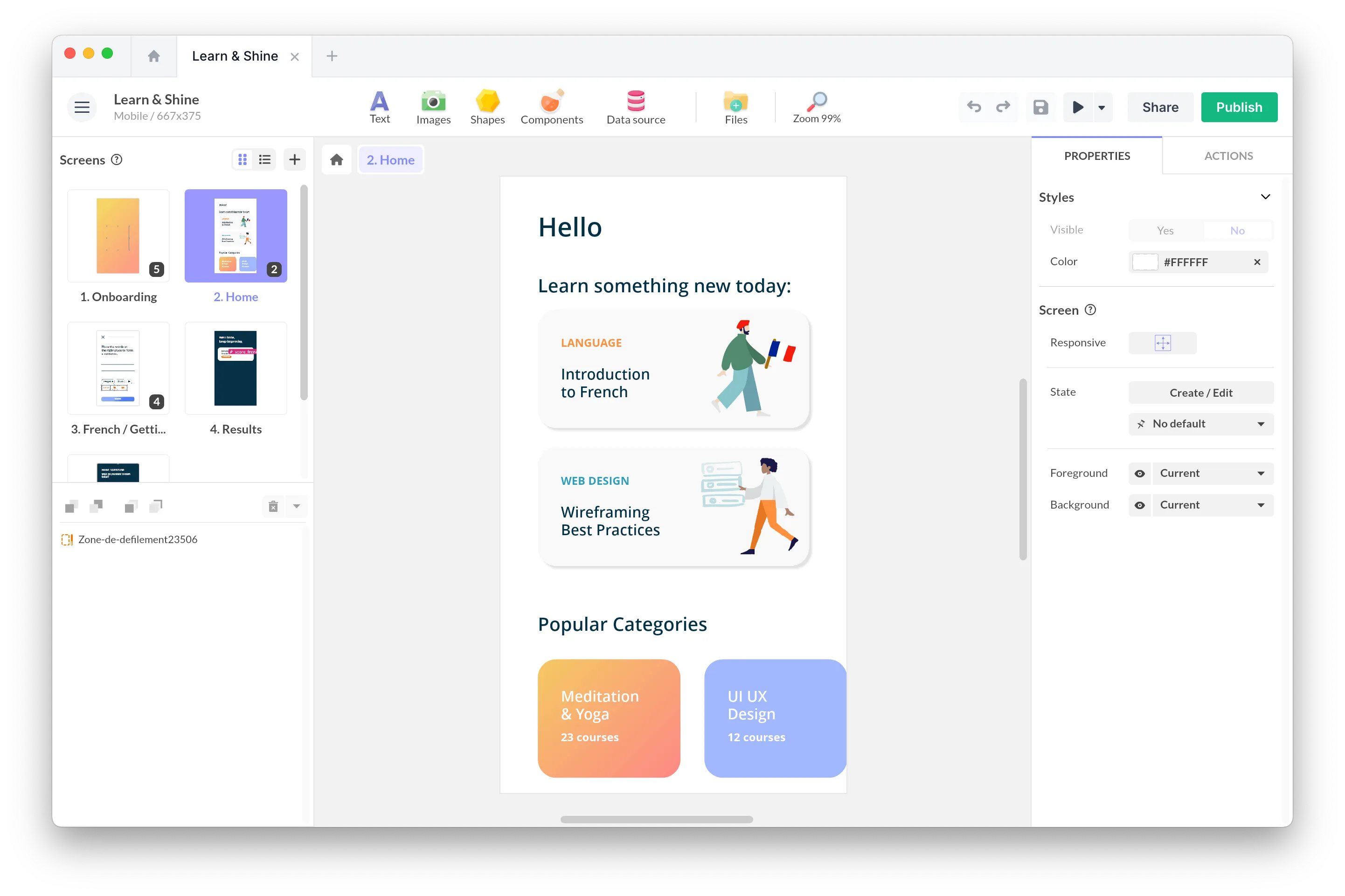
Once the PWA is validated, packaging turns its URL into an Android project. Tools like PWABuilder or Bubblewrap automatically generate the APK/AAB file from your web address. Some no-code platforms like PandaSuite go further and automate the entire chain.
Conclusion
A TWA application isn’t a new format: it’s a way to reconcile the flexibility of the web — where you keep control of your code and updates — with the legitimacy of a presence on the Google Play Store.
Let’s be clear, though, about the scope. A TWA isn’t a native app with total control over the interface: it carries your web app’s experience into full screen. It performs well when your content is already good in a browser, and much less so when your project demands pure native, with deep hardware capabilities.
FAQ
What is a TWA application?
A TWA (Trusted Web Activity) is an Android application that displays a web app in full screen, without an address bar, using the Chrome engine. It lets you publish a PWA on the Google Play Store like a real app, with the content still served from the web.
What’s the difference between a TWA and a PWA?
A PWA is the web application itself: installable, offline-capable, multi-platform. A TWA is the Android wrapper that packages this PWA for the Play Store. You first build a PWA, then “wrap it as a TWA” for Android.
Is a TWA application secure?
Yes, as long as domain ownership is verified through Digital Asset Links and the site is served over HTTPS. The TWA inherits the browser’s security model and only displays in full screen without a URL bar when this trust link is proven.
What are Digital Asset Links?
It’s a JSON file hosted at the root of your domain (/.well-known/assetlinks.json) that cryptographically proves the app and the site belong to the same owner. Without this verification, the TWA falls back to a display with an address bar.
Can you update a TWA without going through the Play Store?
Yes, for content: since the app is served from the web, any site update is visible immediately. A new submission to the store is only needed to change the Android wrapper’s configuration (icon, name, version, etc.).
Does it exist on iOS?
No. The TWA is a mechanism specific to Android and Chrome. On iOS, other approaches are used to achieve a comparable result.