
What Is the Best Interactive Kiosk Software in 2026?

There is no single best interactive kiosk software, because the term covers three different jobs. Creation tools design what the kiosk shows and how visitors interact with it. Kiosk mode and lockdown tools stop visitors from leaving that experience. Digital signage platforms and device management systems (MDM) update and monitor many screens from one place. Most kiosk projects combine two of them, and the right choice depends on which job matters most for yours.
Interactive kiosks are common in museums, stores, corporate lobbies, tourist offices and events. Once the hardware is chosen (see what hardware should run your touchscreen kiosk), the software decides what visitors can do with it.
This guide will help you:
- understand what interactive kiosk software does;
- identify the key criteria for your project;
- compare the main families of tools in 2026;
- and choose the combination that fits.
If your project is about designing the experience itself, you can also visit our dedicated page: Kiosk Design with PandaSuite.
Table of Contents
- What Is Interactive Kiosk Software?
- How to Choose Interactive Kiosk Software? Key Criteria
- Benchmark 2026: Main Families of Interactive Kiosk Software
- Which Kiosk Software Should You Choose?
- FAQ
- Conclusion
What Is Interactive Kiosk Software?
Interactive kiosk software runs a touchscreen experience in a public space. It has to do three things a regular app or a static display doesn’t, and they are often handled by different tools.
1. Content and Interaction Creation
It lets you design and display:
- multi-screen interfaces,
- clear navigation paths,
- buttons, menus, galleries, or carousels,
- multimedia content (images, videos, audio, PDFs, 3D),
- user interactions (forms, scenarios, branching).
2. Security and Public Use (Kiosk Mode)
In a public-facing context, the setup must limit the risk of misuse:
- blocking system menus,
- preventing users from exiting the application,
- automatic return to the home screen after inactivity,
- automatic launch at device startup.
Part of this is often handled by the operating system rather than by the kiosk app: Windows, iPadOS and Android each have their own kiosk features. Our article Kiosk Mode Explained details how each one works.
3. Updates, Screen Management and Offline Operation
Once installed, a kiosk has to stay up to date and keep running, often where connectivity is weak or unstable. Depending on the project, the software must handle:
- content updates after installation, and who makes them,
- remote management of several screens or devices,
- offline operation, with content stored locally,
- automatic recovery in case of issues.
Depending on the project, these functions come from different types of tools: experience creation tools, digital signage platforms, device management (MDM) systems, or industry-specific software.
How to Choose Interactive Kiosk Software? Key Criteria
Before comparing solutions, it’s helpful to clarify your priorities. Here’s a checklist of essential questions to guide your decision.
Checklist: 7 Criteria to Evaluate
Creation Experience
- Do you need a visual, drag-and-drop tool accessible to non-technical teams?
- Or will developers handle the creation using code?
Level of Interactivity
- Simple information screens only?
- Or advanced features: touch gestures, conditional scenarios, games, complex journeys?
Security and Kiosk Mode
- Does the software, or the device’s own kiosk mode, lock the device to prevent misuse?
- Is there an automatic return to home after inactivity?
- Can it auto-launch at device startup?
Hardware and System Compatibility
- Windows support?
- Android support?
- iPadOS support?
- Compatible with your hardware: tablets, totems, large format screens?
Offline Operation
- Does the kiosk need to work 100% offline?
- Is content stored locally on the device?
Deployment and Updates
- Do you need remote fleet management?
- Or is simple file export sufficient?
- Who will update the content once the kiosk is installed?
Business Model
- SaaS subscription (monthly/yearly)?
- Perpetual license (one-time payment)?
- Enterprise MDM solution?
Benchmark 2026: Main Families of Interactive Kiosk Software
Rather than looking for a universal “best software,” it’s more relevant to compare families of solutions, each addressing specific needs. The tools below were checked in October 2026.
1. PandaSuite: Interactive Experience Engine
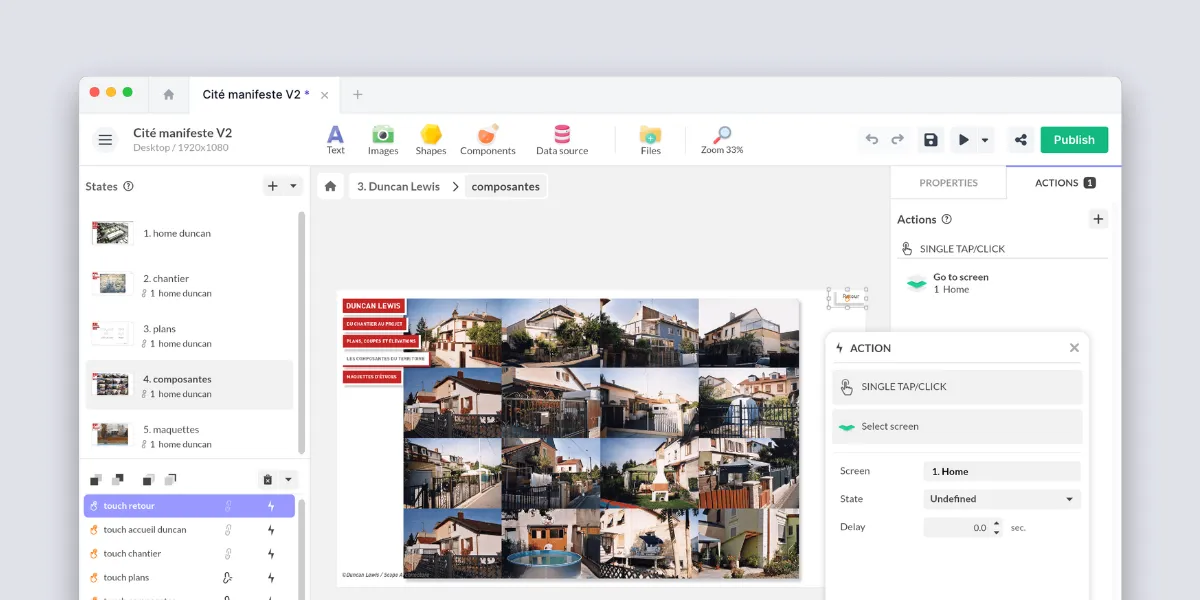
PandaSuite is an engine for creating interactive experiences. Teams design the kiosk’s screens, content and interactive logic in a visual editor, then deploy the project where it needs to run: a Windows EXE, an iPad or Android app, or a web app.
With its visual editor, you can:
- design your screens with drag-and-drop,
- integrate media (videos, images, 3D, audio, 360°),
- create interactions (navigation, animations, gestures),
- configure logic and branching, including a return to the home screen after inactivity,
- and export your experience for offline use.
On Windows, PandaSuite also locks the device: the exported app launches in full screen, and its built-in kiosk menu replaces the Windows shell so the app starts in place of the desktop, on any Windows edition, with administrator approval. It doesn’t block Task Manager or key combinations; for that, or for dozens of devices managed remotely, add Windows tools such as Assigned Access or an MDM (see Scalefusion and Hexnode below). On iPad, the lock comes from Apple’s Guided Access.
At Prémontrés Abbey, the team built four touchscreen kiosks in-house for its permanent tour. They run on Windows, locked in full screen, and the staff member in charge of interpretation updates the content herself.
PandaSuite is particularly suited if:
- you want a fully customized kiosk interface,
- your team prefers not to code,
- you want to use the same tool for projects beyond kiosks (web, apps, offline installations).
To learn more specifically about kiosks, you can visit the dedicated page: Kiosk Design with PandaSuite.
2. Scalefusion: Kiosk Lockdown & MDM
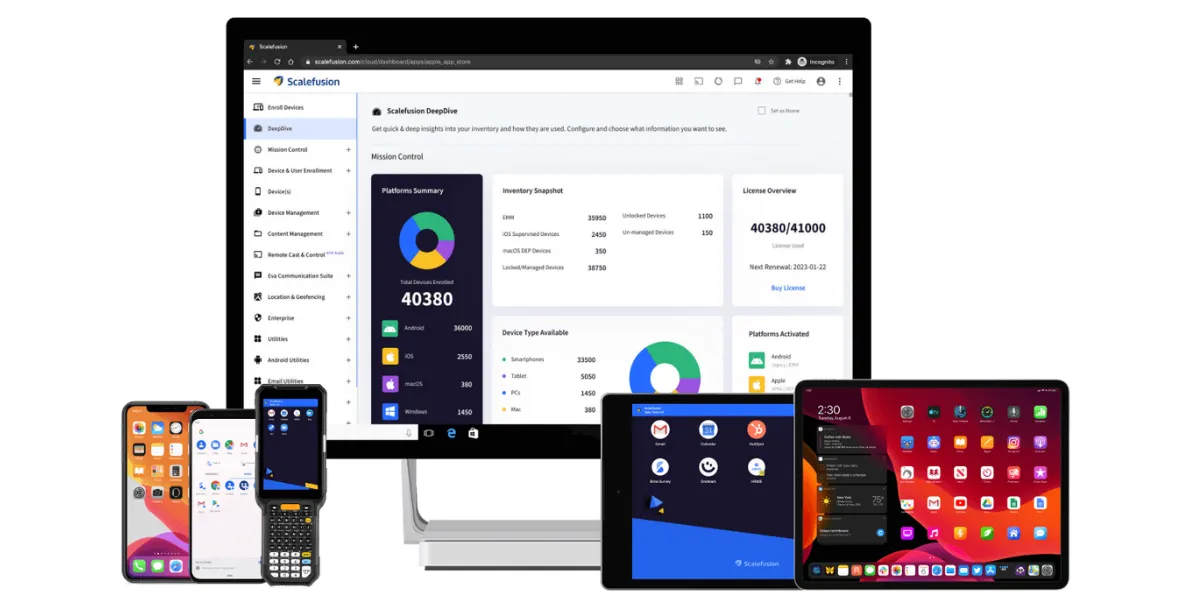
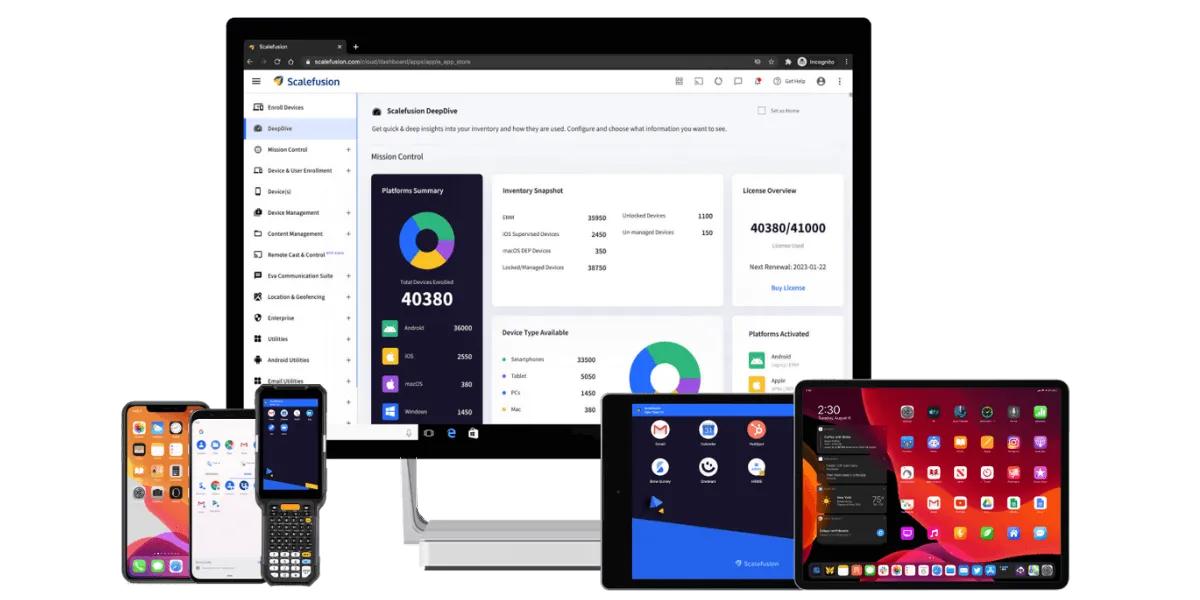
Scalefusion is primarily a security and device management solution.
It allows you to:
- lock devices in kiosk mode,
- manage usage policies,
- administer device fleets remotely.
However, interactive content creation remains limited. Scalefusion is best suited for projects where the priority is centralized management of a large device fleet.
3. Intuiface: Interactive Digital Signage
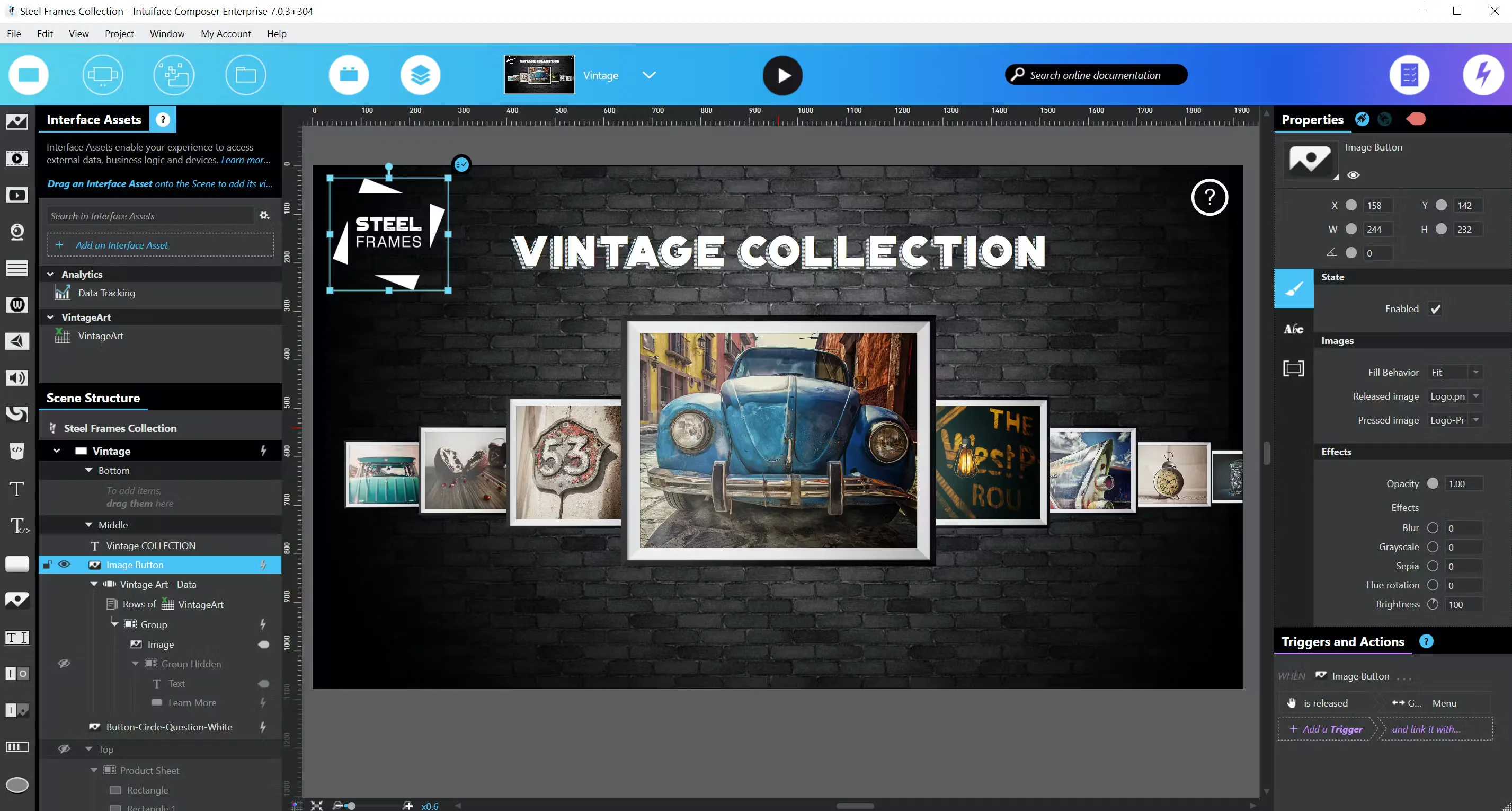
Intuiface is a well-established platform in the interactive digital signage space.
It offers:
- an editor for touch experiences,
- advanced interactions (touch, motion, voice and presence detection),
- analytics tools,
- multi-screen deployments.
It is particularly relevant when the kiosk is part of a larger interactive signage ecosystem.
4. NoviSign and OptiSigns: Digital Signage with a Kiosk Mode
Digital signage platforms such as NoviSign and OptiSigns started with screens that broadcast content, and now offer an interactive kiosk mode. You build the kiosk in their editor, then update and manage its content remotely across many screens; OptiSigns lists Android, Windows and ChromeOS players.
They are strongest when many screens must be updated from one place. If your experience needs custom logic, games or offline journeys, check how far their editor goes before committing.
5. Hexnode: MDM with Kiosk Features
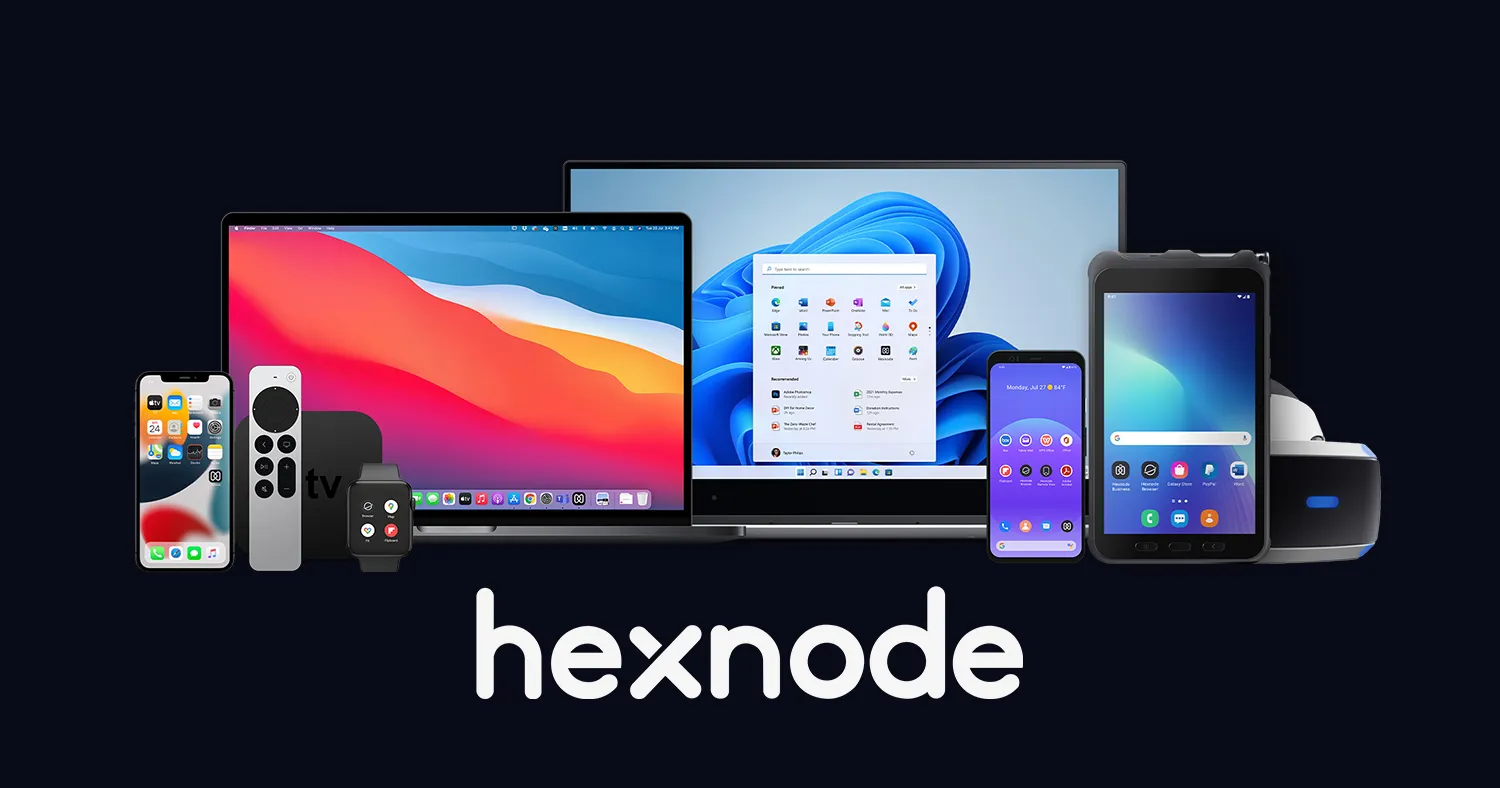
Hexnode is a comprehensive Mobile Device Management solution with kiosk mode features.
It allows you to secure and manage devices, but is not designed to create rich interactive experiences. It is primarily aimed at organizations looking to integrate kiosks into an overall IT strategy.
Which Kiosk Software Should You Choose?
There is no universal “best” kiosk software. Each type of solution excels in a different context:
| Type of solution | Ideal for |
|---|---|
| Experience creation tools | Custom interactive experiences |
| Lockdown/MDM tools | Securing and managing device fleets |
| Digital signage platforms | Updating many screens from one place |
| Vertical retail solutions | Stores with assisted selling / catalog needs |
| Custom development | Unique, highly specific installations |
In practice, many projects combine two families: a creation tool for the experience, plus the device’s own kiosk mode for a few screens or an MDM for a large fleet.
To choose the right solution:
- Identify your use case (museum, event, store, lobby).
- Determine who will create and maintain the content.
- Assess the level of flexibility you need.
- Evaluate your offline needs (crucial for museums & events).
- Test a small prototype on the final device to validate your assumptions.
If you want to design the kiosk experience yourself, from the screens to the offline export, you can explore the dedicated PandaSuite page: Kiosk Design with PandaSuite.
FAQ
Is Kiosk Mode the Same as Kiosk Software?
No. Kiosk mode locks a device to one app or one website so visitors can’t leave it. Kiosk software can also mean the tool that creates what that app shows, or the platform that updates content on many screens. A kiosk project usually needs both the experience and the lock.
Can an Interactive Kiosk Run Without Internet?
Yes, if its content is stored on the device. Exported apps for Windows, iPad and Android can run fully offline; content pulled from a live data source only refreshes once the connection is back. At the Louvre, a 3D display of a statuette built with PandaSuite ran offline, without the museum’s network.
Do I Need an MDM for an Interactive Kiosk?
Not always. On Windows, the kiosk menu built into a PandaSuite app locks the device, and on iPad, Guided Access does it, without extra software. On Android, a restricted profile limits the tablet to your app but doesn’t stop visitors from closing it; an MDM such as Scalefusion can lock it in single-app kiosk mode. An MDM also becomes useful when you manage dozens of kiosks or need to push updates and monitor devices remotely.
Conclusion
Interactive kiosks help visitors find their way, explore content on their own and get information in public spaces.
Choosing the right combination of software will help keep the installation stable, secure, and easy to maintain, today and as your content changes.