
Add an Interactive AI Avatar That Controls Your App

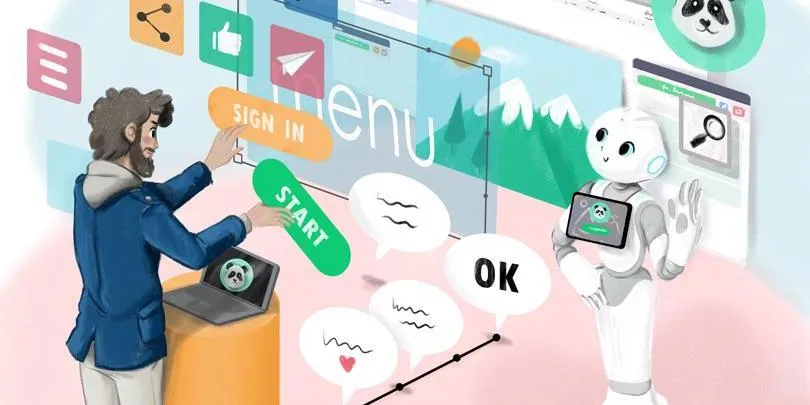
AI avatars are showing up everywhere: in museums, reception halls, product catalogs, and training modules. They give a face and a voice to a brand, a guide, or a historical figure. But most of them stay locked inside the conversation: they answer, and the app around them doesn’t move.
An avatar that only answers is just a chatbot with a face.
In the demo we built, a visitor asks an interactive AI avatar: “Show me the Water Lilies page.” The agent recognizes the artwork and PandaSuite opens the right page: a high-resolution reproduction, an audio commentary, a timeline, and a work to compare it with. The answer no longer just tells the visitor where to look. The interface goes to the right place.
That link between the two moments is why we built the D-ID Agent component for PandaSuite. D-ID is a company specializing in AI-generated video avatars: its agents hold real-time conversations with a face and a voice.
Voice asks, the screen explores
A spoken answer disappears as soon as it’s said. A screen can be reread, compared, and revisited. You can examine an image, follow a procedure, choose between several results.
Voice is most useful when someone knows what they’re looking for without knowing how the app is organized. In our example, the visitor didn’t have to guess which room, period, or category the museum had filed the painting under. She used her own words.
The screen then takes over to explore, compare, and go back. Neither interface replaces the other. Each does what it does best.
The agent understands, PandaSuite executes
An AI model can recognize many phrasings: “Show the Water Lilies,” “I’d like to see the Monet,” or “Open this painting’s page.” The app, on the other hand, has to stay predictable.
So the agent doesn’t get free access to the project. You choose the actions it can request: change screens, select an item, switch a state, set a value, or play a media file. PandaSuite then runs the action you configured.
- On the D-ID side: the face, the voice, listening, personality, knowledge, and the conversation.
- On the PandaSuite side: screens, collections, the Datastore, states, variables, conditions, and actions.
That boundary matters. The AI interprets the request. You decide what it can produce in the experience.
From request to action
In D-ID, a capability offered to the agent takes the form of a Client Tool. In a museum app, a tool might mean “show an artwork” and receive the ID of the requested work.
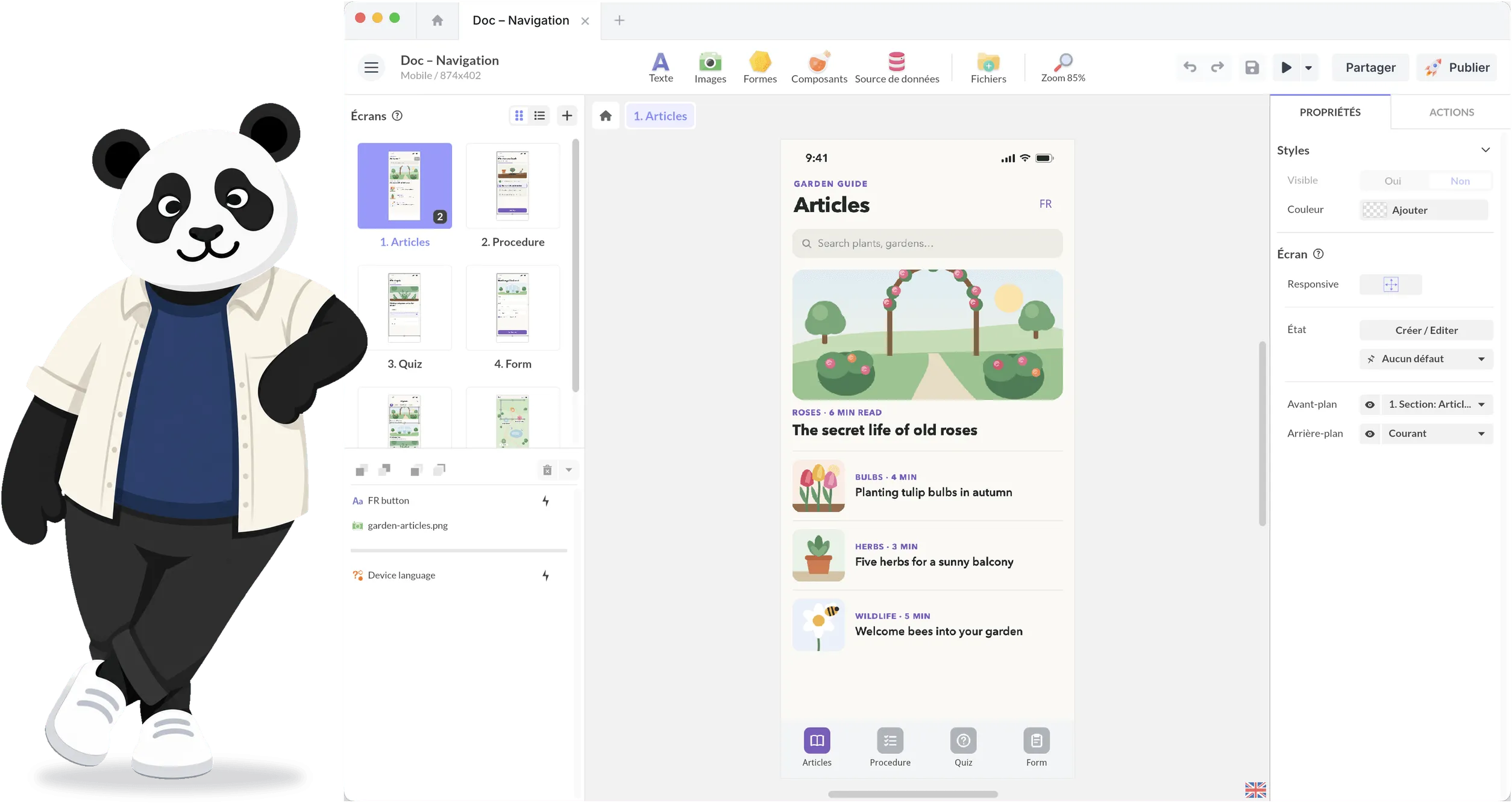
In PandaSuite, that tool becomes an event of the component. You attach an action to it just as you would to a button: open a page, filter a collection, change a state, or start a quiz.
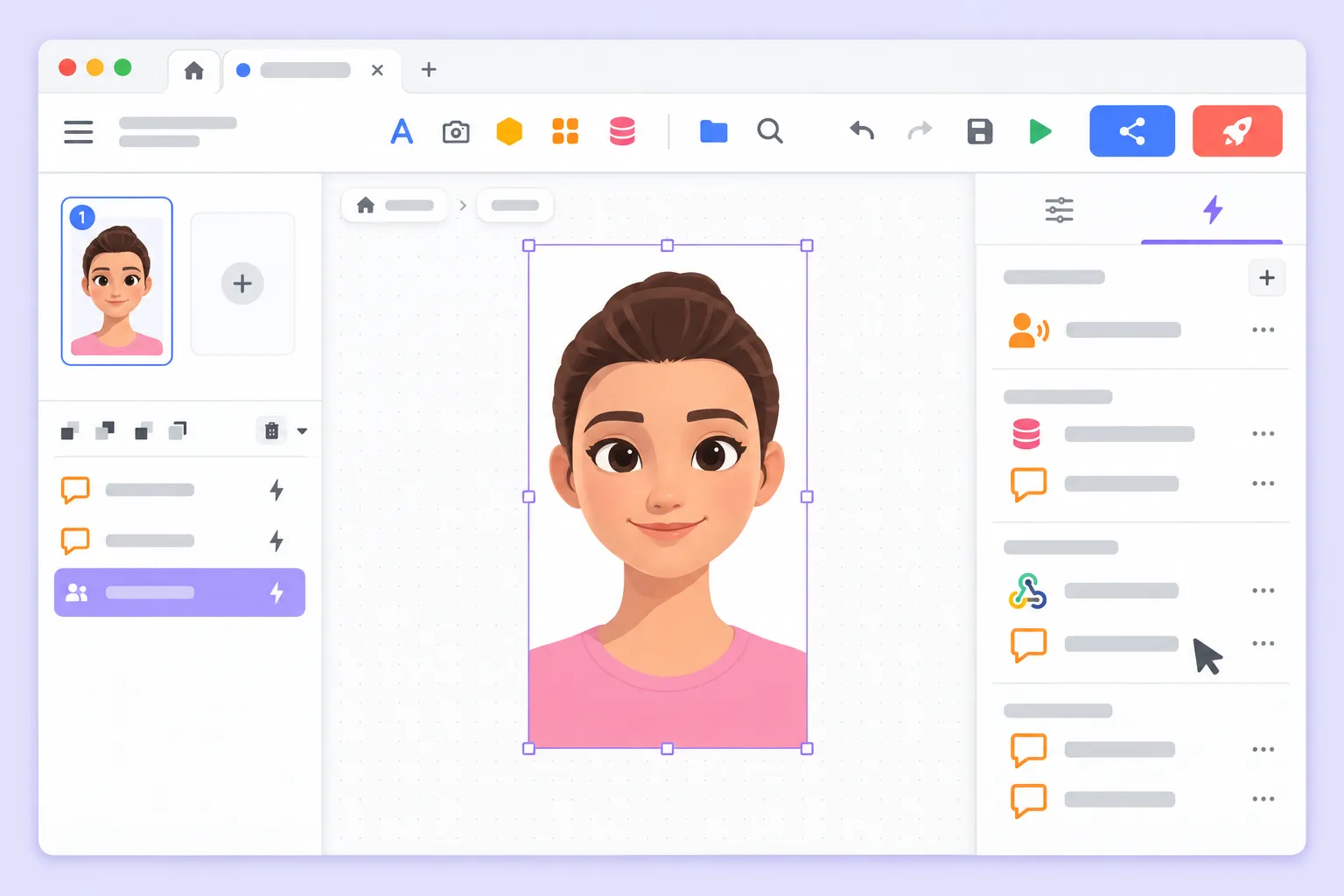
The whole mechanism fits on one line:
The visitor asks → the agent calls a tool → PandaSuite triggers the action.
The app can also send information back to the agent. The agent can ask for the list of available exhibitions, receive the project data, then suggest the one that matches the visitor’s request. The content stays in PandaSuite; the agent looks it up when the conversation needs it.
That’s as far as we’ll go into the mechanics here. The D-ID Agent component tutorial covers creating tools, their arguments, and return values in detail, and the conditions docs cover what the app can do with a value it receives.
Six uses for an interactive AI avatar
The principle is the same from one project to the next: define a few useful actions, then let people ask for them in their own words.
Guide a museum visitor
The visitor asks about an artwork, an artist, or a period. The avatar opens the right page, locates the object on a map, starts an audio commentary, or suggests a work to compare, in a museum app built with PandaSuite.
It can also start from a real constraint: “I only have twenty minutes,” “I’m here with kids,” or “I want to discover the Impressionists.” The app then displays a matching tour or selection.
Choose from a catalog
People don’t always have the right keywords, or the patience to open six categories. They can simply say: “I’m looking for a bike for my daily commute” or “Show me the models that fit a small space.”
The agent applies the planned filters, displays a selection, opens a product page, or starts a comparison. The conversation shortens the search; the screen keeps features and differences in view.
Support a training path
A learner asks for an explanation, goes back over a concept, or picks an exercise. The avatar displays the relevant chapter, starts a demonstration, offers a quiz, or points to a remediation activity.
It acts as a guiding thread without replacing the content, assessments, or teaching rules the trainer designed.
Welcome people on site or at an event
In a lobby, at a trade show, or in a company building, the agent can answer a question, then display a map, locate a room, present the program, or open a speaker’s profile.
This helps when visitors don’t know whether “pick up a badge” sits under Practical Information, Reception, or Services. They ask. The screen then shows them the place and the way there.
Help visitors explore a destination
“What can I do this afternoon if it rains?” or “Find me an activity within walking distance” are requests that are hard to fit into a menu.
The avatar can query the available content, display a selection, open a map, or suggest a short route. The recommendation stays tied to the app’s opening hours, locations, and listings instead of remaining an isolated spoken answer.
Walk someone through a procedure
In a business app, a demo space, or an after-sales service, a person describes their goal or problem. The agent opens the right step, highlights the control to use, or plays the matching video.
This becomes especially useful when the app is rich but used twice a year. Nobody wants to memorize its whole structure between visits.
The app can also make the avatar react
The relationship works both ways. PandaSuite can make the agent speak text drawn from the project data, interrupt its answer, or adapt the interface depending on whether it’s listening, thinking, or speaking.
If someone touches the screen during a long explanation, the app can interrupt the agent. If a group walks past the kiosk chatting, it can mute the microphone for a moment. And if the connection fails, it can immediately show another way to continue.
The avatar no longer floats above the app. It follows its pace and its transitions.
Design a few actions, not unlimited power
It’s better to start with a handful of frequent, easy-to-check actions: open a page, show a category, play an audio commentary, display a map, or start a quiz.
Each action should have a clear result. For a sensitive or hard-to-undo operation, ask for confirmation. And when the agent can’t act, say so: a sentence pointing to the menu beats silence; a handoff to a person beats a loop.
This framework doesn’t limit the experience. It makes it understandable, testable, and editable by the team that designed it.
For people who won’t talk to the avatar
A voice interface depends on the microphone, browser permissions, the network, and the noise around the device. In a lobby, these conditions aren’t exceptions. They’re the normal conditions of use.
Make it clear that people are talking to an AI, and show when the microphone is listening. Keep the buttons, filters, and touch navigation too. They must work for the person who doesn’t want to speak out loud, for the one speech recognition struggles to understand, and for the moment the service is unavailable.
Finally, explain what data is captured and processed, and limit it to what you actually need.
The avatar is not the experience
An avatar brings a visual and vocal presence. It listens, thinks, and answers. But that’s not what makes the system useful.
What matters is the continuity between understanding and acting: the agent interprets the request and calls an authorized tool; PandaSuite applies logic you designed, and that you can observe and evolve.
Questions we get asked
What’s the difference between a chatbot and an AI avatar?
A chatbot usually handles the exchange in a text interface. An avatar adds a visual and vocal presence. In both cases, the decisive difference isn’t the appearance: it’s the ability to call tools connected to real actions in the experience.
Can this component be used on an interactive kiosk?
Yes, as long as you test microphone access, browser permissions, the network, latency, and the interactive kiosk hardware under real conditions. A fallback touch navigation is still recommended.
Can the agent trigger any PandaSuite action?
A synchronized Client Tool becomes an event of the component. You can attach any action available in your project: navigation, state changes, media playback, data updates, conditions, and more. The agent only has access to the operations you configured.
The D-ID Agent component is available in PandaSuite. Try it for free on your own project, and test it on the final device.