E-Detailing in Pharma: How to Design a Tool Reps Actually Use
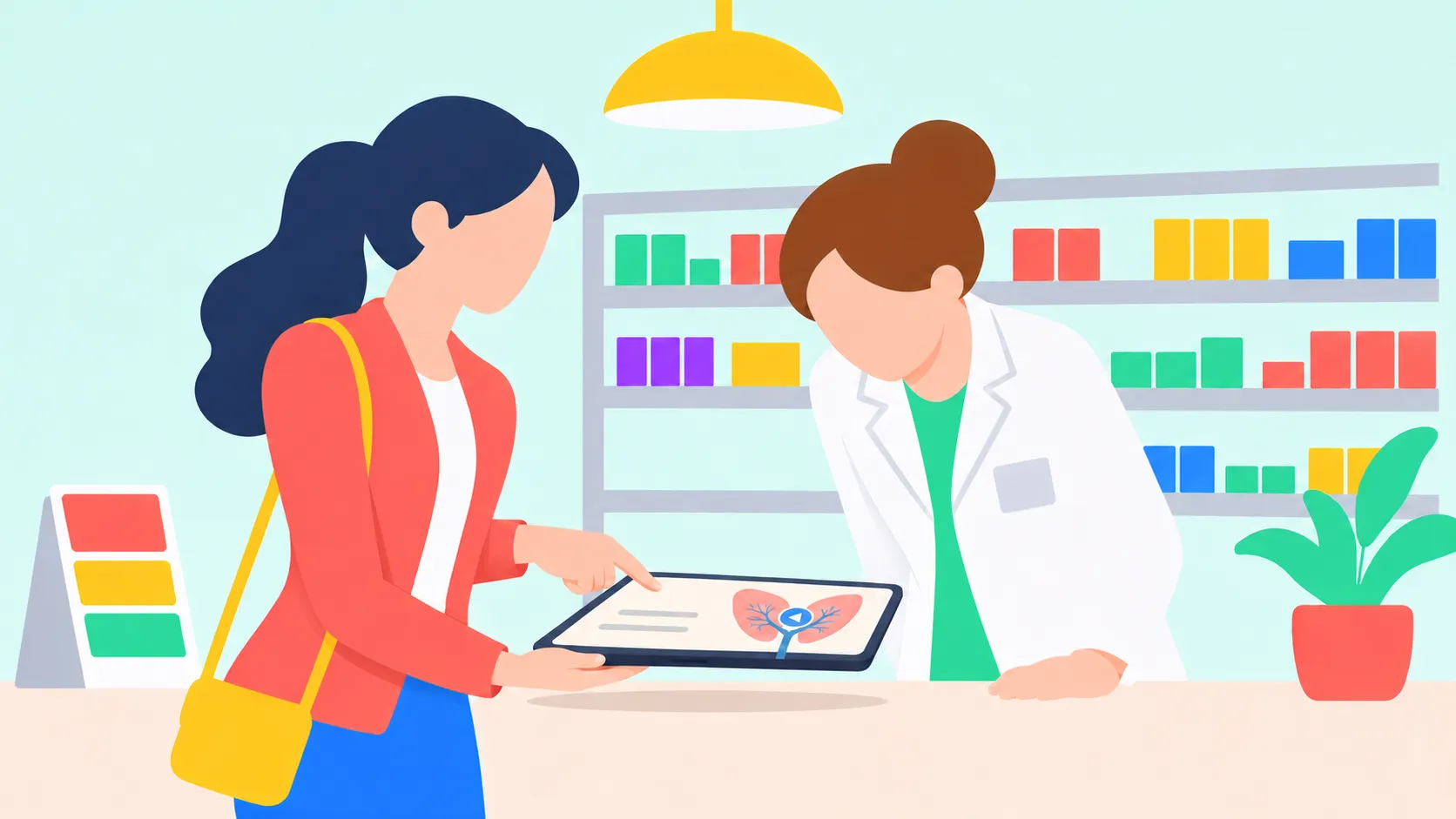
In pharma, the in-person sales call is where the work happens, and it’s a real challenge: you get a few minutes to make your case. That’s the moment e-detailing has to serve. Yet detail aids can run to 300 or 400 pages. France’s drug regulator, the ANSM, cites shorter ones as a simple step toward “promotional sobriety,” mainly for environmental reasons. For a short call, all those pages aren’t the most practical format either.
A lot of that content also sits unused. According to Veeva, a software vendor for the pharma industry, field teams share materials in fewer than half of their customer interactions. Nearly 80% of approved content is rarely or never used. So here’s the question: how do you build a sales aid your reps actually use?
We’re not pharma or healthcare experts. Our field is interactive and multimedia communication. We’ve talked with many pharma companies, agencies, and manufacturers, and several chose PandaSuite to build their e-detailing tools. Here’s what we’ve learned from those projects. For anything regulatory, your regulatory affairs team has the final word.
A Format of Its Own
E-detailing (or eDetailing) covers several kinds of digital promotion, including remote calls. Here, we mean the tablet version: a digital, interactive take on the printed detail aid (or visual aid) that reps bring to a call, sometimes called a digital sales aid. It brings together product and sales content under strict rules. In France, this format is called an e-ADV.
You can’t design it the way you’d design a website or a slide deck. It has its own constraints:
- Two people use it: it’s a conversation tool. The rep handles it while the healthcare professional (HCP) looks on.
- The path changes every time: it depends on what the HCP asks.
- Its content is controlled: the rules we mention in this article are the ones that apply in France. Every country has its own, in Europe and beyond, so check the legislation in force wherever you operate. In France, drug promotion needs a visa, a pre-approval from the ANSM. A dietary supplement doesn’t need one there, but its health claims are regulated.
- It has to work anywhere: including with no internet connection.
Centralize Your Content
A rep can’t improvise or patch slides together. You need one version, cleared by your internal review (often called MLR, for medical, legal, and regulatory) and sent out to every field team.
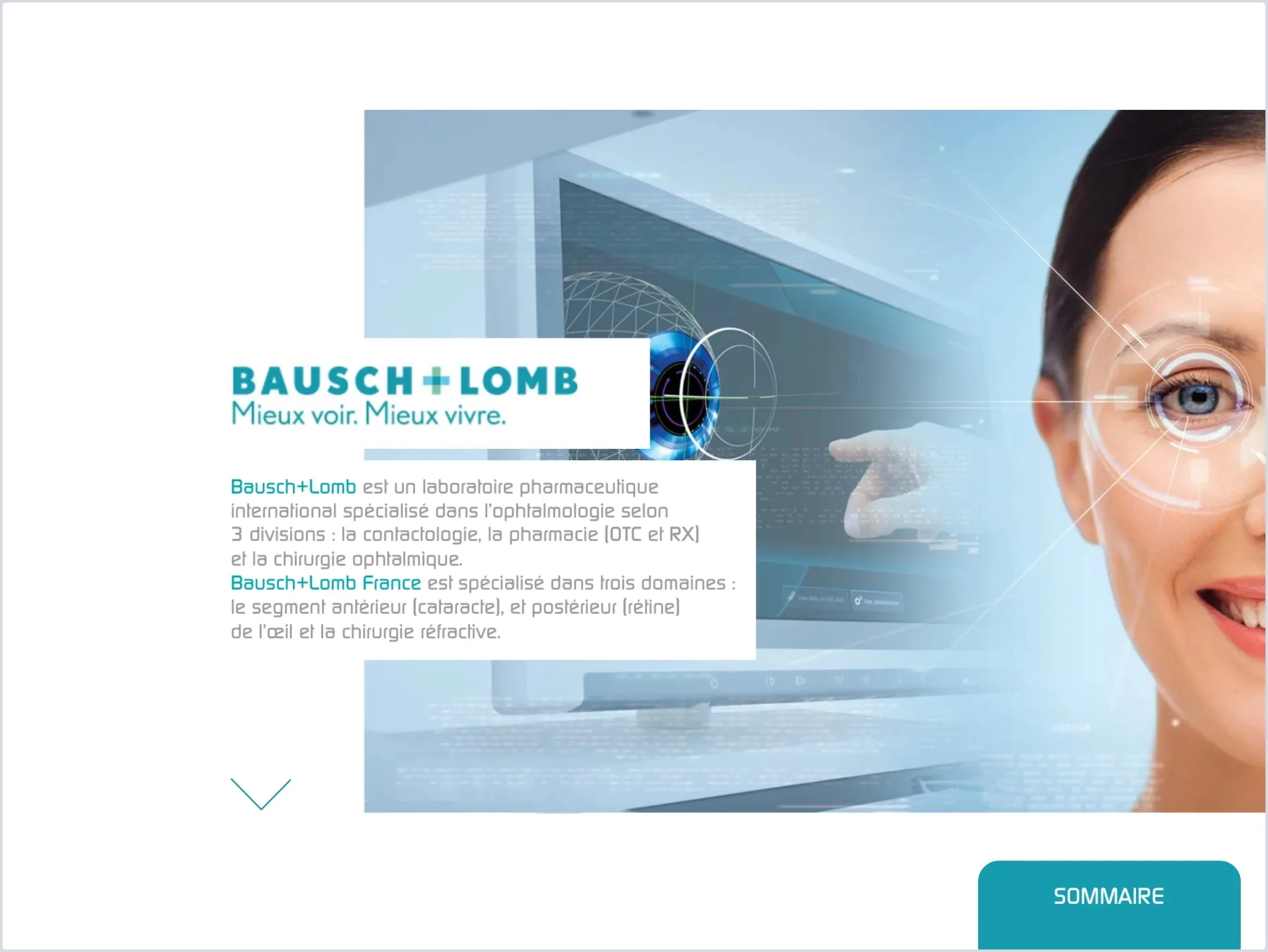
The Bausch + Lomb e-detailing app brings videos, studies, brochures, and links together on one tablet, with less need for printed documents.
The same logic applies outside healthcare. Reps at a wholesaler working with the Labellecréa agency were juggling PDFs, Excel files, and a separate ordering tool. Everything now sits in one app, with a catalog organized into three product areas.
Plan the Path Before the Screens
For UX (user experience), start here: a detail aid often follows the outline of a brochure, but a rep starts from a question. In another sector, JLL’s sales app is a good example of navigation built around client challenges.
- Organize content by product type, by use, or by audience, based on what actually comes up at the pharmacy counter or in the doctor’s office.
- Keep navigation cues visible: a fixed menu bar gives access to other sections from any screen.
- Plan the way back: after a detour to a study or a video, the rep should land on the same screen, not the home screen.
- Keep secondary content close: leave the key information on the screen, and add buttons to videos, key figures, or studies.
Design for the In-Person Sales Call
For UI (user interface), the rep needs to touch the screen while staying focused on the HCP.
- Large touch targets: Apple recommends 44 x 44 points by default on iPad.
- An interface two people can read: the HCP is reading from a distance, so use large titles, little text, and strong contrast.
- Tablet tests with your reps, before the MLR review. You’ll see what gets in their way and which features are missing. Building it with them is also a good way to get their buy-in.
Make the Information Visual
Medical information is complex. Studies, how a product is administered, dosage: there’s a lot to show and a lot to explain, even to experts. Use multimedia:
- A video right on the screen, without leaving the conversation, to demonstrate a technique.
- A zoomable diagram or chart to look at the details.
- An image sequence to rotate a product 360°.
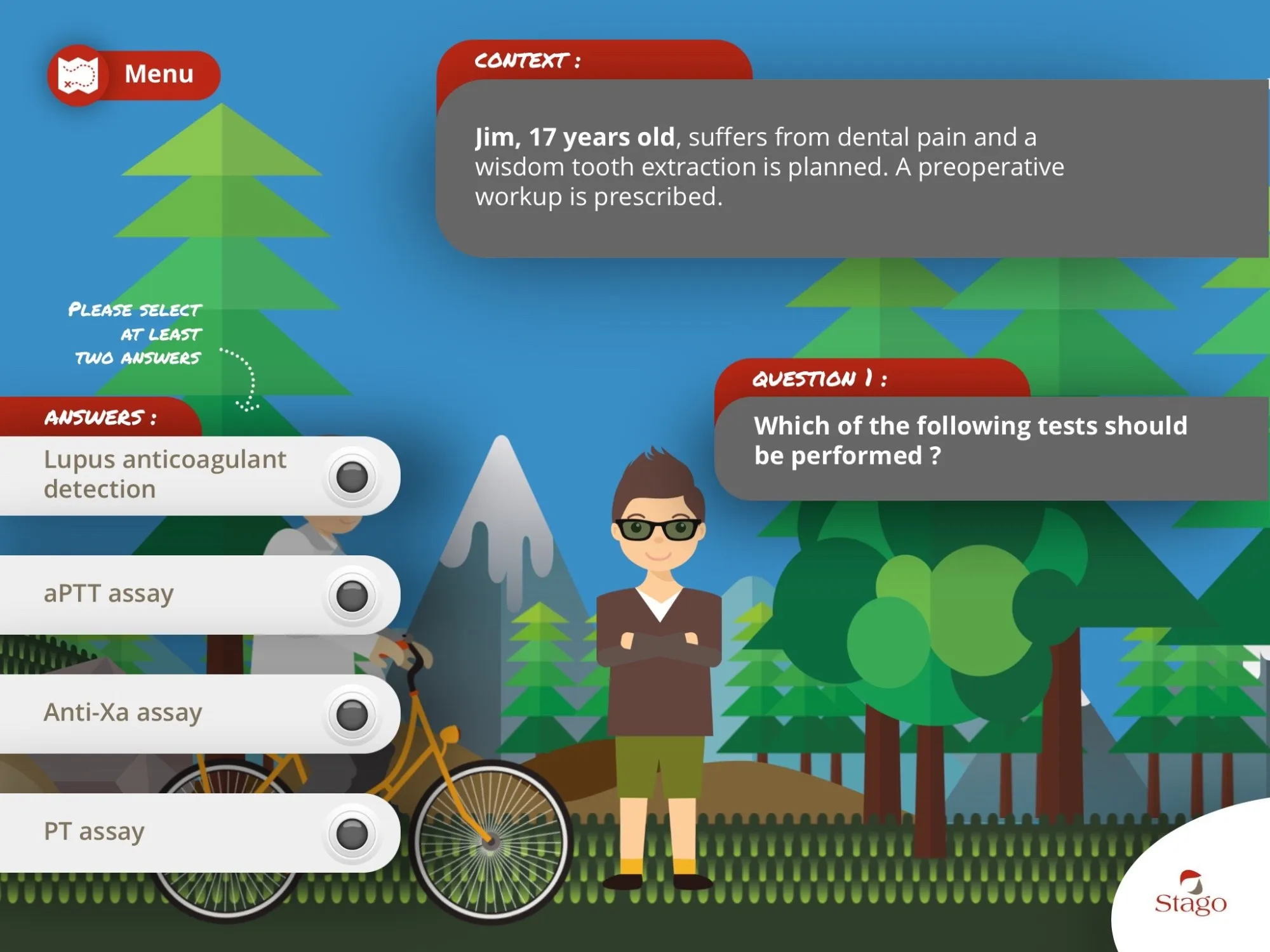
Games can carry information too. Stago’s serious game, designed for a trade show, puts the player in the role of a doctor solving patient cases to move forward. It isn’t a detail aid, but it shows how far you can take the teaching side of a medical topic.
Plan for Offline Use
Sales teams are often on the road, visiting doctors, pharmacists, and veterinarians, and the network doesn’t always keep up. In many of the pharmacies visited by a dietary supplement company’s reps, 4G and 5G don’t get through.
Reps need to find the right information quickly, with no network. A native app downloads each media file the first time it’s needed, then stores it on the device. To run fully offline from the first launch, you can package all its assets ahead of time. That option depends on your plan and has a catch for updates, covered below.
Take Notes, Send, Measure
During and after the call, reps can take notes in the app. Notes aren’t saved automatically: you store them on the tablet with the Datastore, or remotely with Firebase. Reps can also open a prefilled email, which they send themselves.
You can also track how your e-detailing tool gets used. A hearing aid manufacturer asked us about tracking the pages viewed. Screens viewed and interactions can go to your analytics tool: Firebase for a native app, Google Analytics or Matomo for a web app. That data only goes out when the device is connected, and PandaSuite doesn’t store it or offer a dashboard. Your analytics tool is where you’ll see which screens earn their place.
Who Updates It?
A dietary supplement company had a print catalog of more than 600 pages. It had to be reprinted regularly, or loose update sheets had to go into a binder. Reps had to explain out loud what the catalog didn’t reflect yet. Franck Médioni’s agency, Labellecréa, turned it into a tablet app in two months and trained the company’s teams to update product sheets themselves.
Content updates are published from the dashboard. Once connected, a standard app shows reps a banner to open the new version. An app with packaged content keeps that content until you install a new file. A new PandaSuite Studio feature or a bug fix also takes a new version of the app.
Who Builds It?
PandaSuite isn’t a rigid, ready-made e-detailing tool. It’s for creating a custom tool that fits what your sales team needs. You don’t have to be a developer. Franck Médioni, who has a creative background, puts it this way: “You find yourself in a fairly familiar environment very quickly, and you understand the features just as fast.”
It still takes some time to learn. Our team is here for that part :)