How to Add Barcode Scanning to a Catalog App
You’re working on a digital catalog project and wondering how to make sure the user lands on the right product page, at the right moment, without friction? It could be a sales rep in a meeting, a salesperson in store, or an end customer.
On every product’s packaging there is already an answer: the barcode. It’s a label, readable in a second, that identifies each reference with no ambiguity. Adding barcode scanning to a catalog app means leveraging what’s already there to transform the sales experience. The user holds the product in front of the camera, and the right product page opens.
On paper, it sounds simple. In practice, several technical and functional choices determine whether the feature actually works. Here’s what you need to know before integrating it into your app.
Why barcode scanning is an asset for your digital catalog
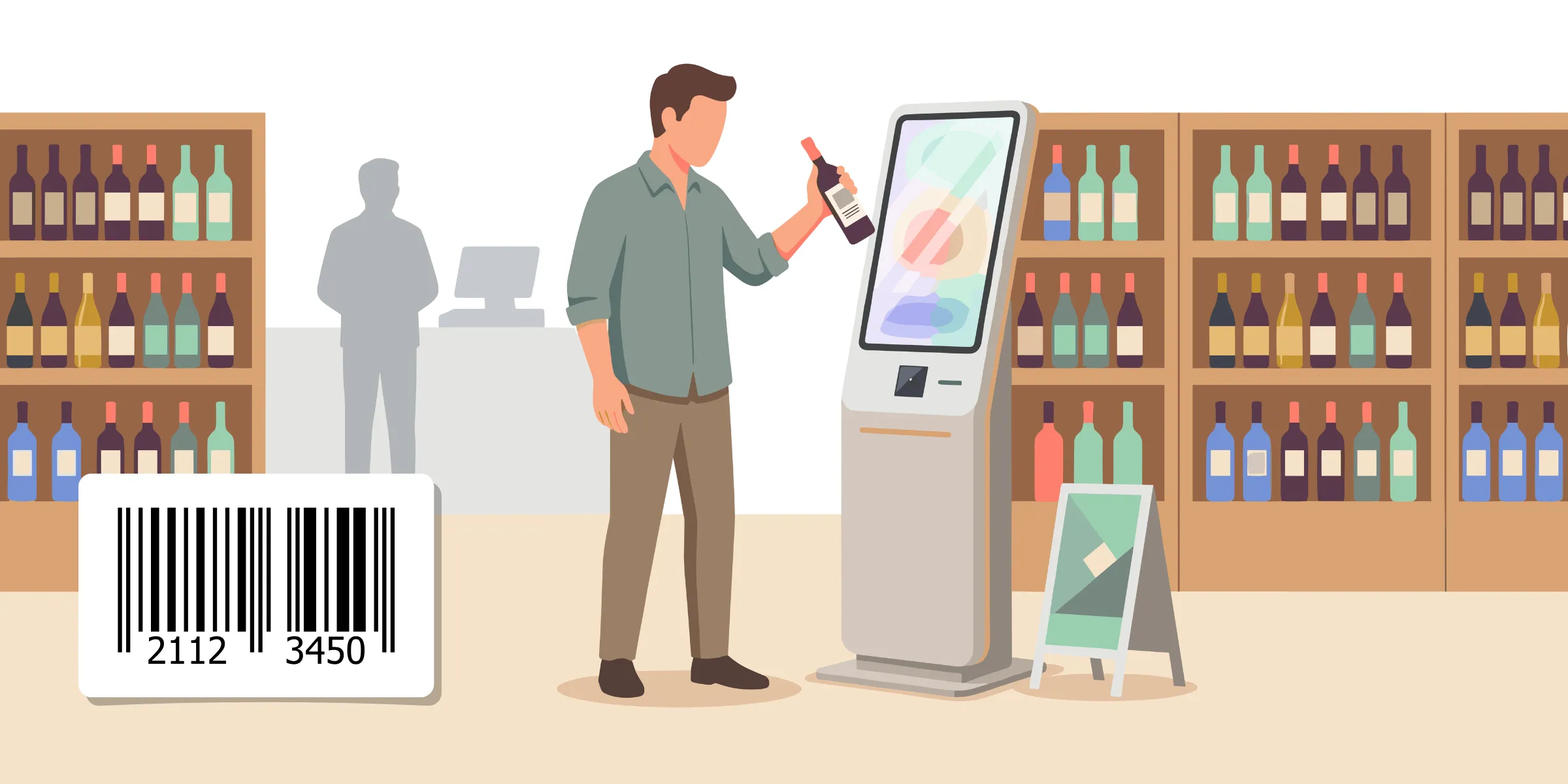
Picture a tactile kiosk installed at a wine shop. The owner is busy with another customer, but a shopper has a specific question about a bottle. She scans the label, and the full product page appears: terroir, food pairings, tech sheet, availability. In seconds, she has her answer and heads to checkout, confident in her choice.
The strength of this scenario is that it requires neither a new label nor any additional device. The barcode is already there, printed on the product. The investment stays low, the architecture is simple, and you build on a system already in place across every supply chain.
Scanning also eliminates a classic source of error: manual entry. No more mistyped references, no more wrong product shown. The camera recognizes the identifier and the system retrieves the right product page in a fraction of a second. That matters all the more because the lookup often happens on the fly, in a meeting or in store.
Finally, the barcode acts as a universal entry key. It already lives in your PIM, your ERP, your product database. It’s probably the only data shared across all your tools. That’s exactly what makes it an ideal anchor point to connect your digital catalog to every product information source.
How barcode scanning works inside an app
The barcode is a visual identifier printed directly on the product’s packaging. Readable by a camera or a dedicated reader, it points to a unique reference stored in a database. When the user scans, the app decodes the image, extracts the identifier, then queries the catalog to display the right page.
The formats to know about
There are several barcode formats. The one you’ll come across depends largely on your sector and market. For consumer goods, the standard is EAN-13 (or UPC-A in North America), composed of thirteen digits. That’s the barcode you see on a wine bottle, a book, or a cereal box.
In the pharmaceutical sector, especially for exports, you’ll more often encounter GS1 DataMatrix: a 2D format able to embed multiple pieces of information at once — batch number, expiration date, serial number.
For internal references (a spare parts catalog, custom products, B2B-only SKUs), you may also run into Code 128 or Code 39.
Do you need a dedicated app to scan?
Not necessarily. Today, scanning can be embedded in a native mobile app just as well as in a web app (PWA), thanks to modern browser camera APIs. The decision factor is no longer technical but functional: does the app need to work offline? Will it be installed on a fleet of in-store tablets? Will it be distributed to traveling sales reps?
To learn more, especially on offline behavior, read our comparison native app vs. web app vs. PWA.
Does scanning work offline?
Yes, provided you’ve planned for it. Barcode decoding happens locally, on the device. Where a connection may become necessary is when retrieving the matching product page.
If your app embeds all or part of the catalog (with a proper caching strategy), scanning keeps working without a connection. If it depends on an API call for every scan, you’ll need to plan a degraded mode or sync the catalog ahead of time. It’s a classic trade-off between data freshness and reliability of use.
How to actually integrate the feature
On the implementation side, the idea is to connect three building blocks: the scanning module (which decodes the barcode), your product database (which hosts the pages), and the screen that displays the result.
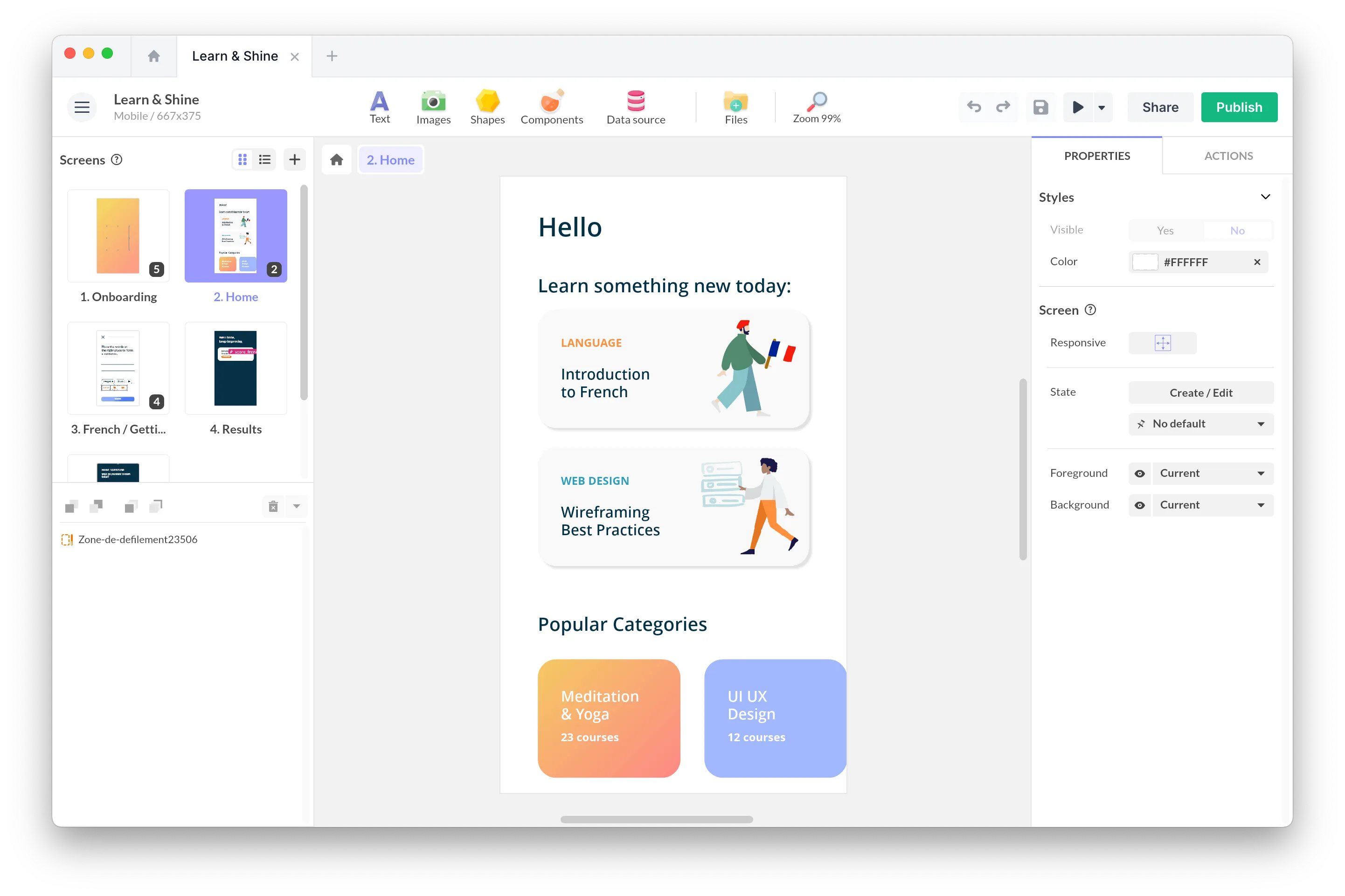
On projects built with PandaSuite, here’s how it works: a Code Reader component opens the camera, captures the code, hands it off to a service that queries the database, and routes the user to the matching page. If the database is properly indexed by barcode (which should be the case if it comes from your PIM), the lookup takes a fraction of a second.
Cache and data synchronization are handled automatically by PandaSuite via the HTTP component.
Plan for the case where the barcode isn’t recognized. Provide a clear message, a manual entry option, and ideally a feedback channel to your team to enrich the database.
What if the barcode is damaged?
Anticipate cases where a product’s label is scratched, partially peeled off, or printed on a reflective surface that blinds the camera.
Think about offering a manual entry option alongside scanning. A search field by reference, by product name, or by partial code avoids this friction point.
Can you track scans?
Yes. Every scan provides a wealth of information: which product, when, by which user, where. With the right analytics tools, you’ll know which products get viewed in store, what each sales rep scans in meetings, and where customers hesitate.
Alternatives to the barcode
Barcode scanning isn’t the only way to connect a physical product to its digital page. Depending on the context, other technologies can complement or replace the barcode.
QR codes, for evolving marketing content

The QR code is more flexible than the barcode. It can point to a URL, which can itself evolve over time without changing the sticker. It’s a great tool for marketing campaigns, event activations, or enriched content (videos, contests, augmented reality experiences). It doesn’t replace the logistics barcode but sits alongside it to unlock other use cases.
NFC, for a tap-and-go gesture

NFC technology lets the user bring a smartphone close to an object to trigger an action, with no need to align a camera. It’s smoother, more tactile, and especially well suited to premium devices (wine, cosmetics, fashion). The cost per tag remains higher than a barcode, which keeps its use focused on high-value products or targeted setups.
Image recognition, when there’s no label
For products with no packaging — a piece of furniture in a showroom, an industrial part, an artwork in an exhibition — image recognition takes over. The user points the camera at the object, the app recognizes the visual and the product page opens.
With PandaSuite’s Image Recognition component, all you do is import the reference visuals (product packshots, furniture photos, artworks). No model to train, no special cataloging. The component compares the camera feed to the imported images in real time and triggers the associated action as soon as a match is found. It works offline, both in native apps and web apps.
To go further on these alternatives and the other interactive technologies available, check out our guide to interactive technologies.
FAQ
Which barcode format should I choose for my app?
It depends on the sector and the geographic zone. For consumer goods, the EAN-13 standard (or UPC-A in North America) covers nearly every case. For pharmaceuticals or technical products, GS1 DataMatrix is a better fit since it embeds multiple pieces of information. The reflex: audit the codes used on existing products before locking in the format to integrate.
Does scanning work without an internet connection?
Barcode decoding happens locally and doesn’t require a network. Retrieving the product page depends on your architecture. If the catalog is embedded or cached, scanning keeps working offline. Otherwise, you’ll need to plan a degraded mode or sync the data ahead of time.
How long does it take to integrate scanning into a catalog app?
For a well-structured catalog already indexed by barcode, adding the scan feature is fast: a few days of development. Most of the work happens upstream: product database quality, error handling, user journey when a code isn’t recognized.
Do I need a native app or a web app to scan?
Both work. Modern web apps access the camera through browser APIs. The choice between native and web depends mostly on usage context: field connectivity, distribution, offline mode, expected performance.
What should I do if the barcode is damaged or unreadable?
Provide a manual entry option alongside scanning. A search field by reference or product name keeps the user from getting stuck when a label is scratched, peeled off, or poorly printed. It’s a field requirement teams always discover too late when they haven’t anticipated it.
Conclusion
Barcode scanning is rarely the feature you put forward in a digital catalog project. And yet it turns a catalog into a contextual tool that knows how to make itself useful exactly when the user needs it.
Behind an effective scan, there are technical choices (formats, offline, error handling, tracking) made at the start of the project that make the difference between a gimmick and a field-ready tool.
If your catalog is meant for users who have the products in hand when they consult it, the barcode is an excellent entry key.